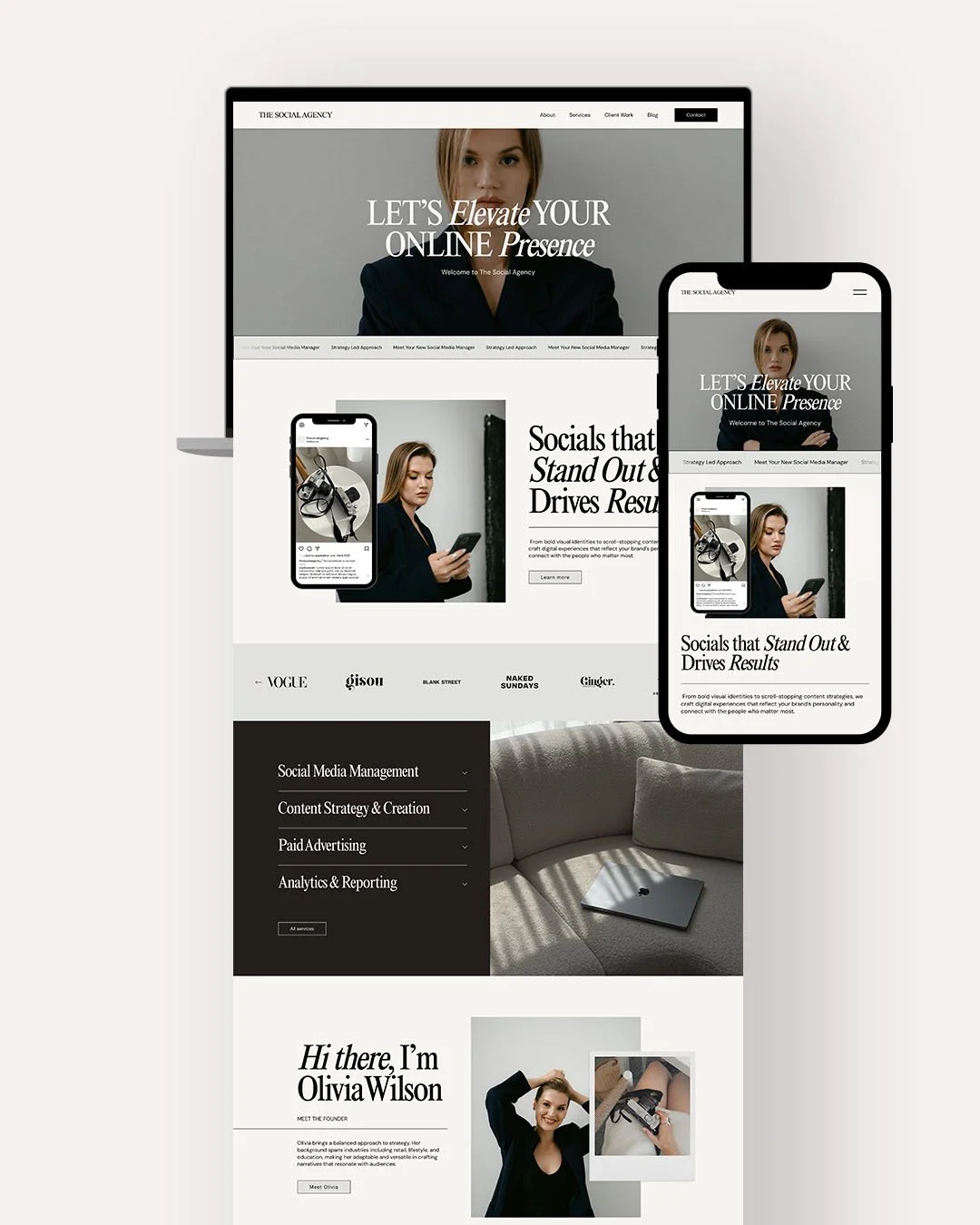
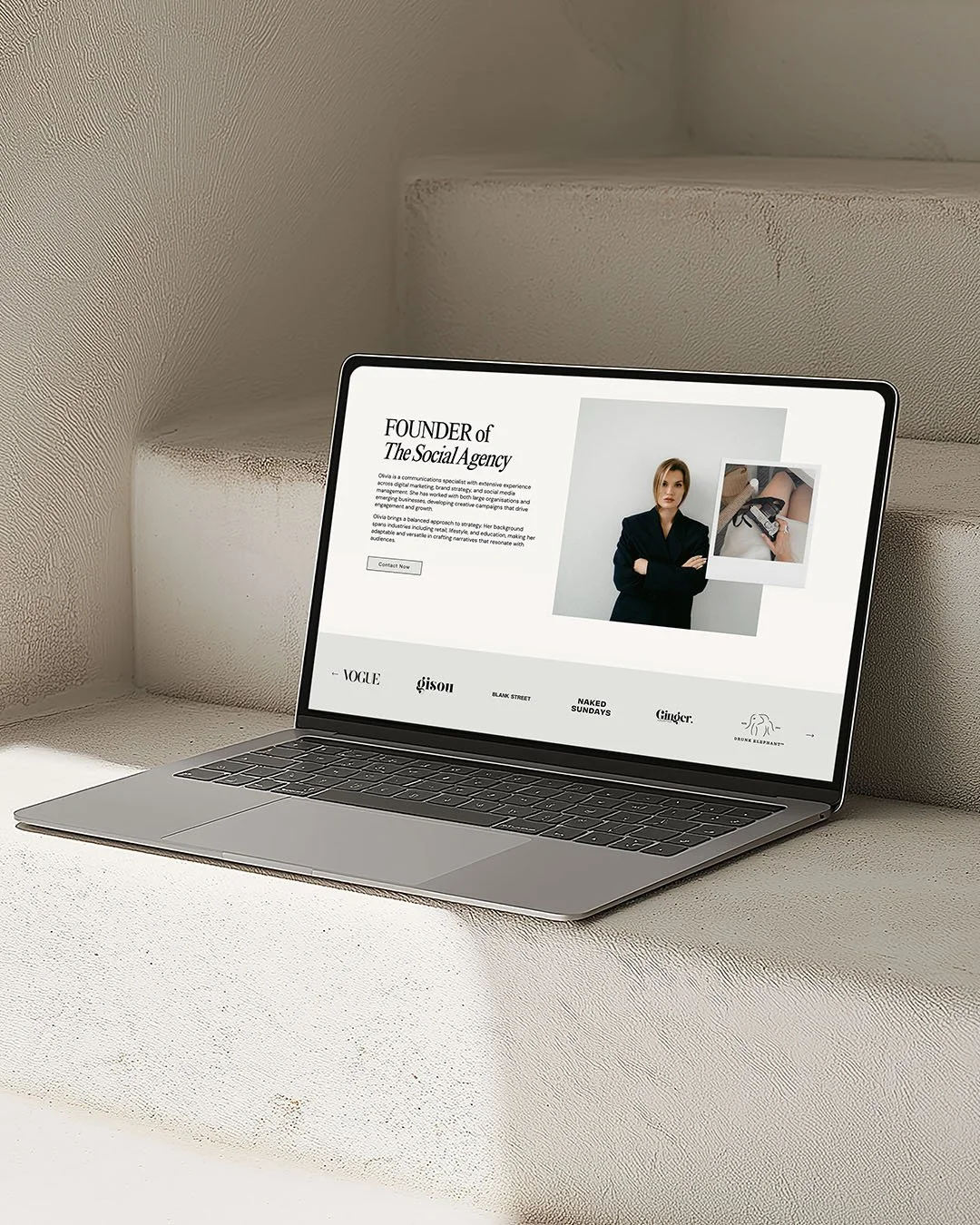
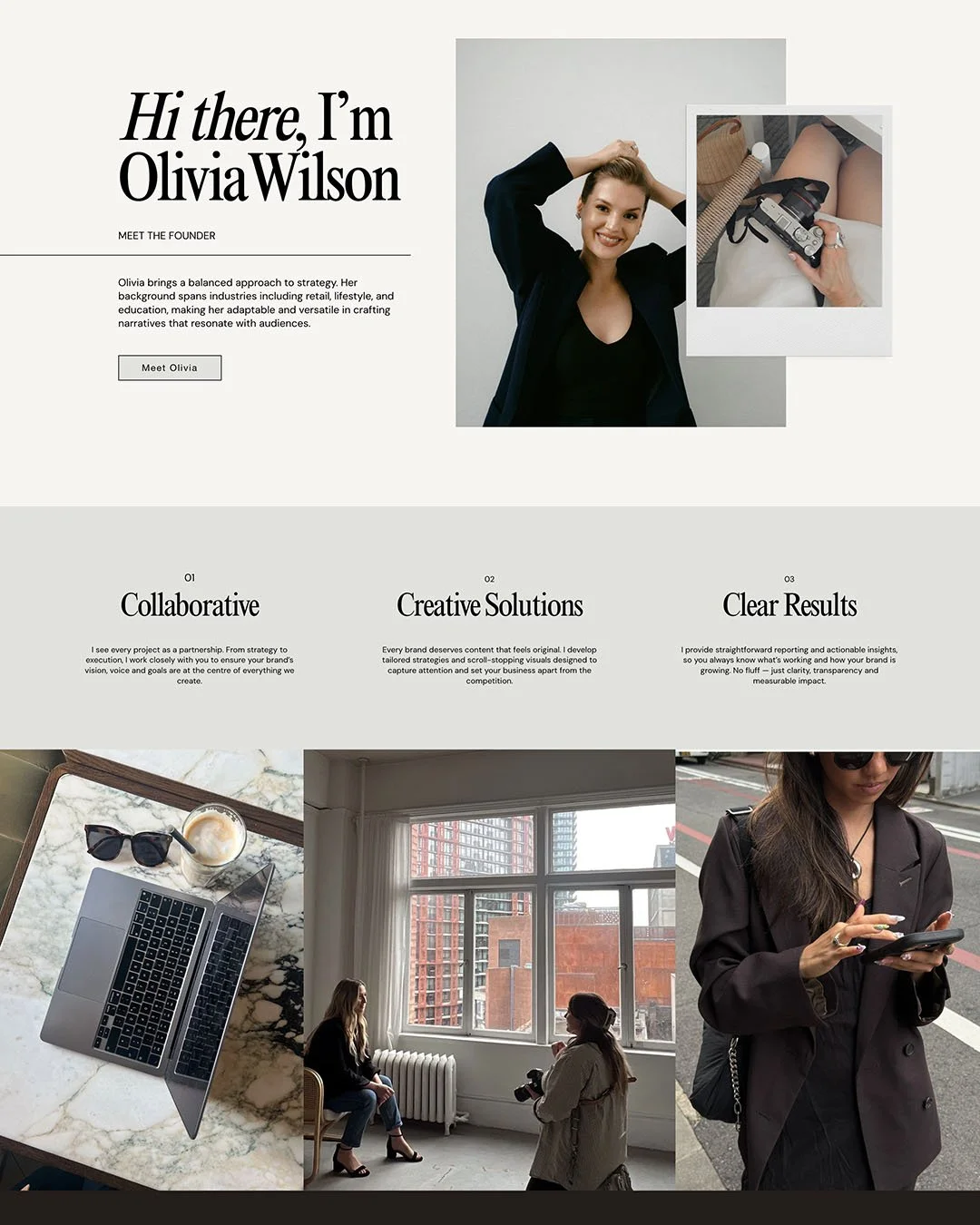
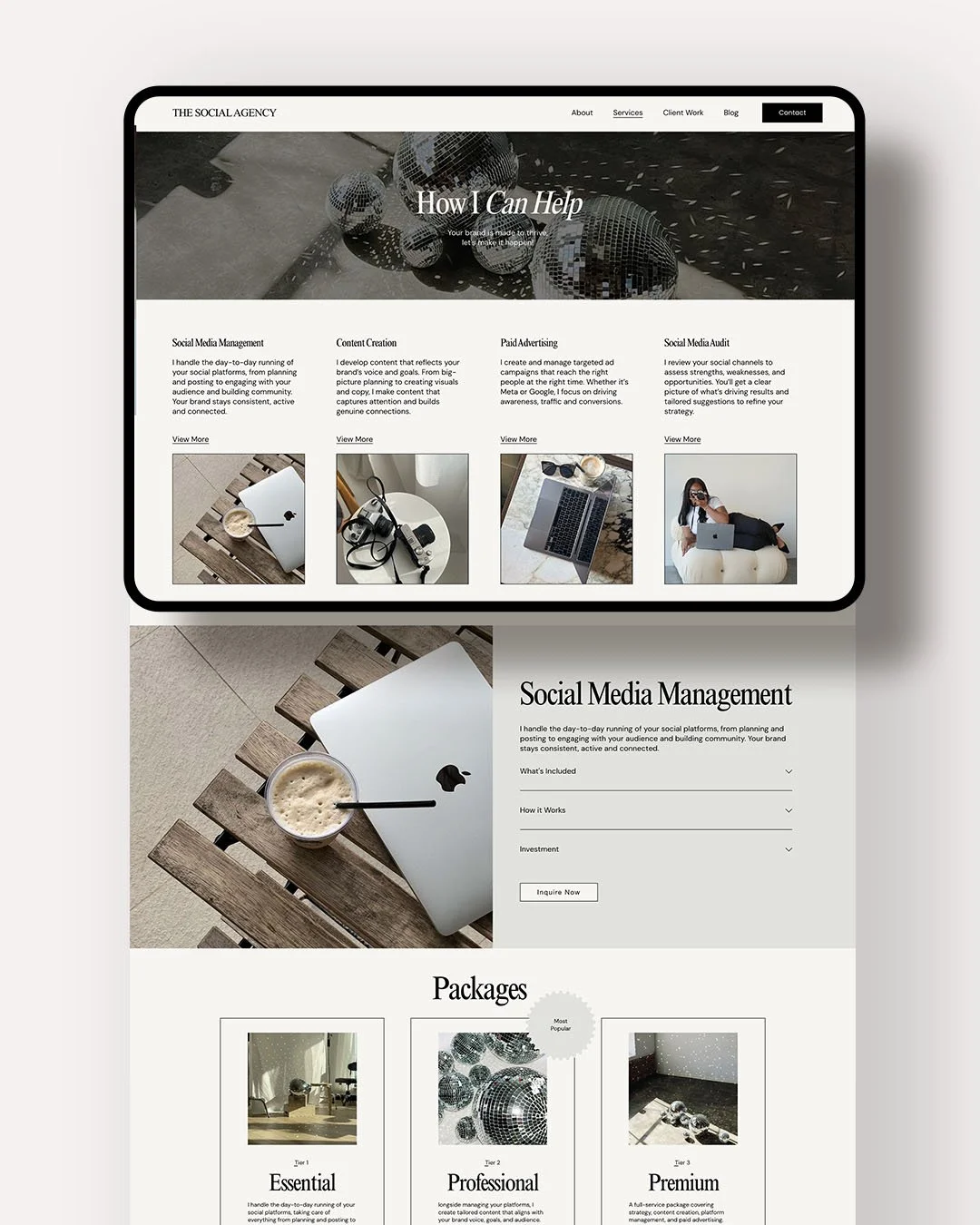
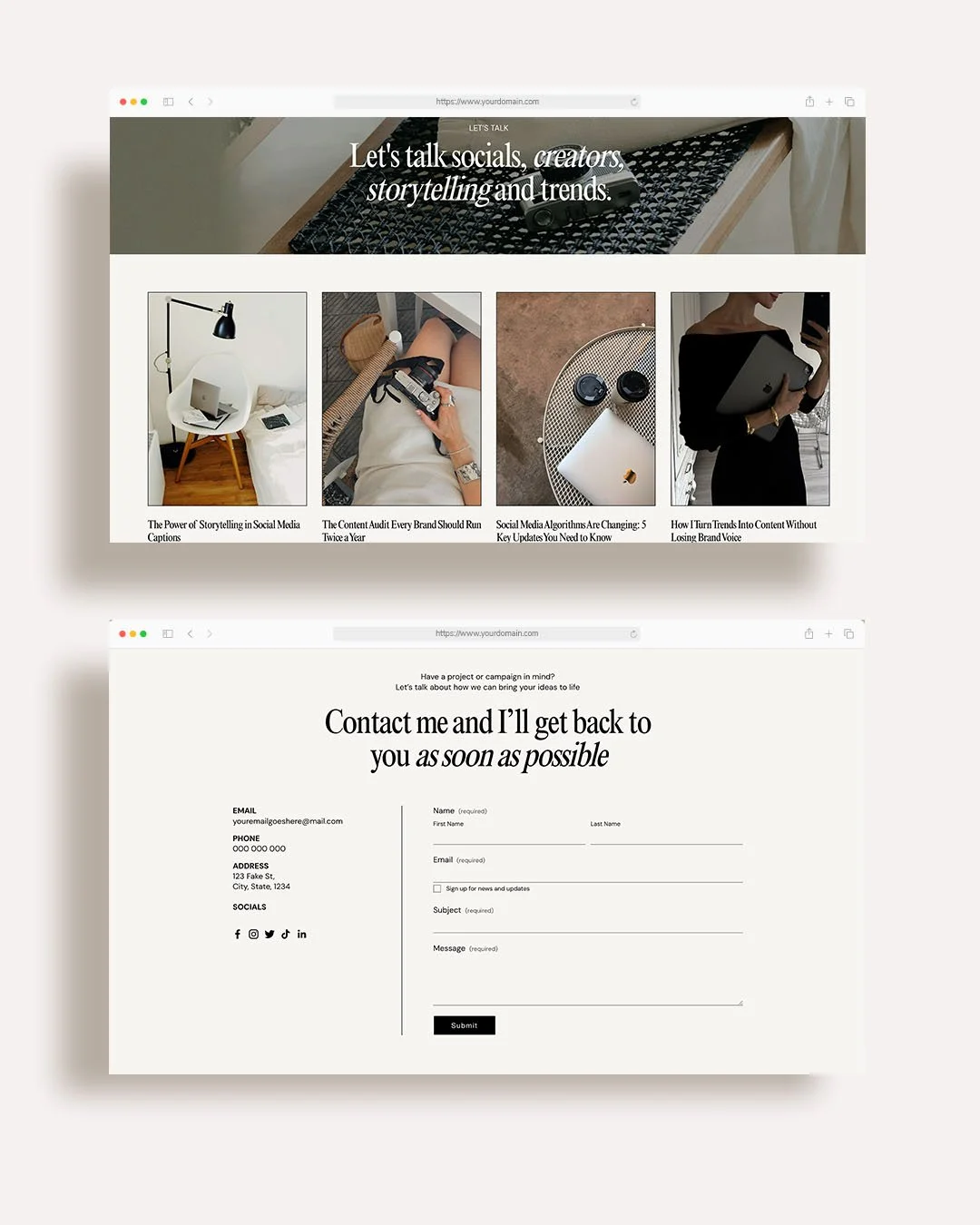
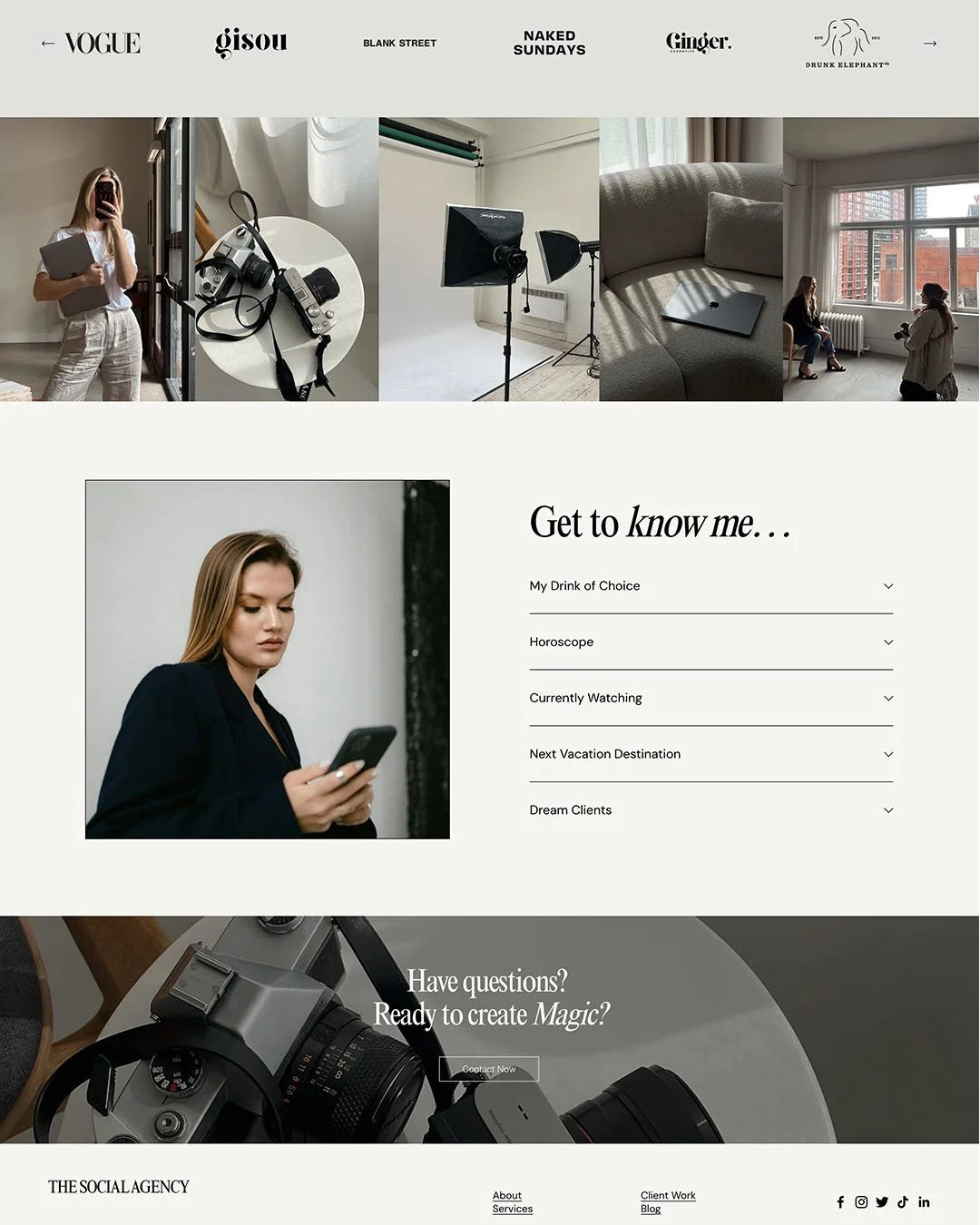
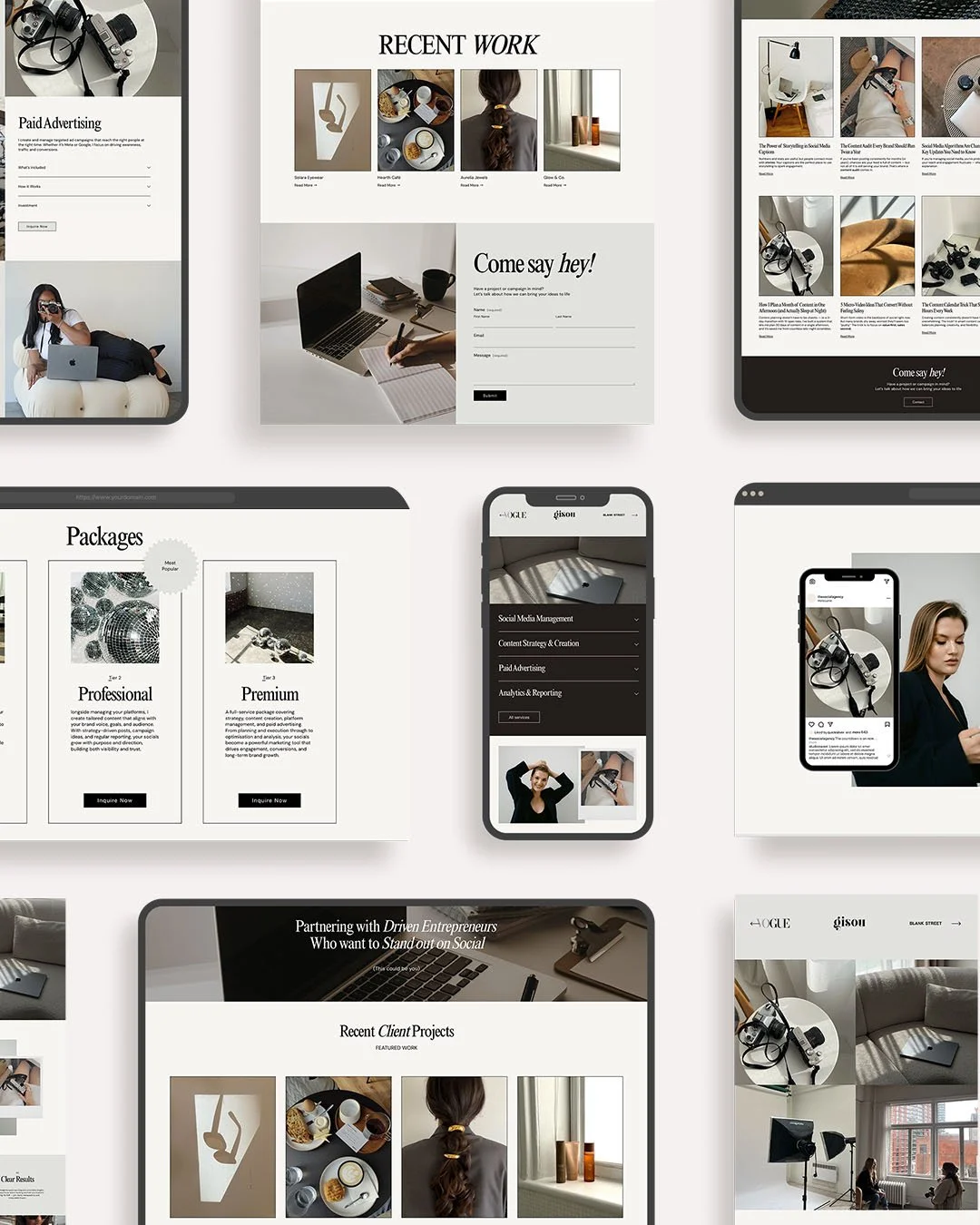
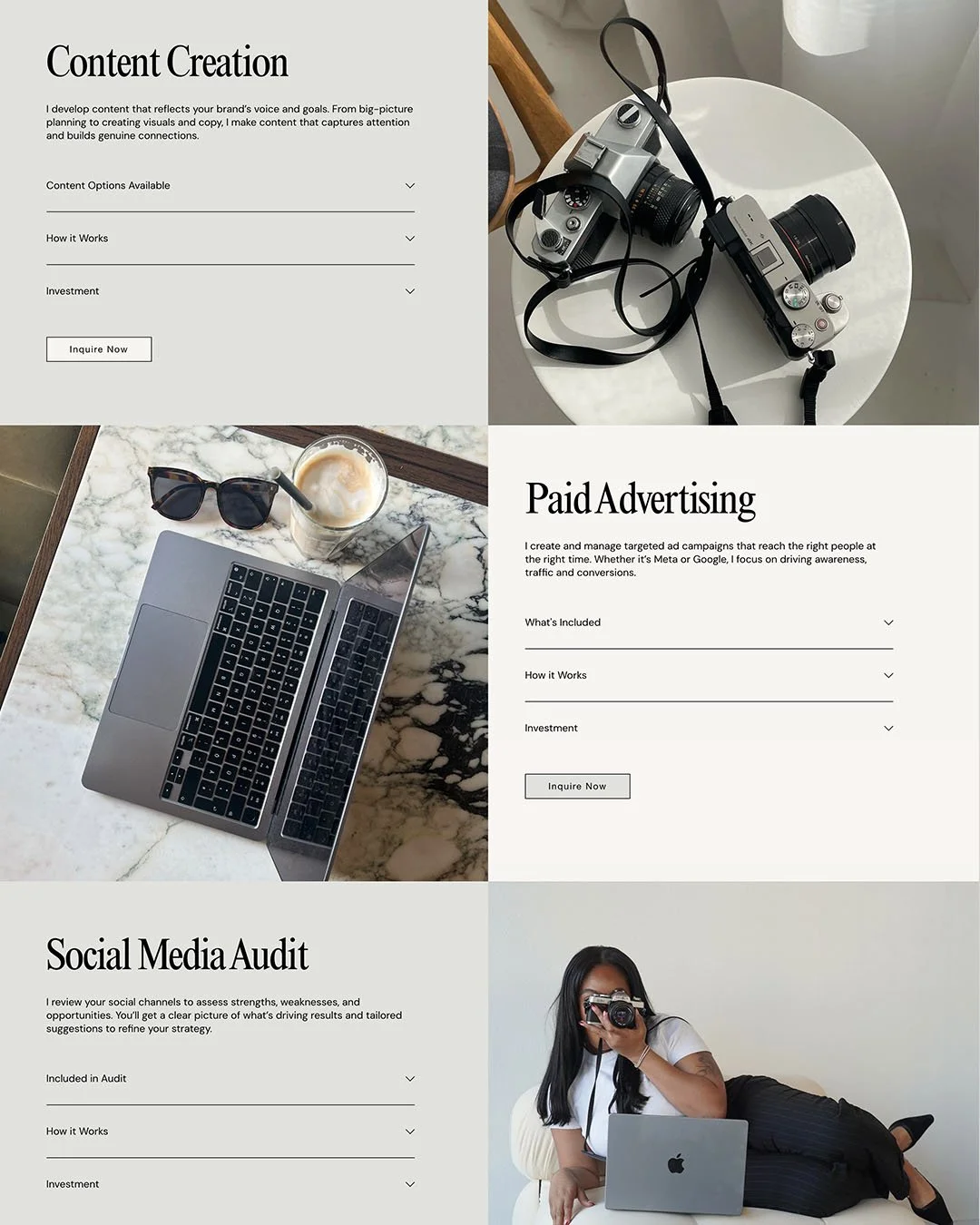
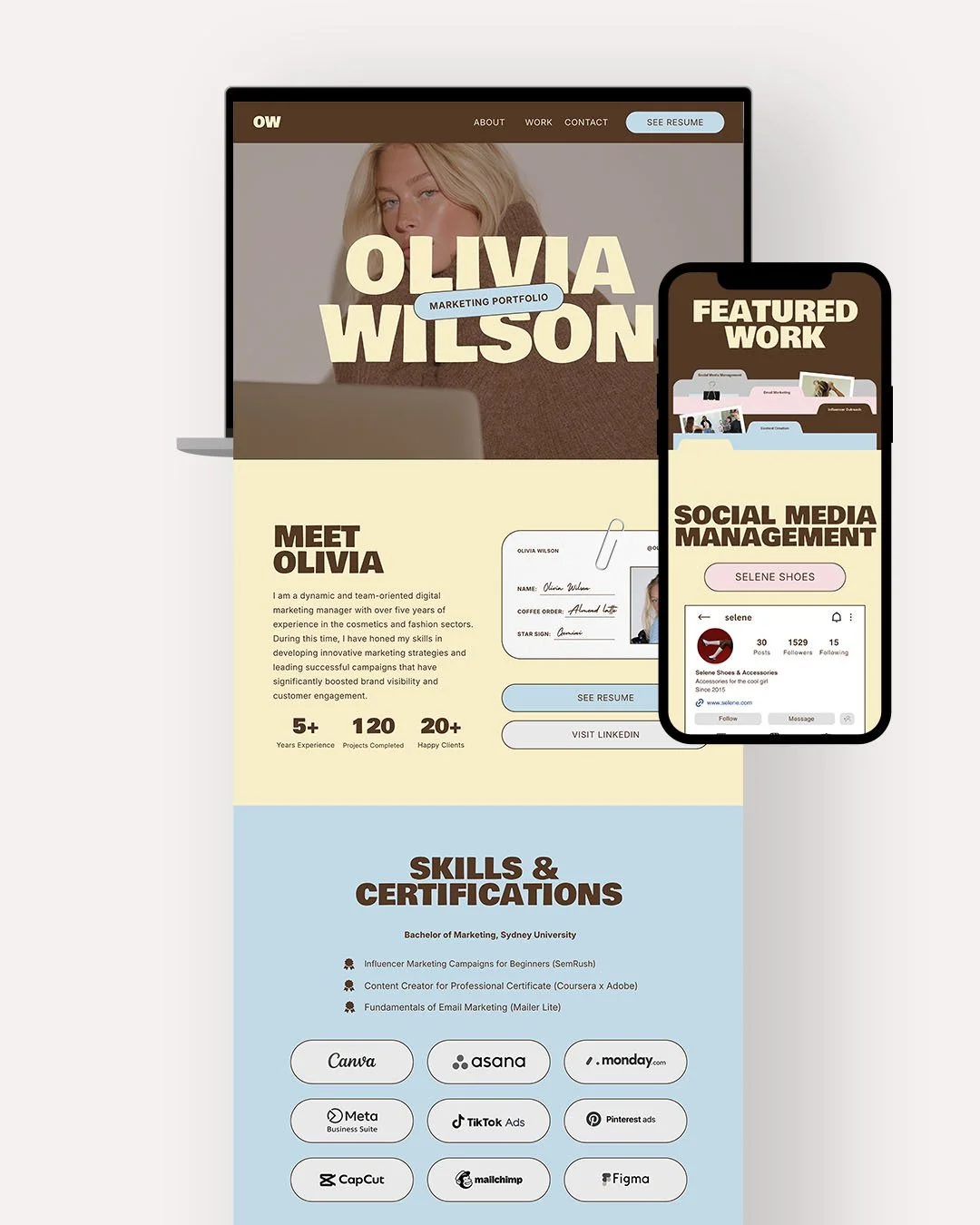
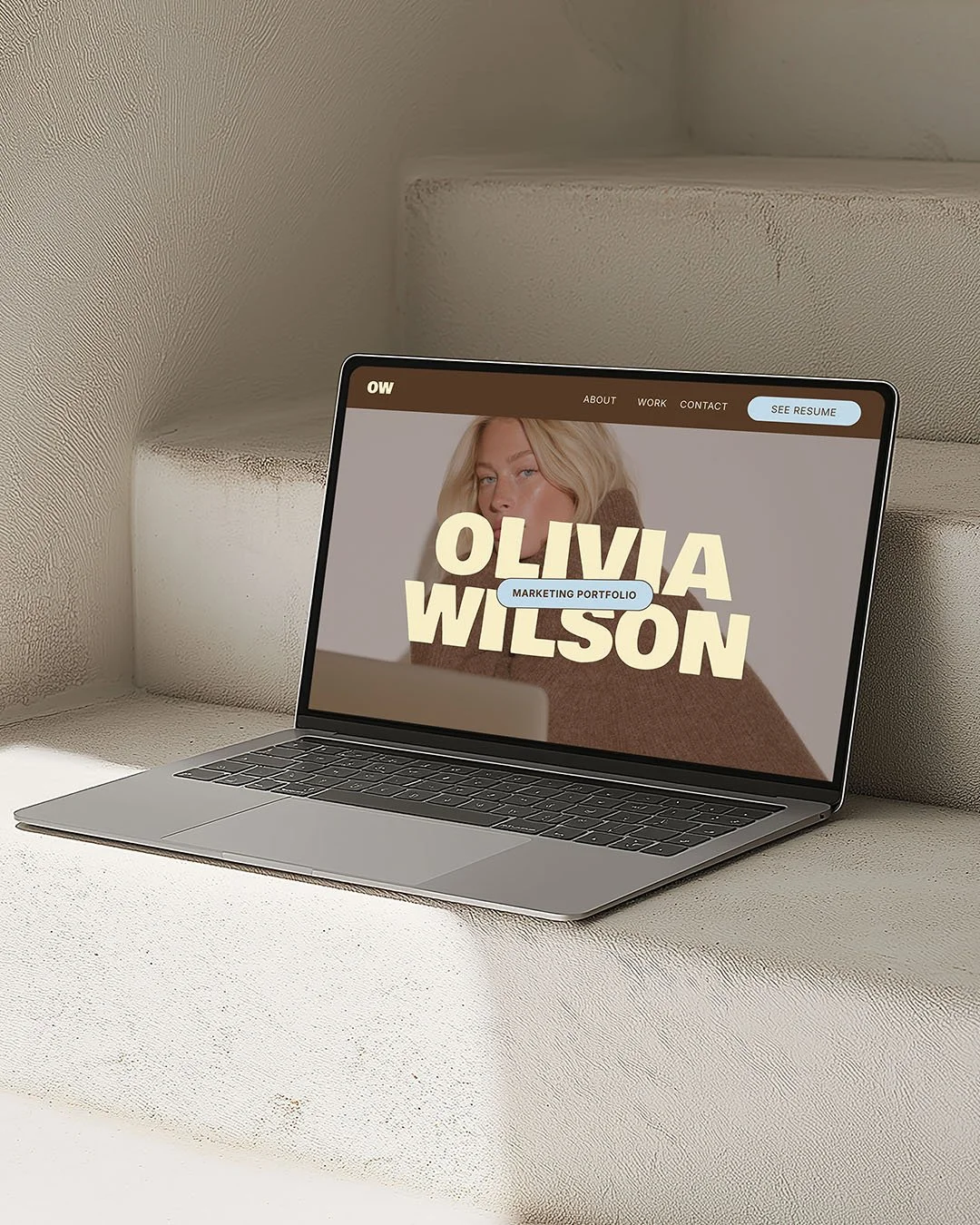
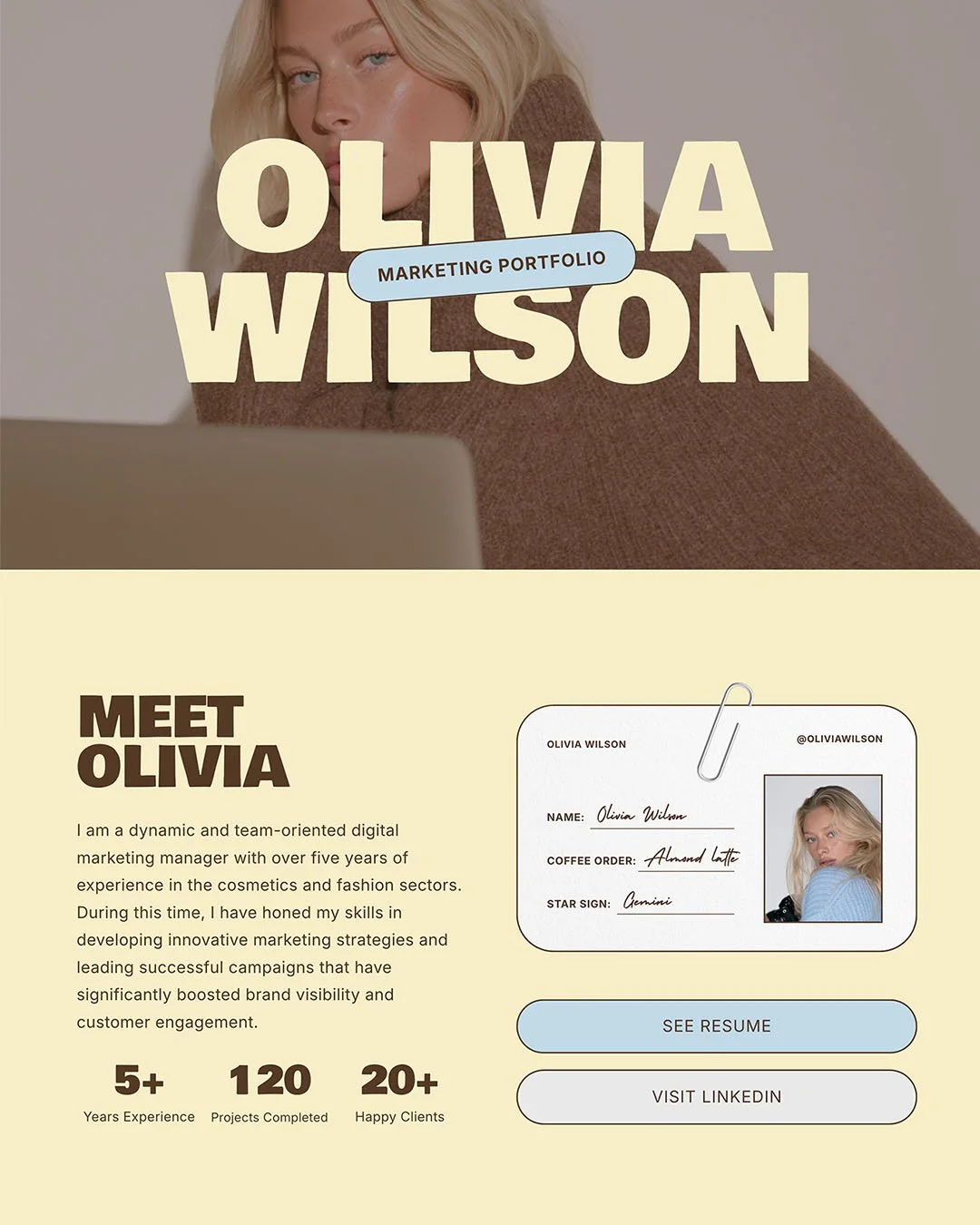
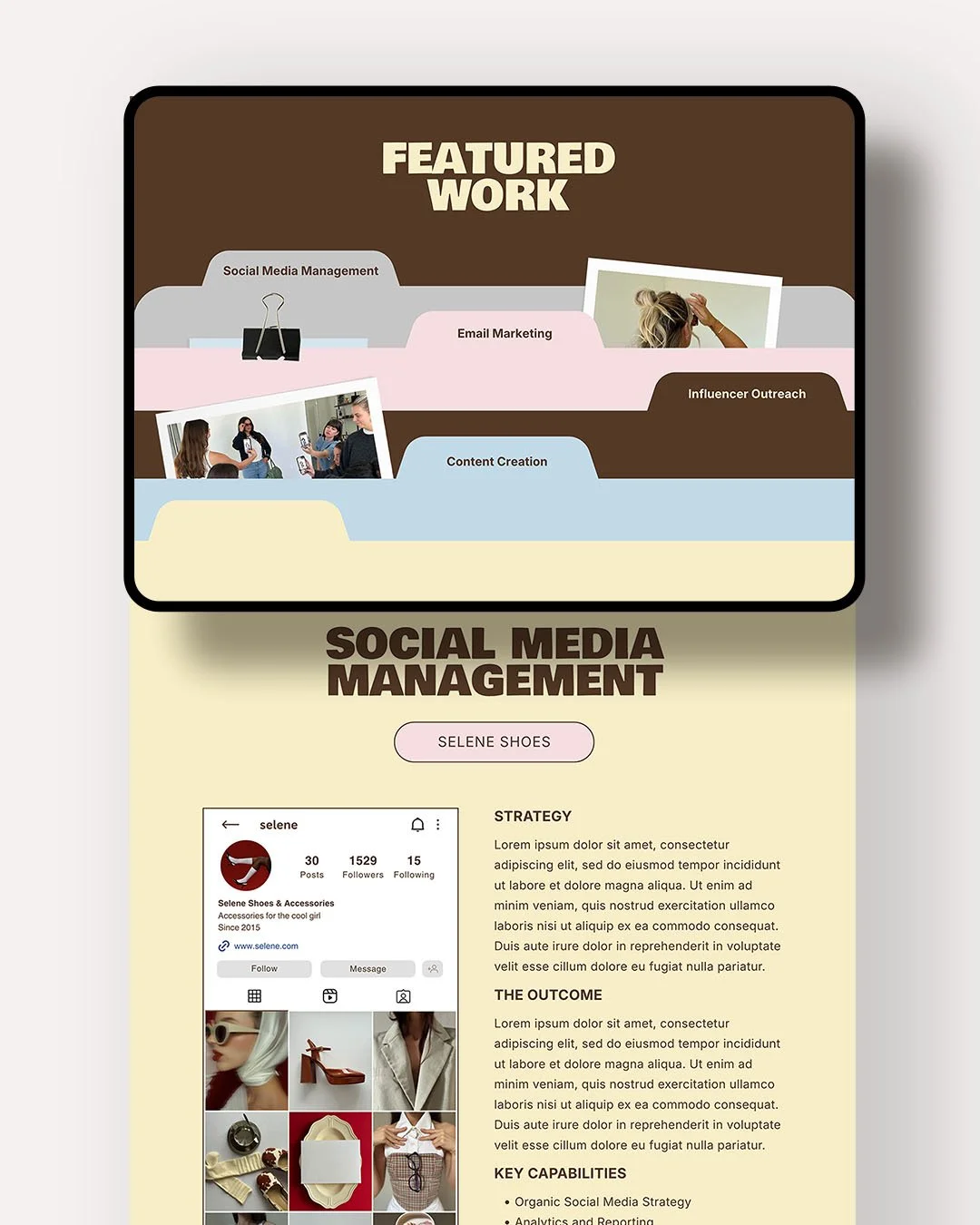
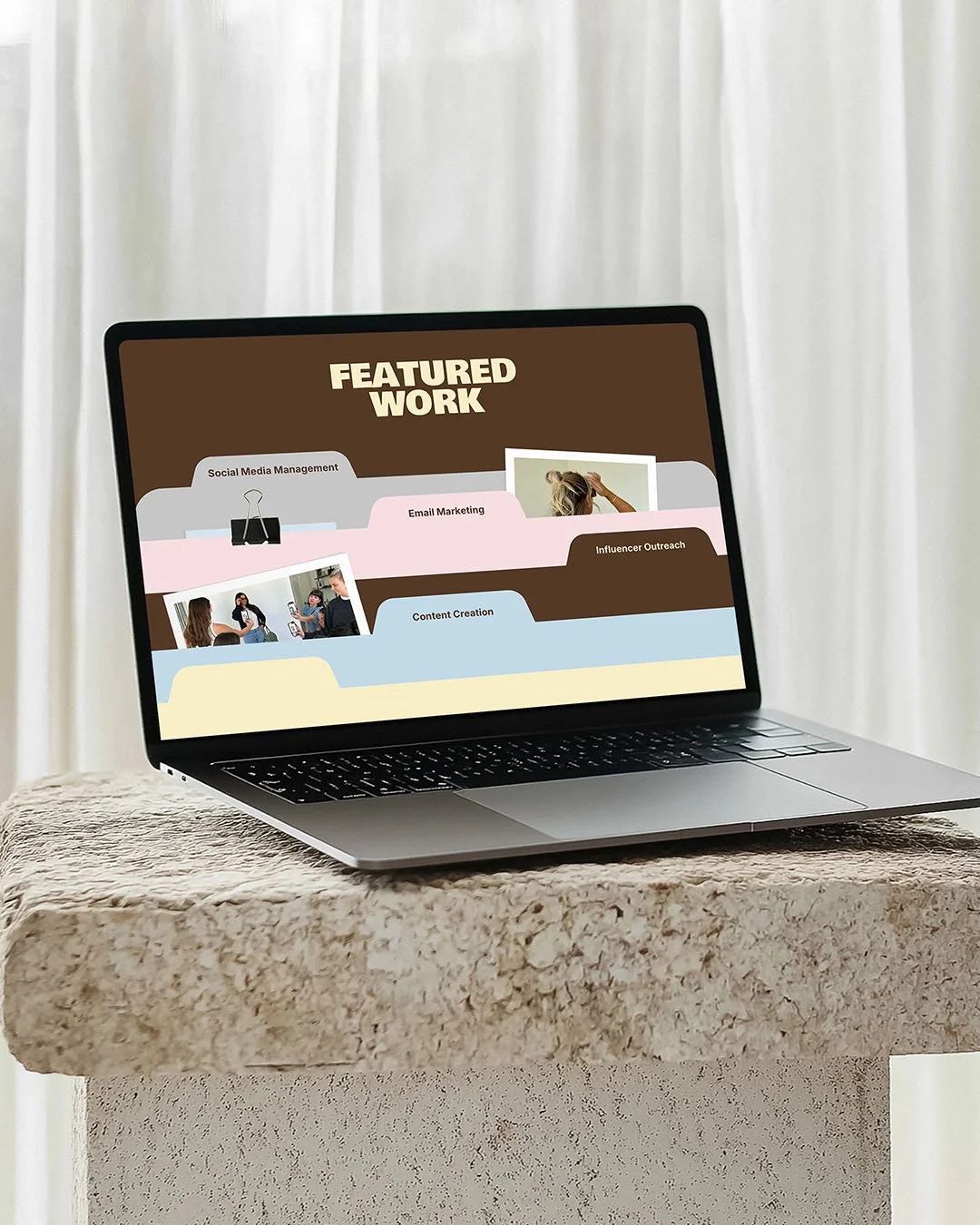
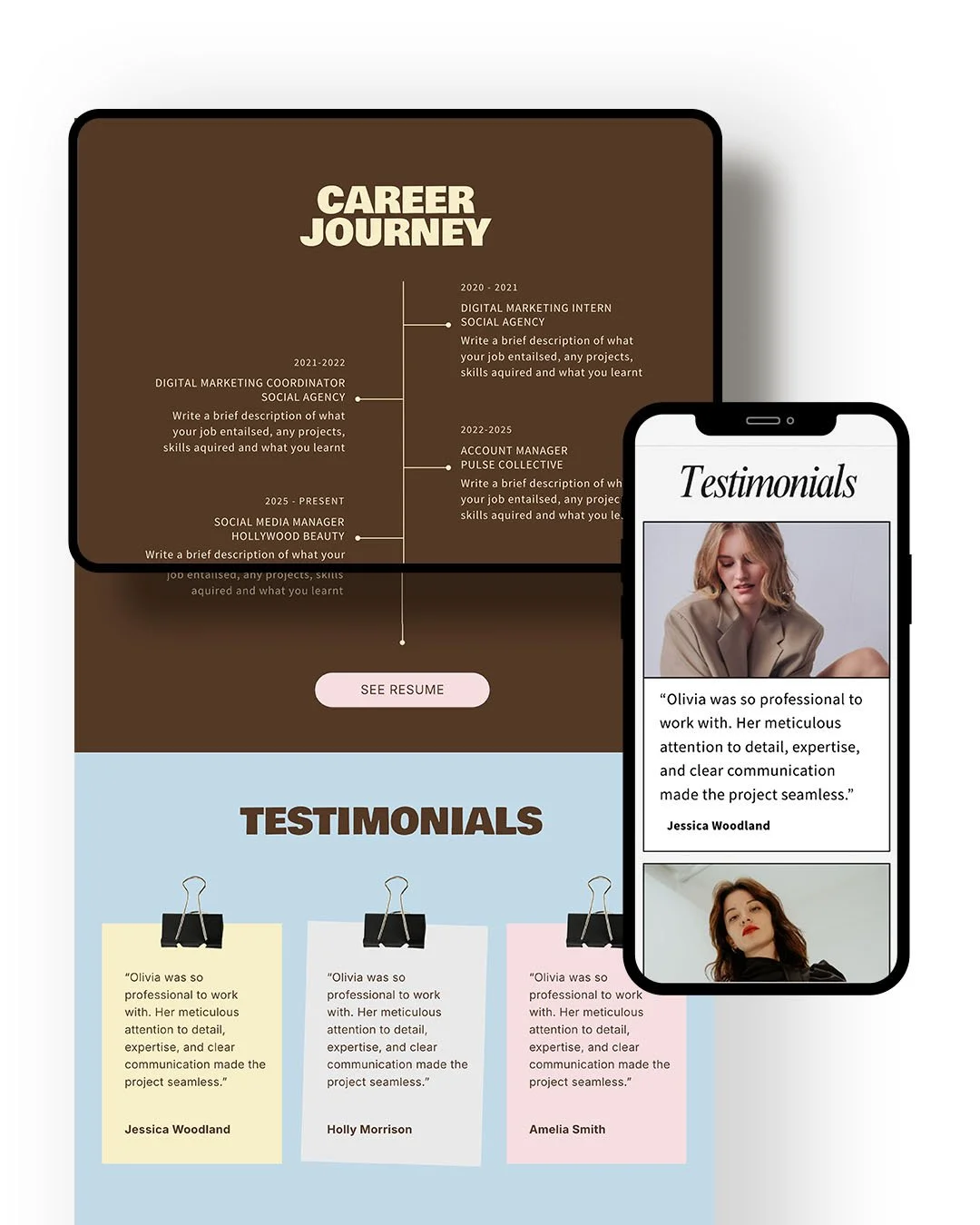
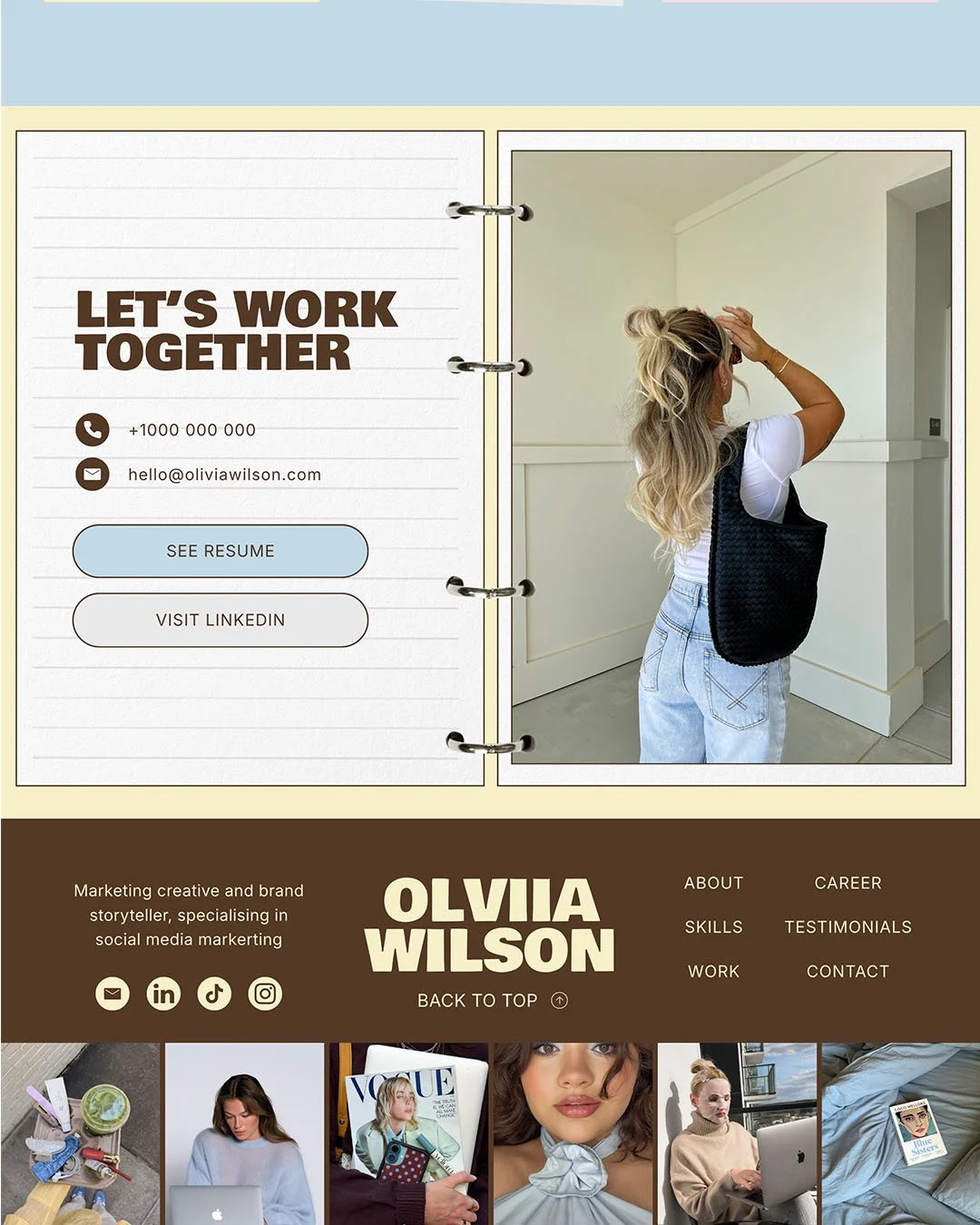
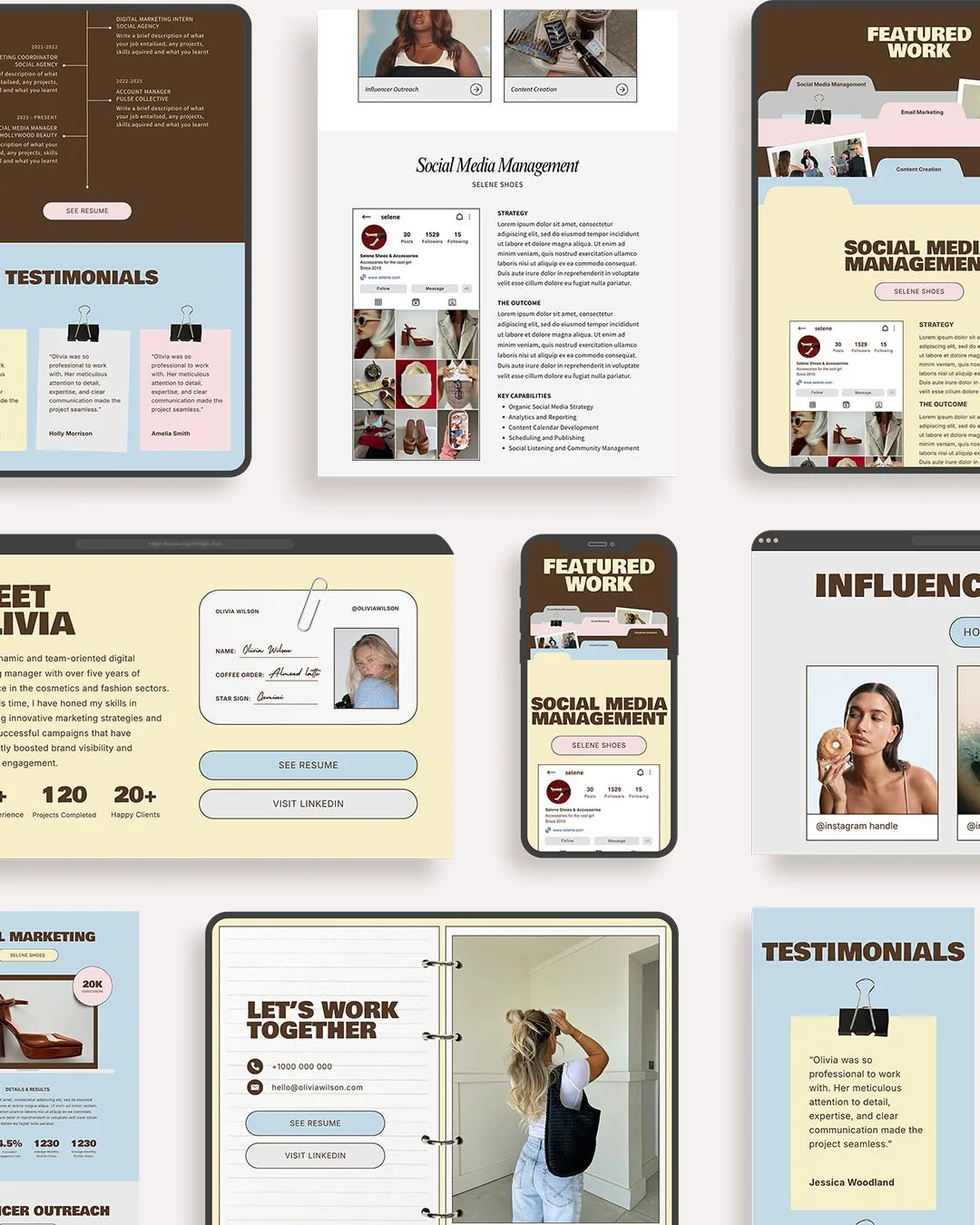
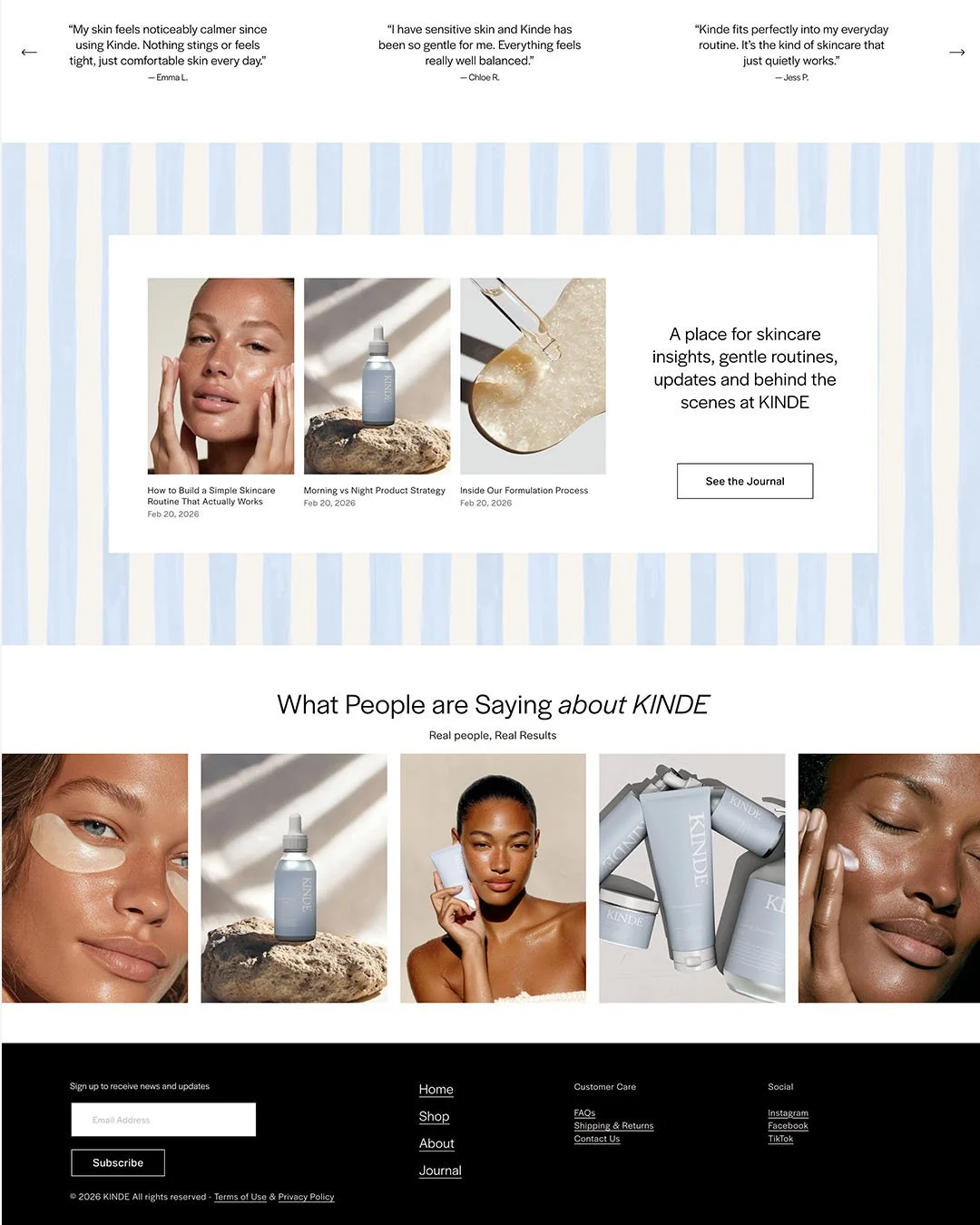
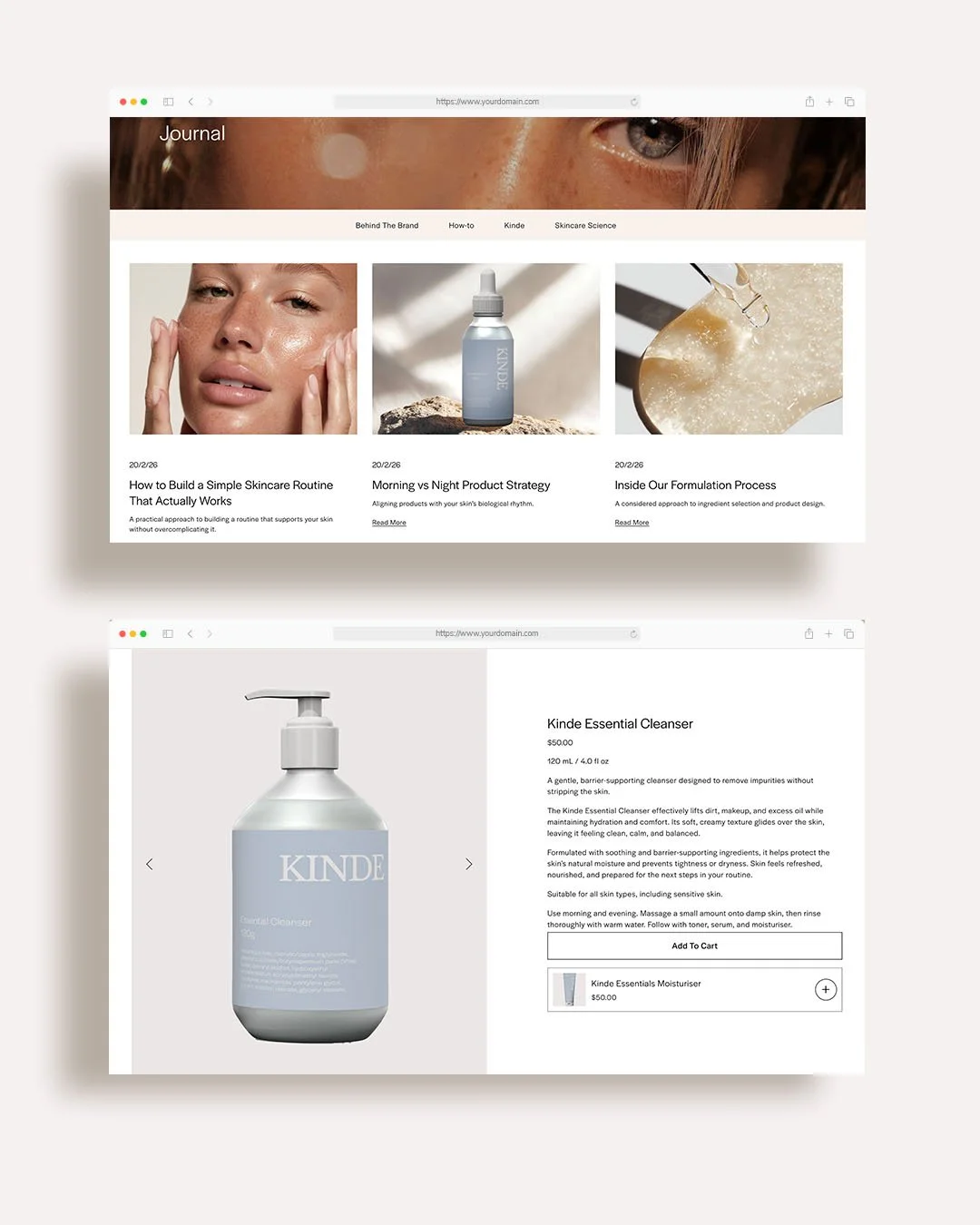
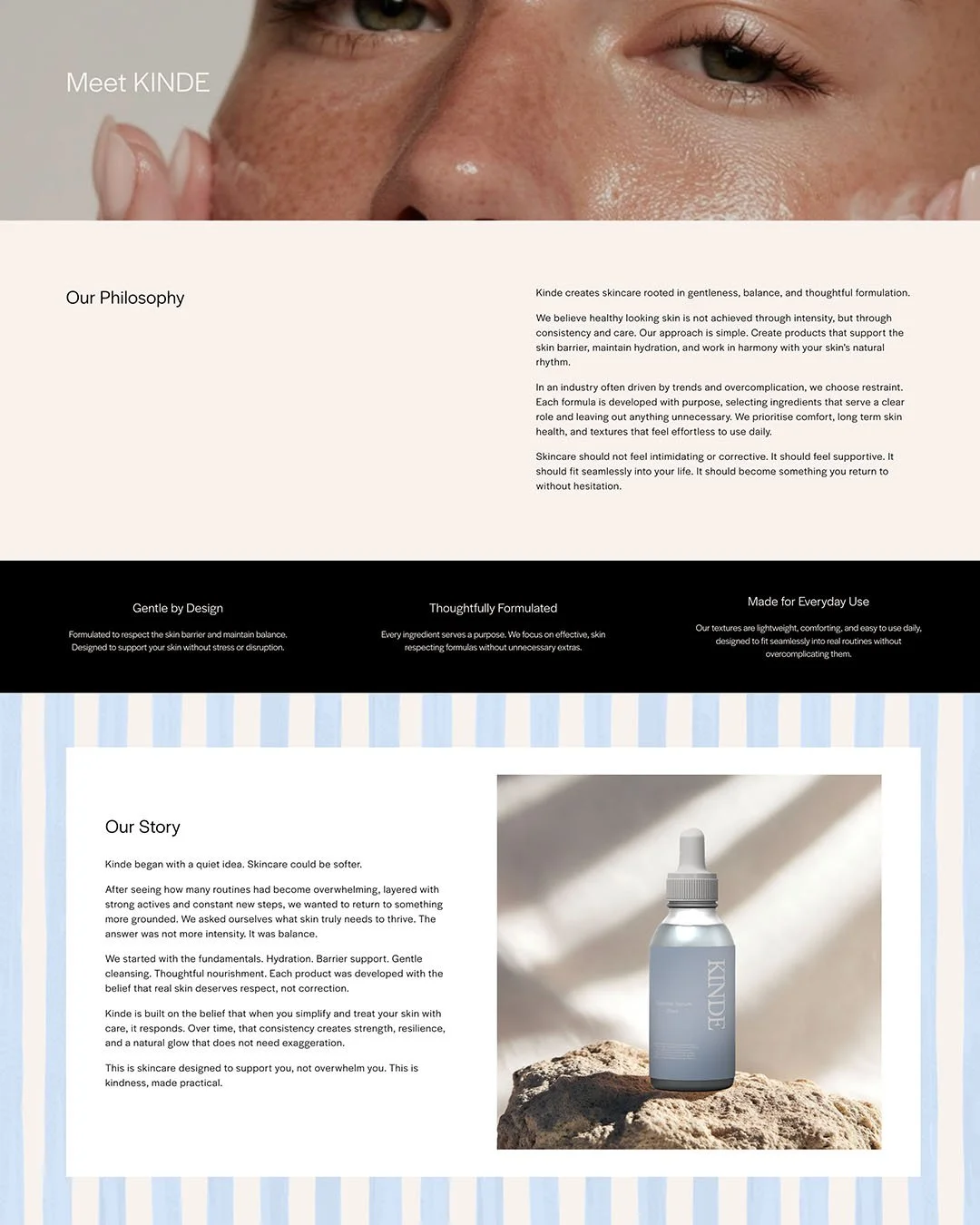
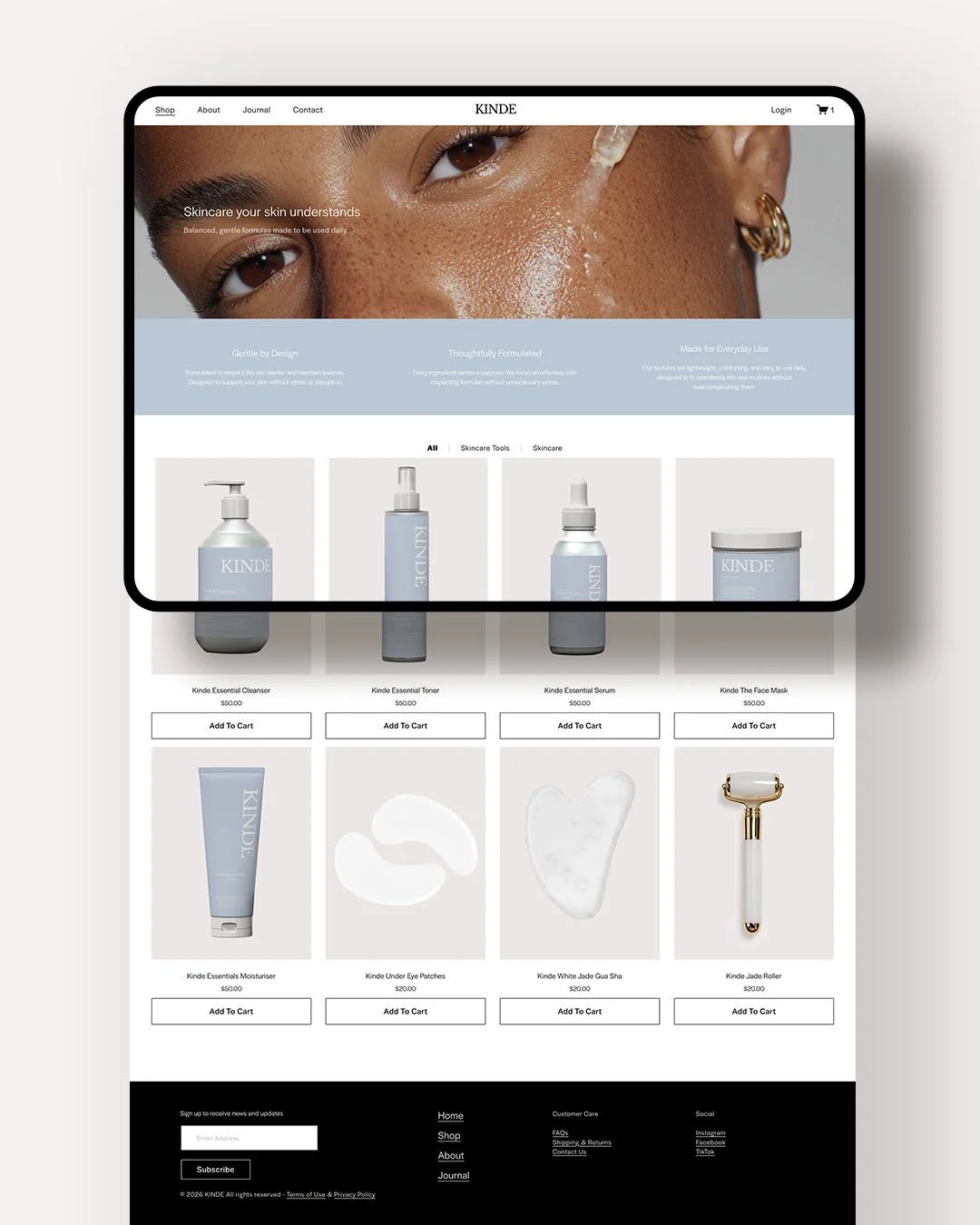
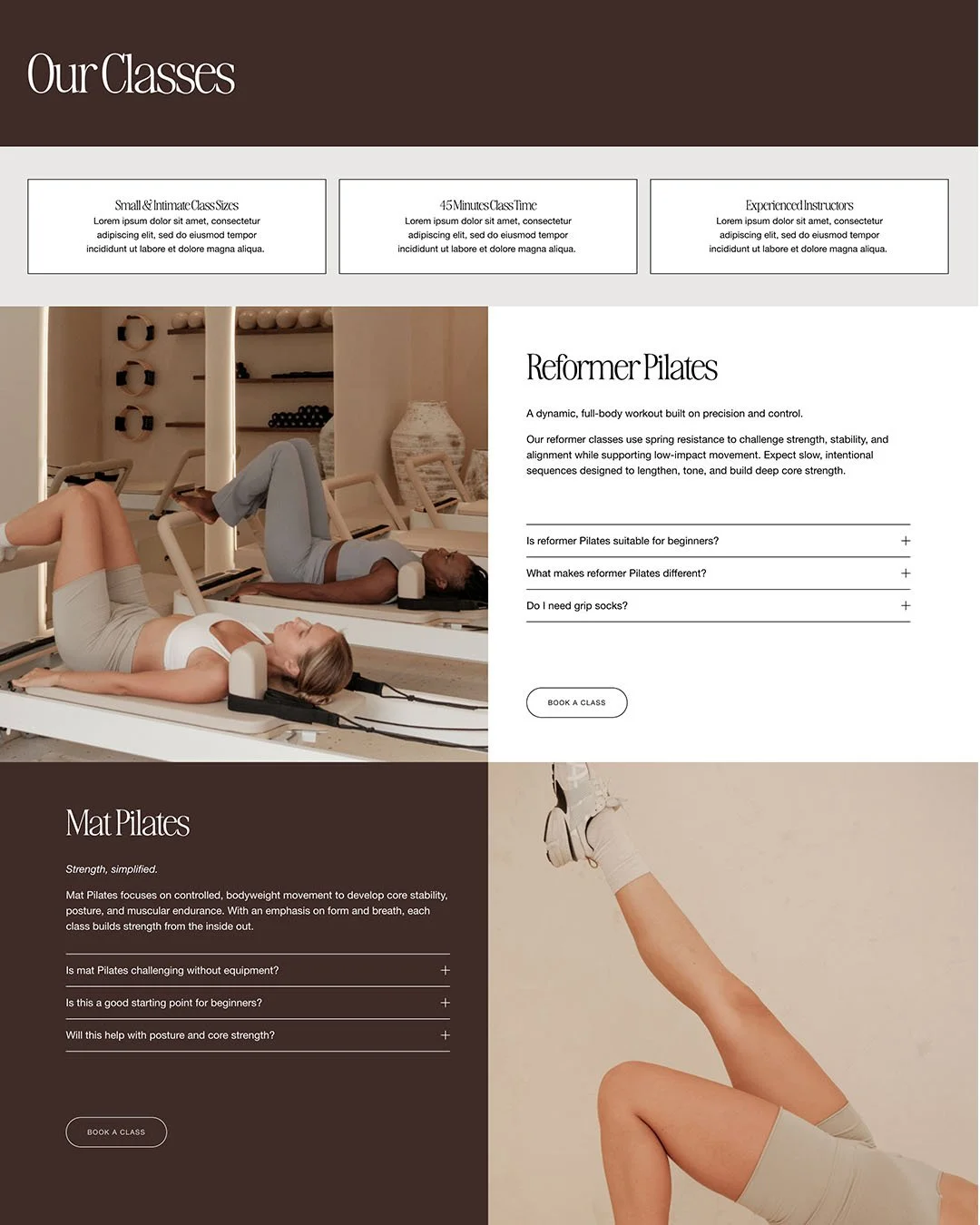
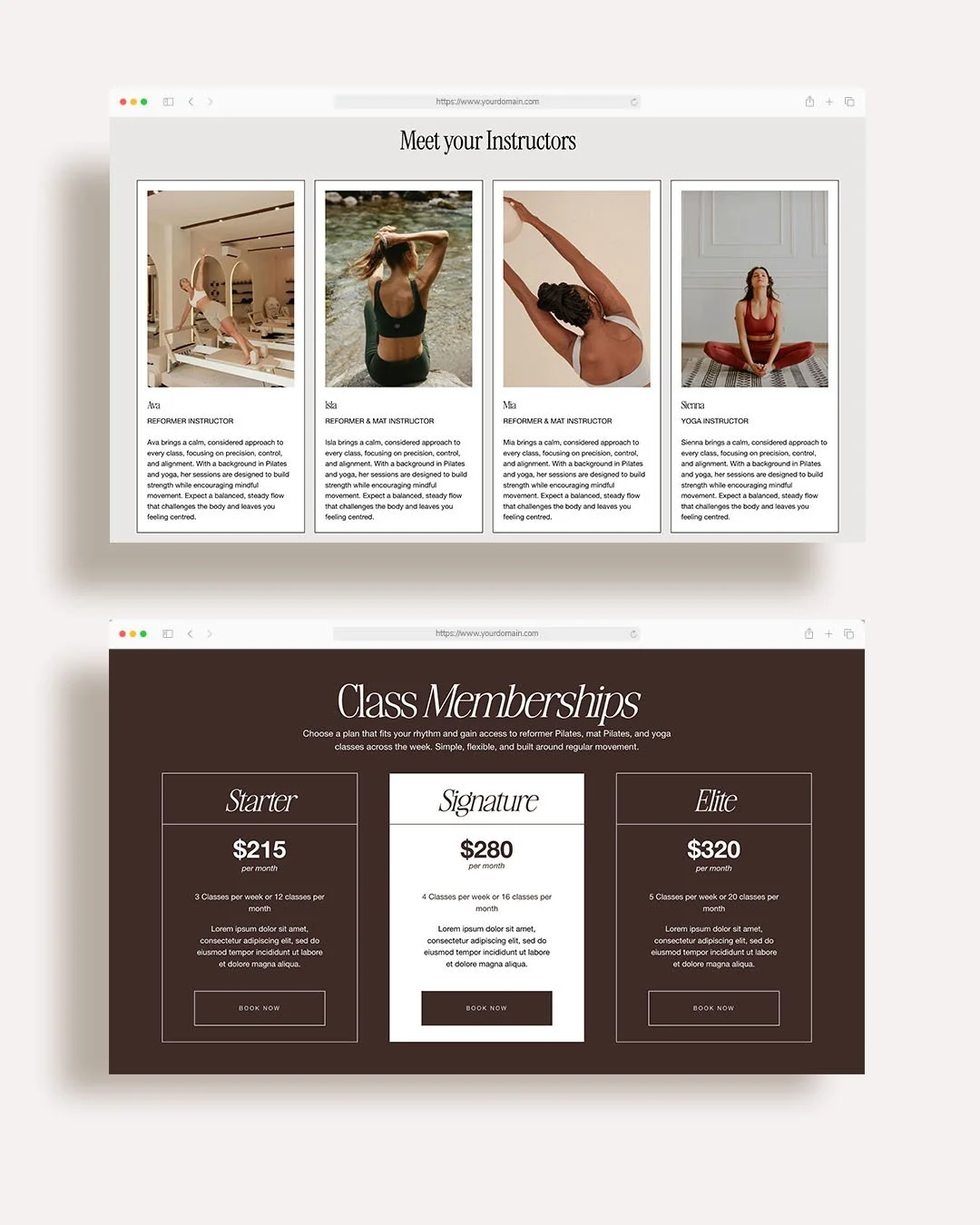
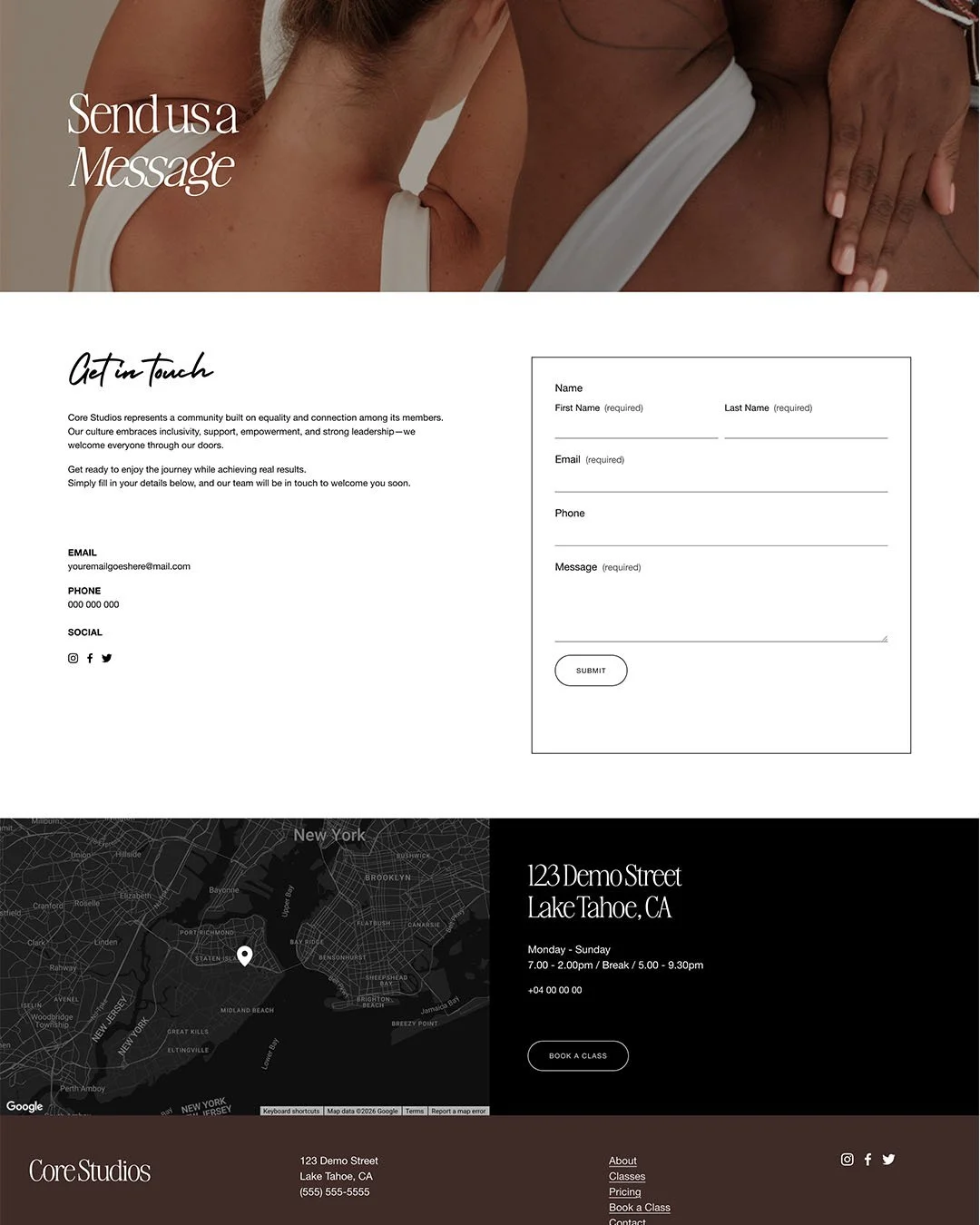
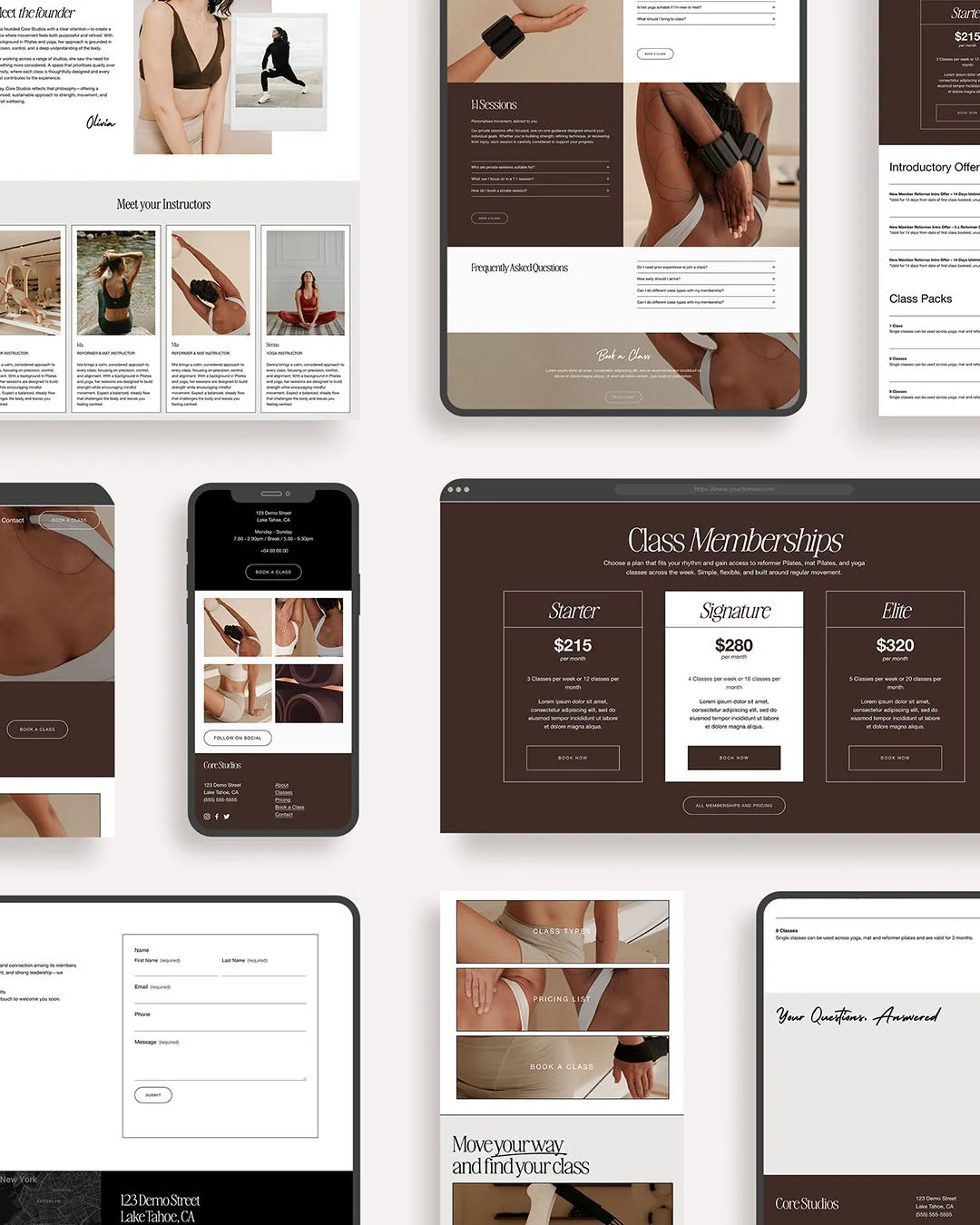
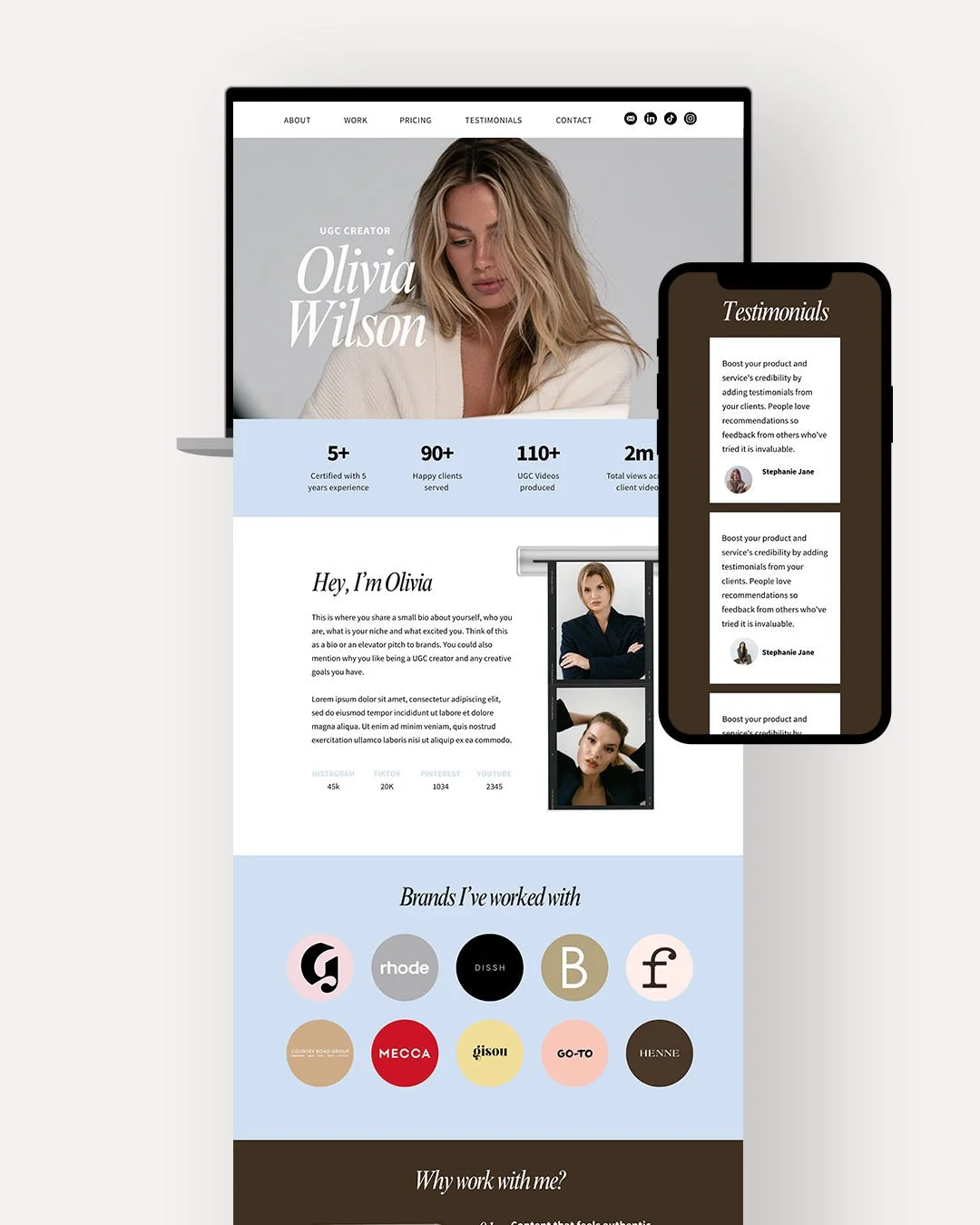
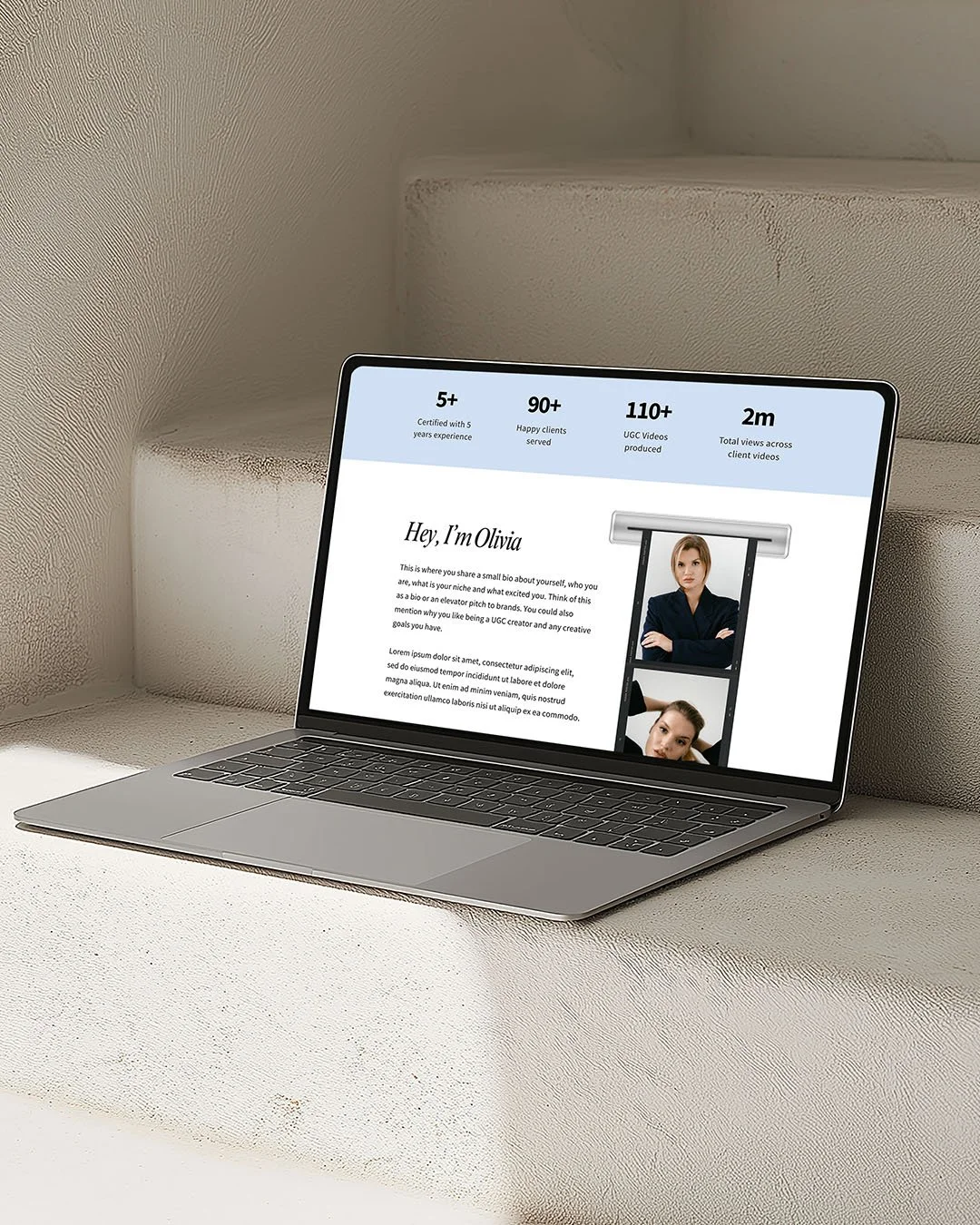
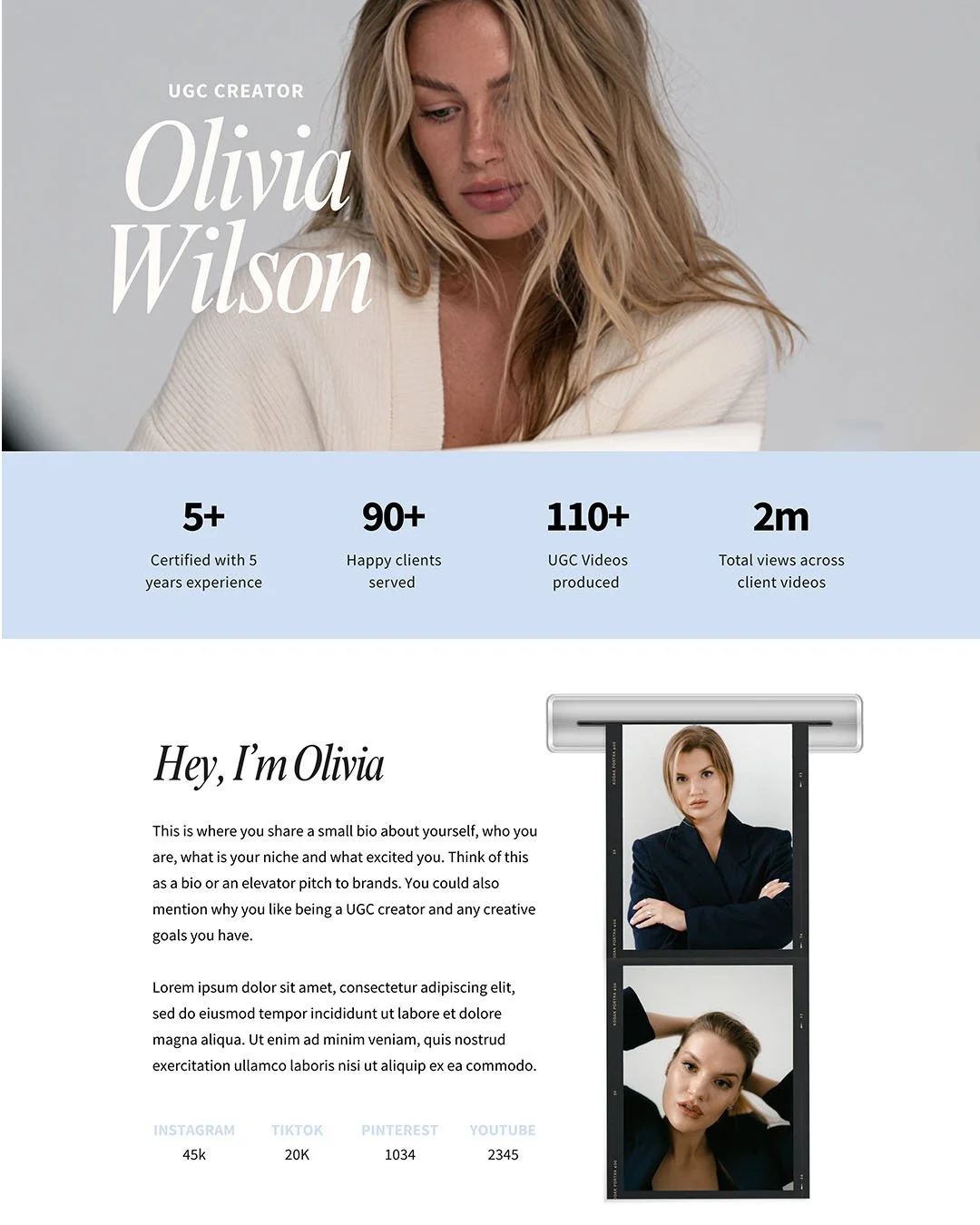
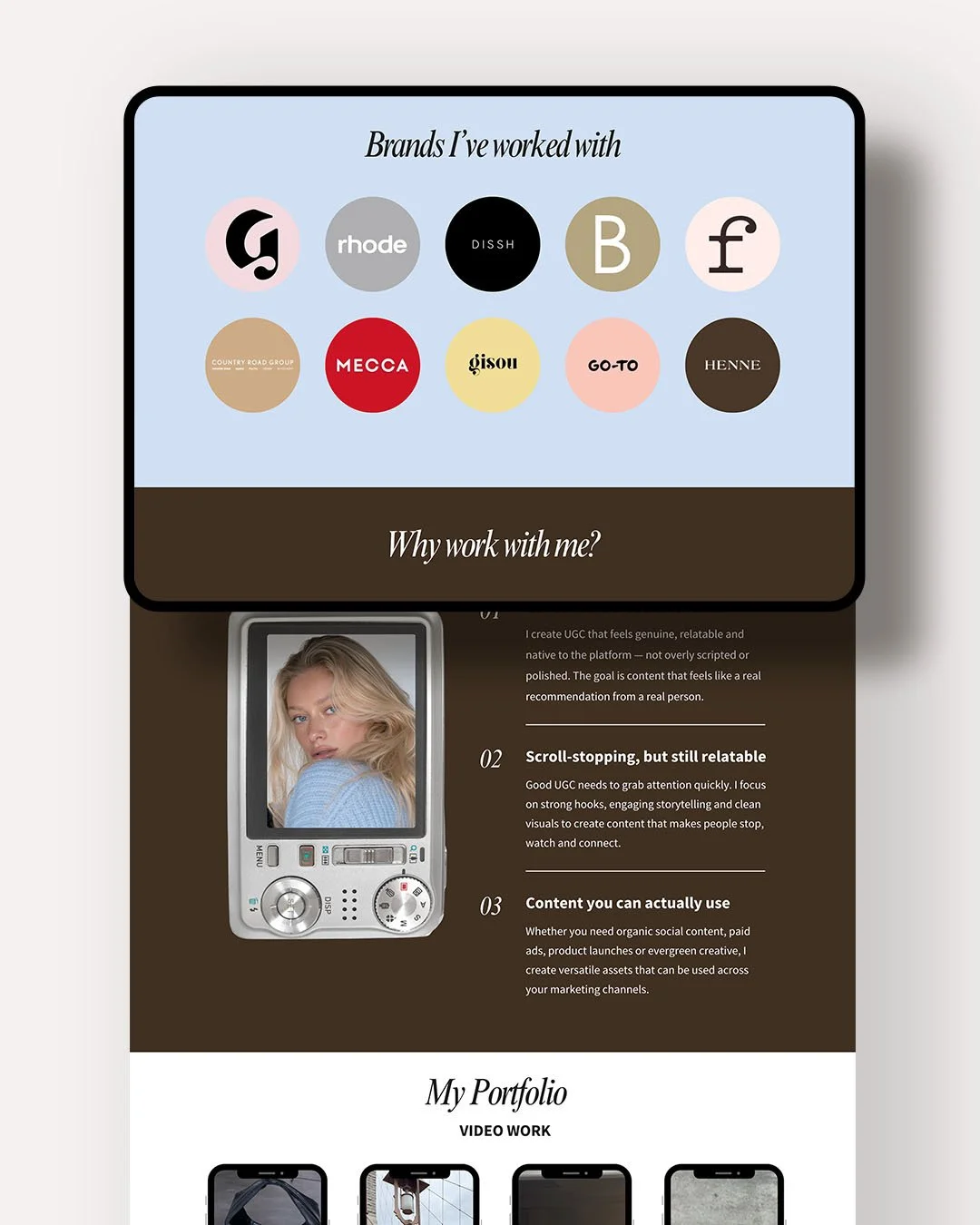
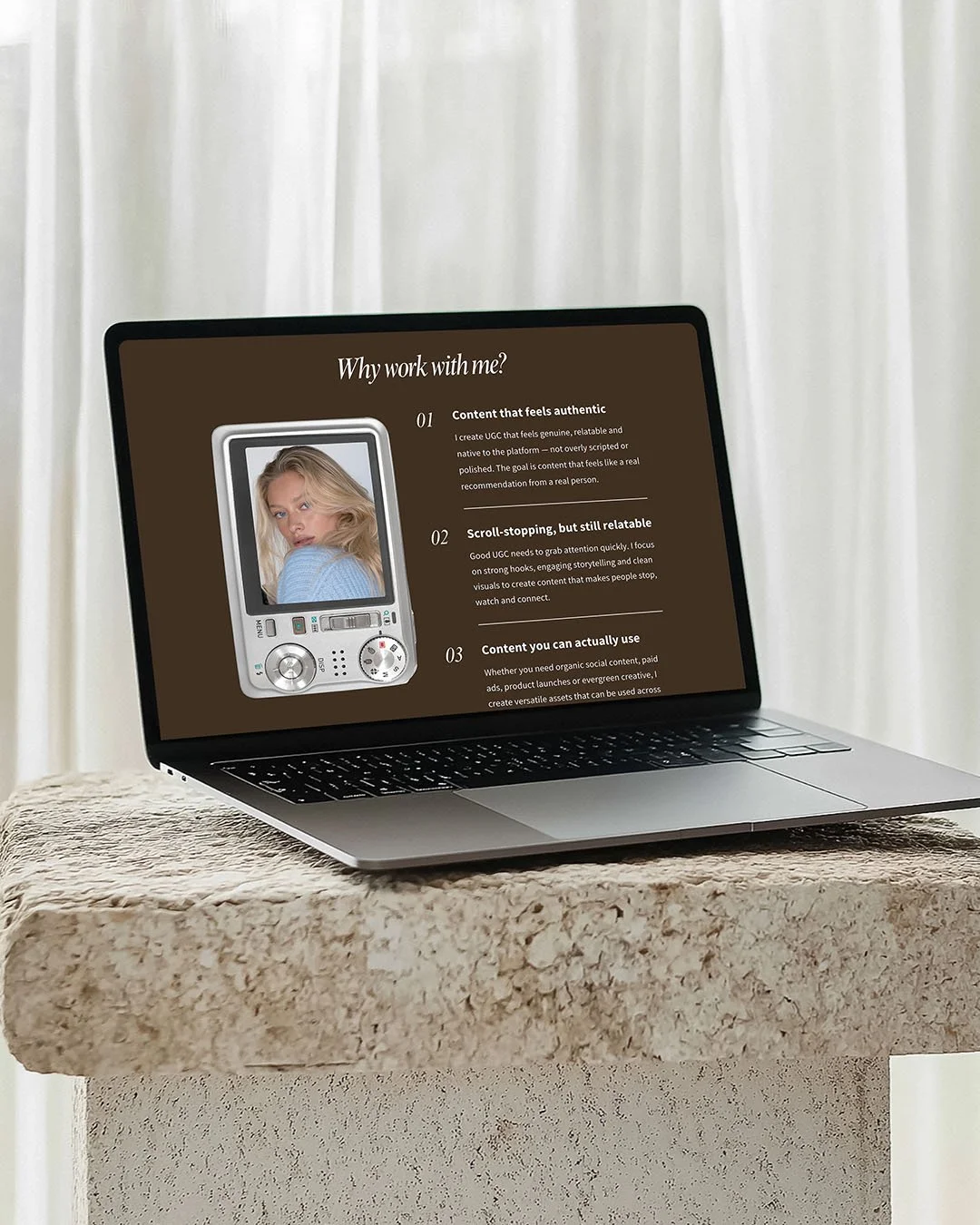
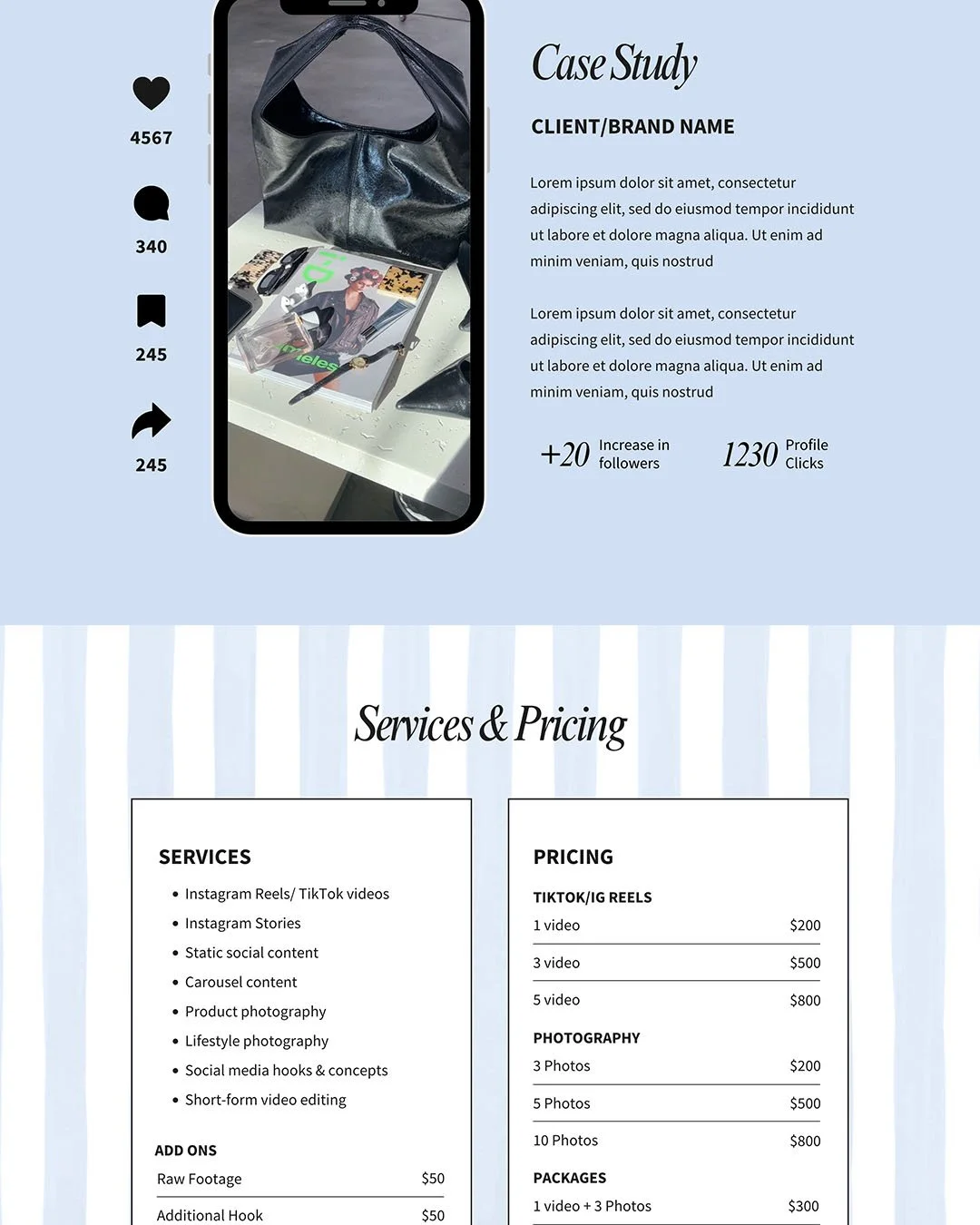
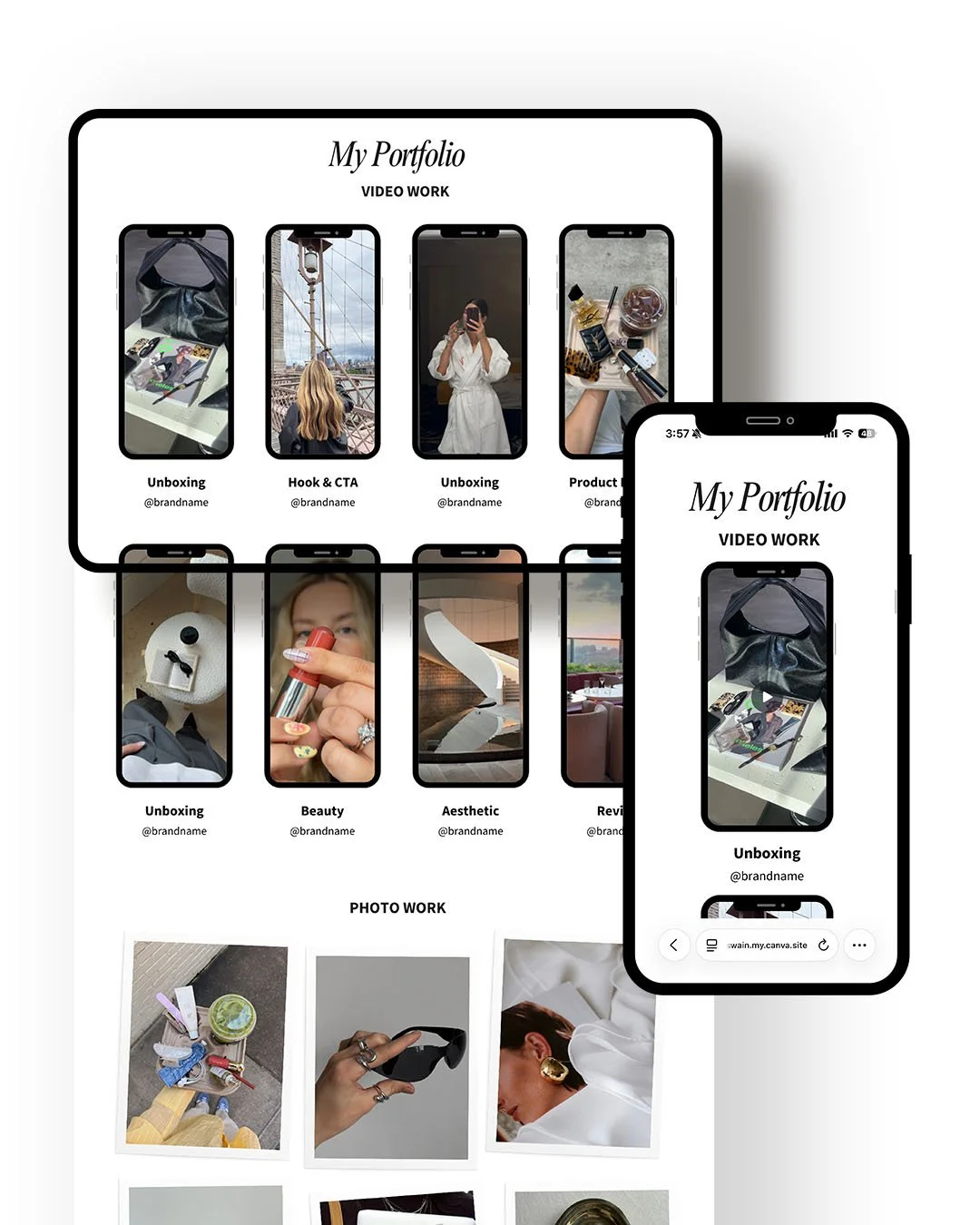
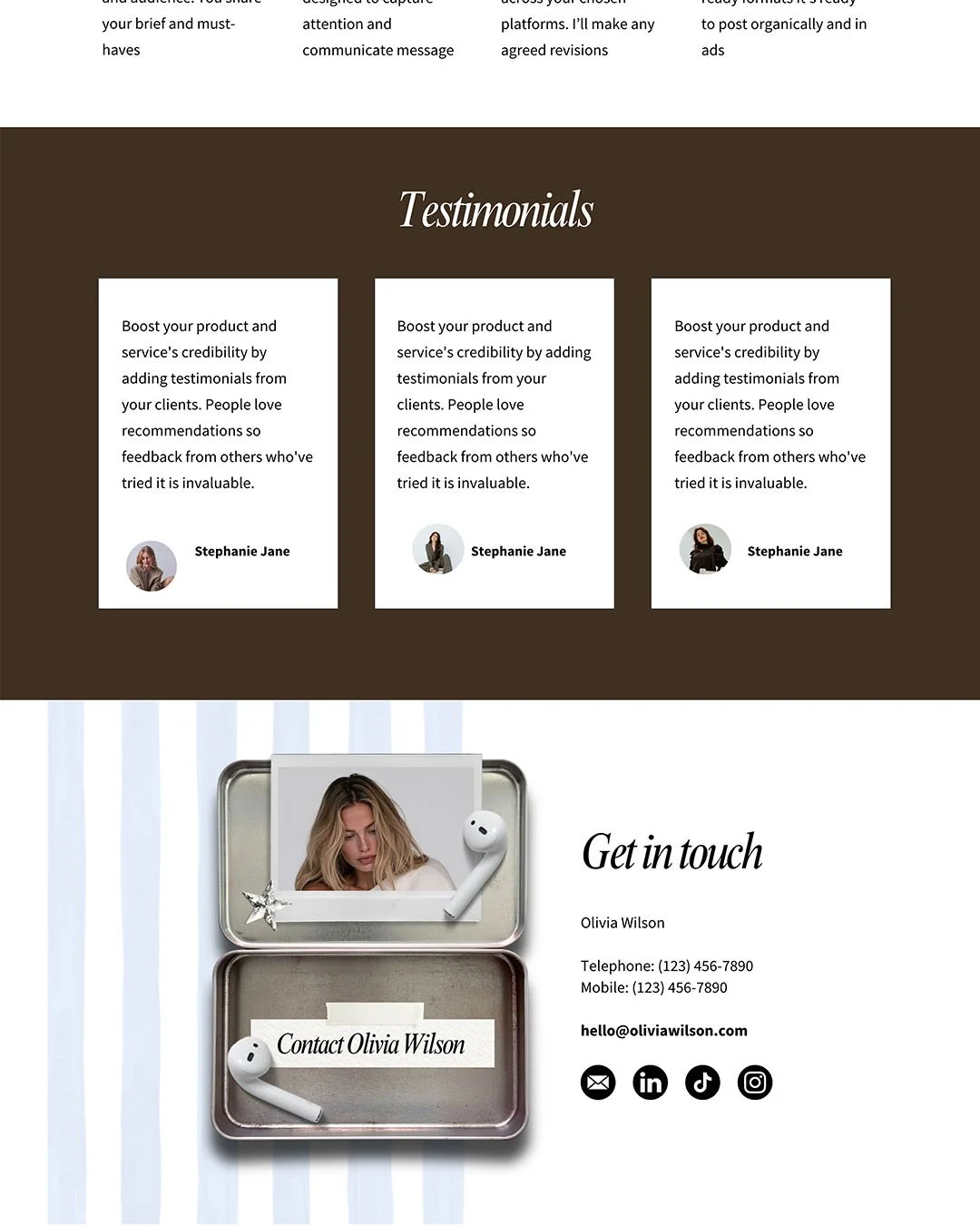
 Image 1 of 7
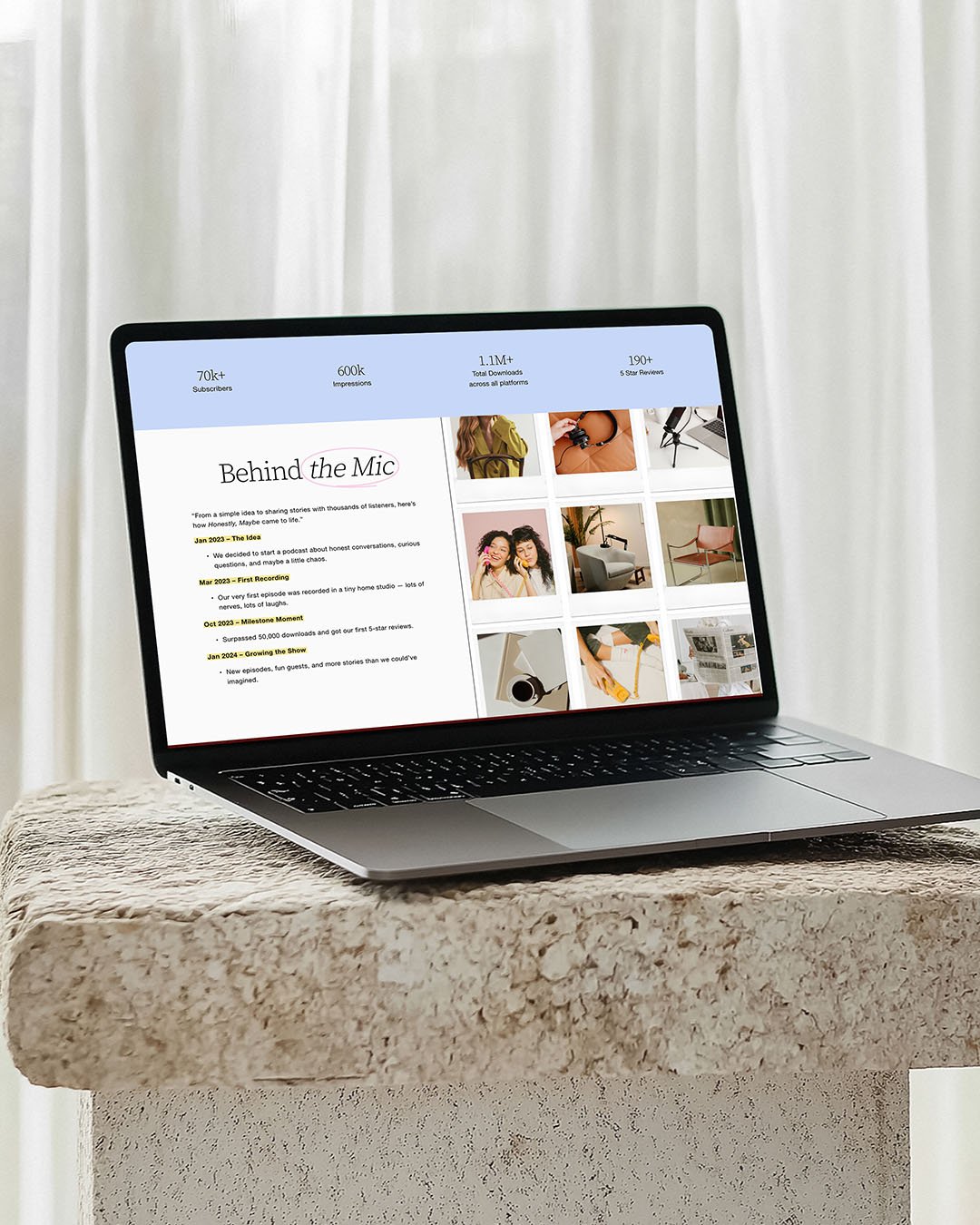 Image 2 of 7
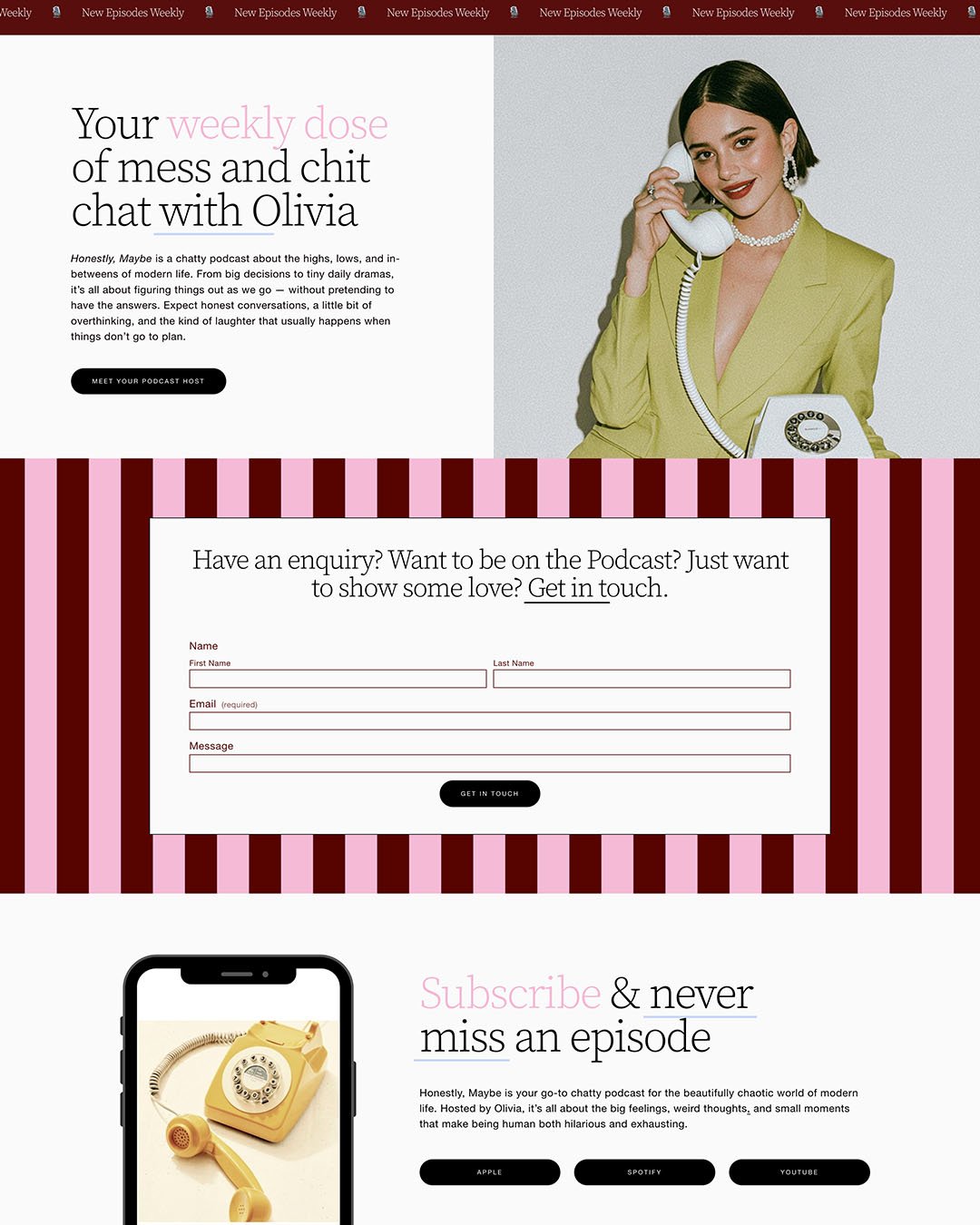 Image 3 of 7
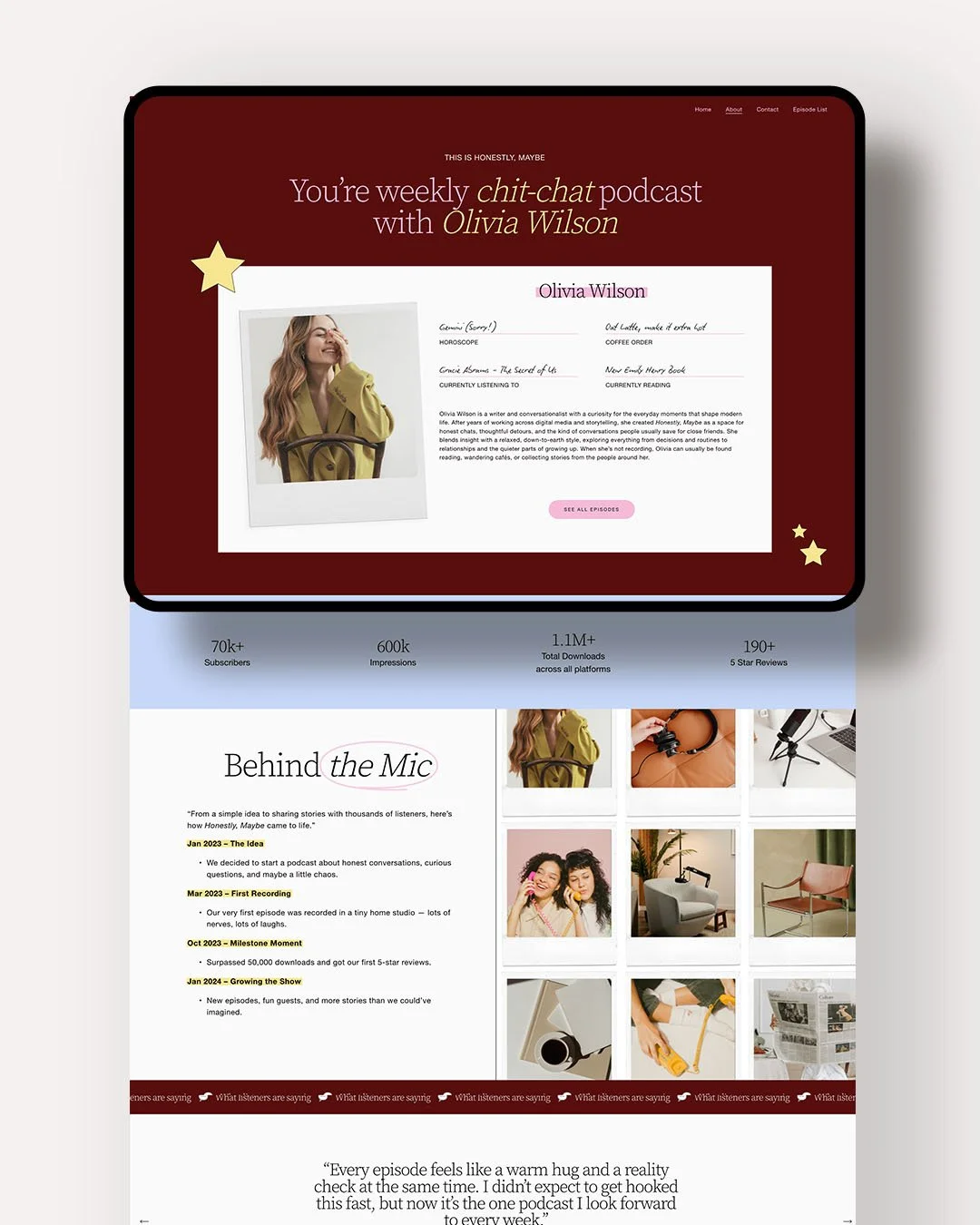 Image 4 of 7
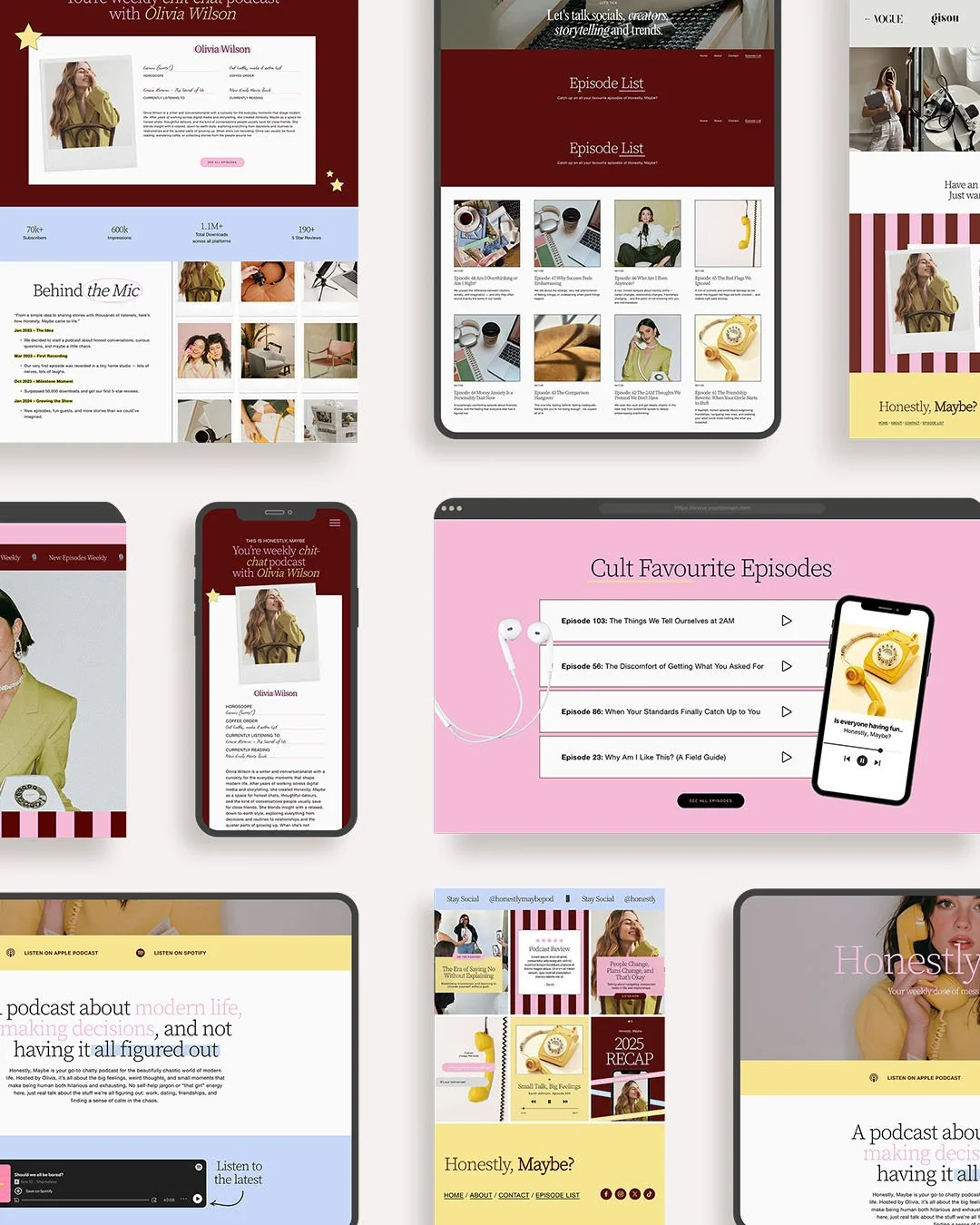 Image 5 of 7
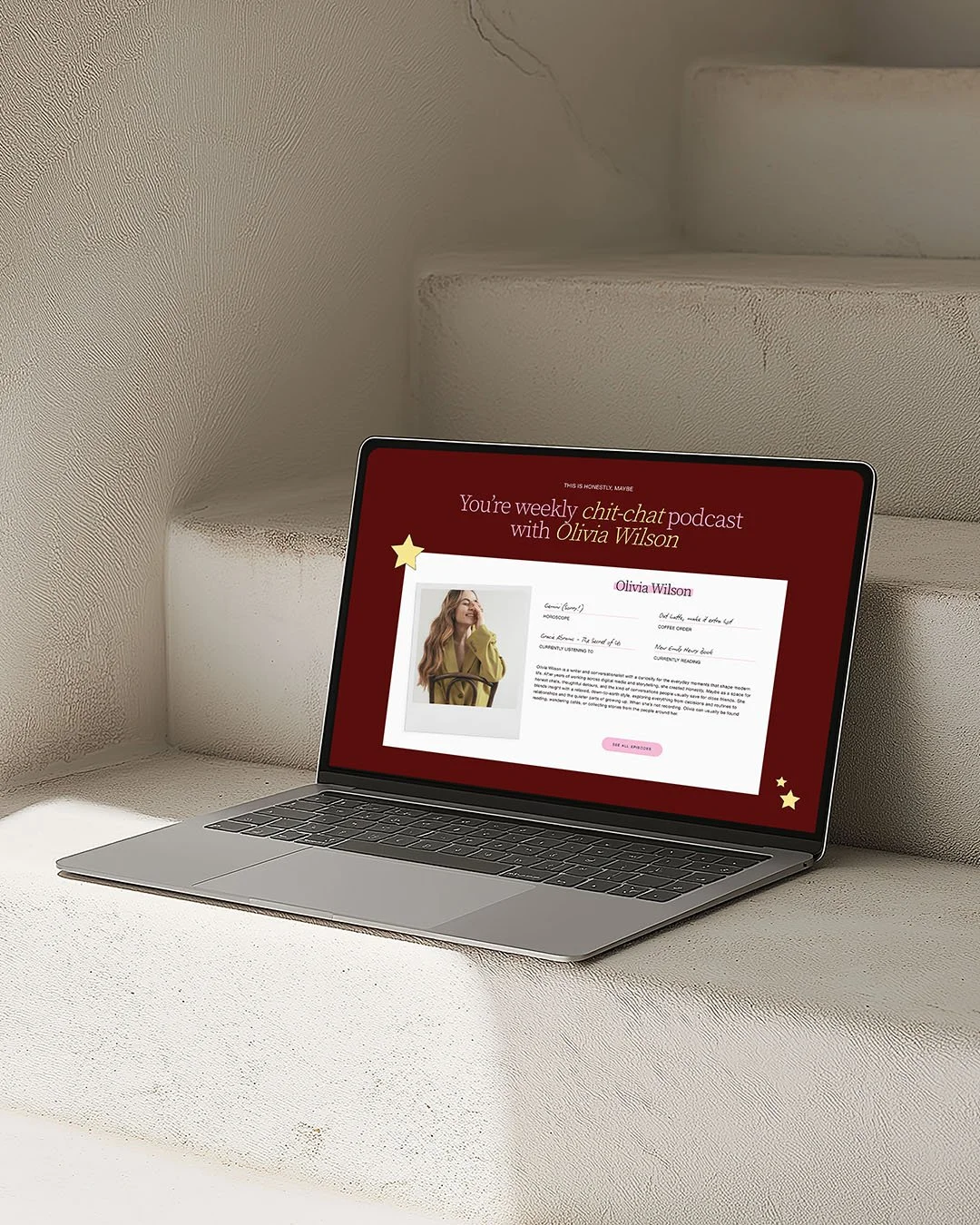 Image 6 of 7
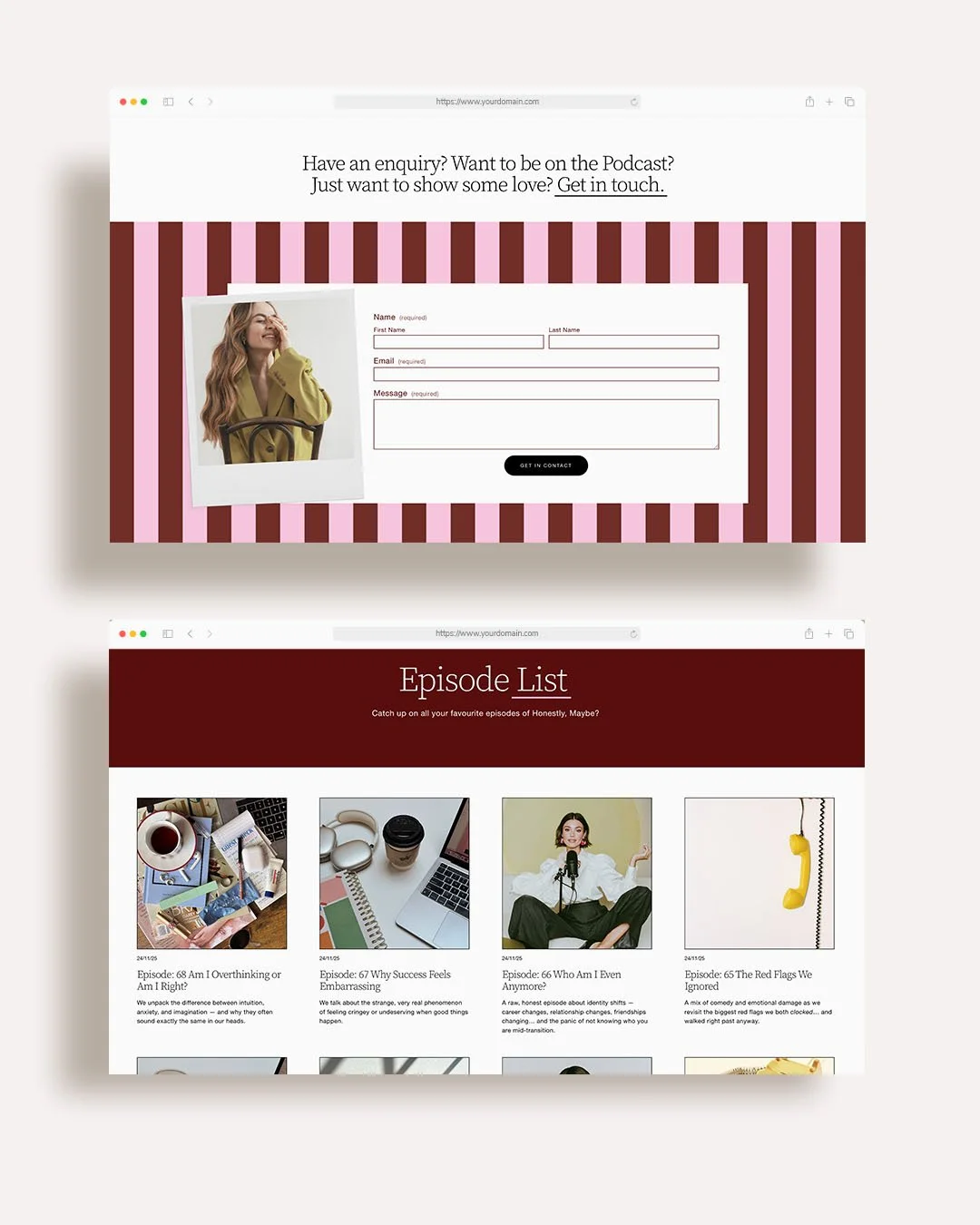 Image 7 of 7
Podcaster Squarespace 7.1 Website Template
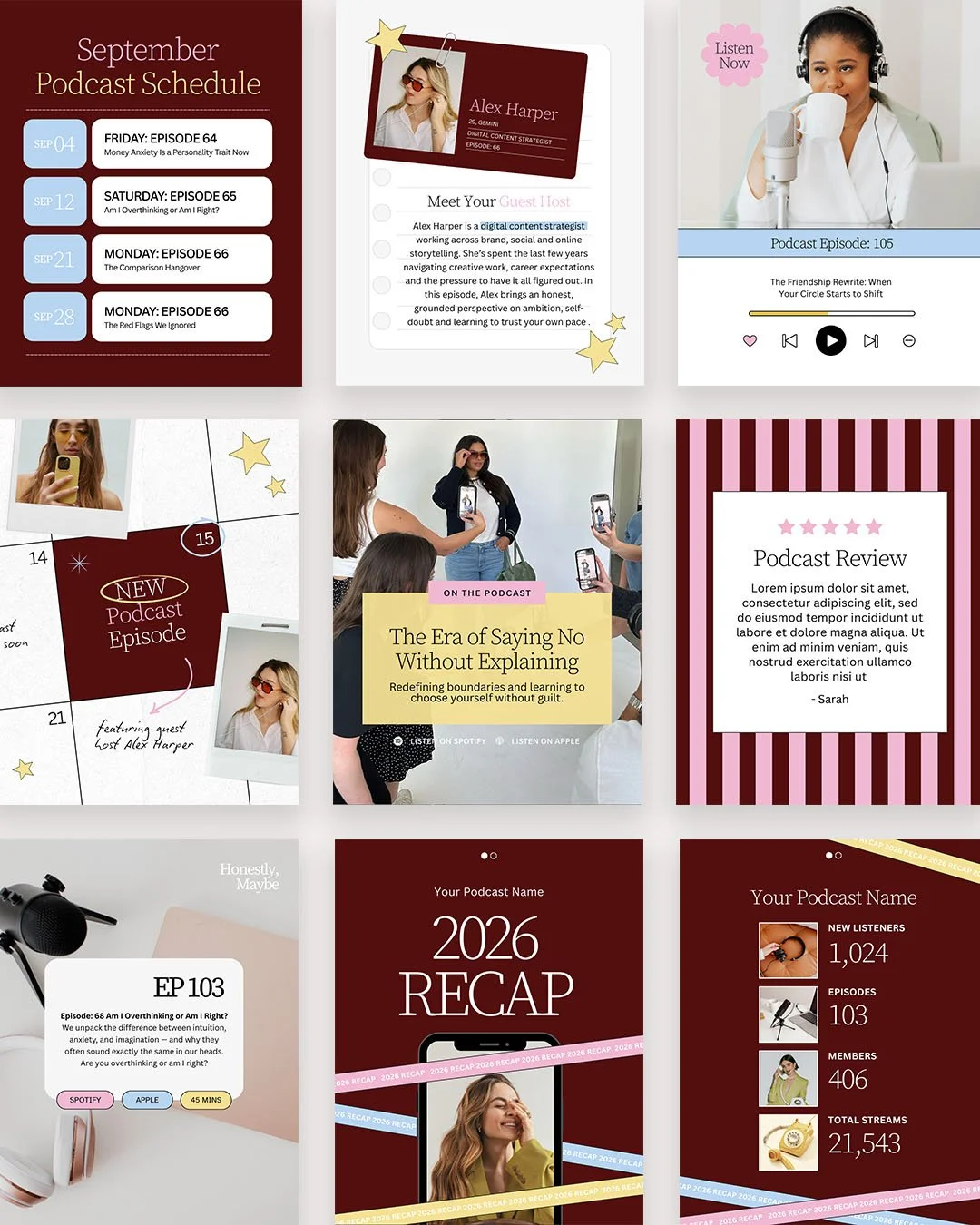
-
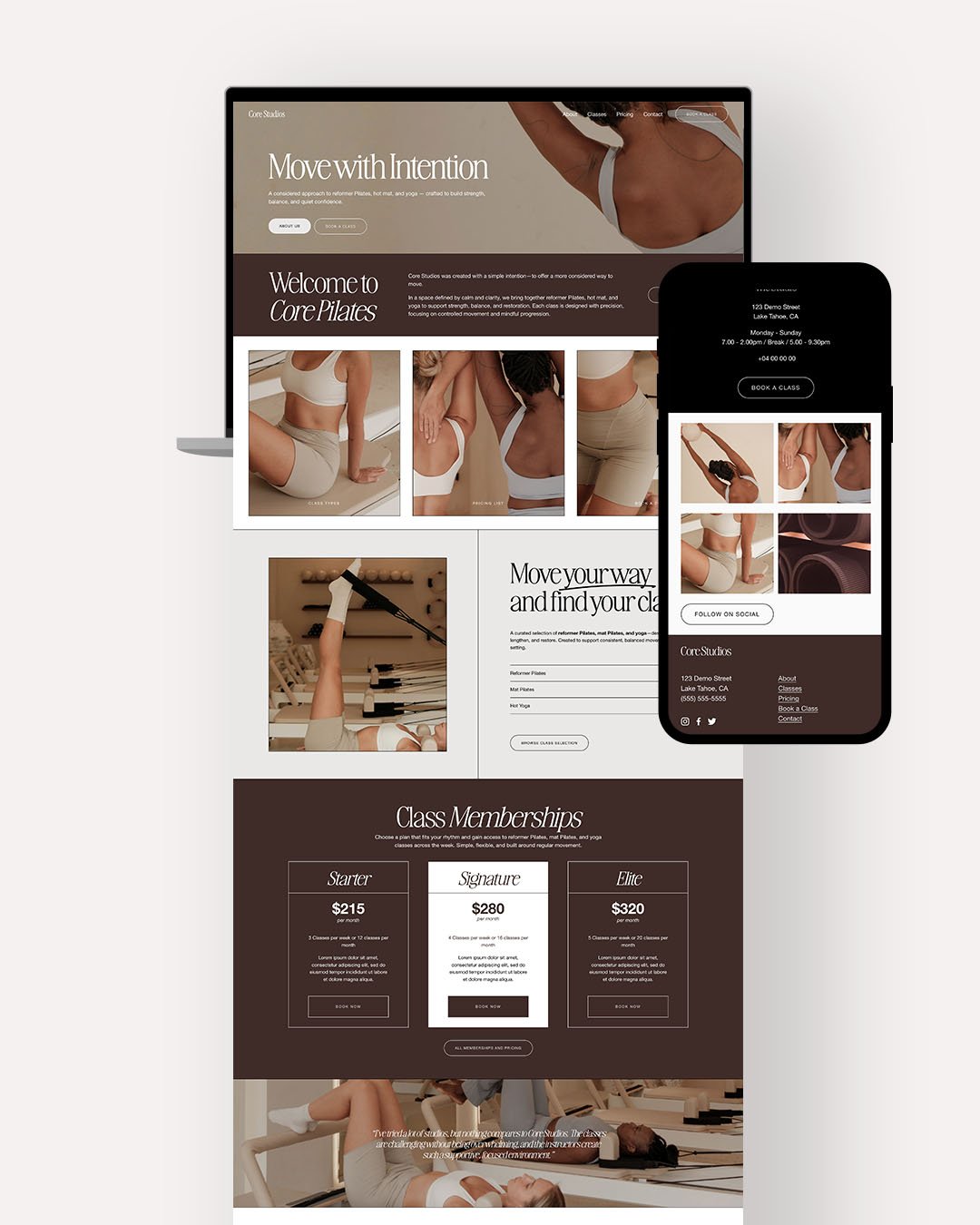
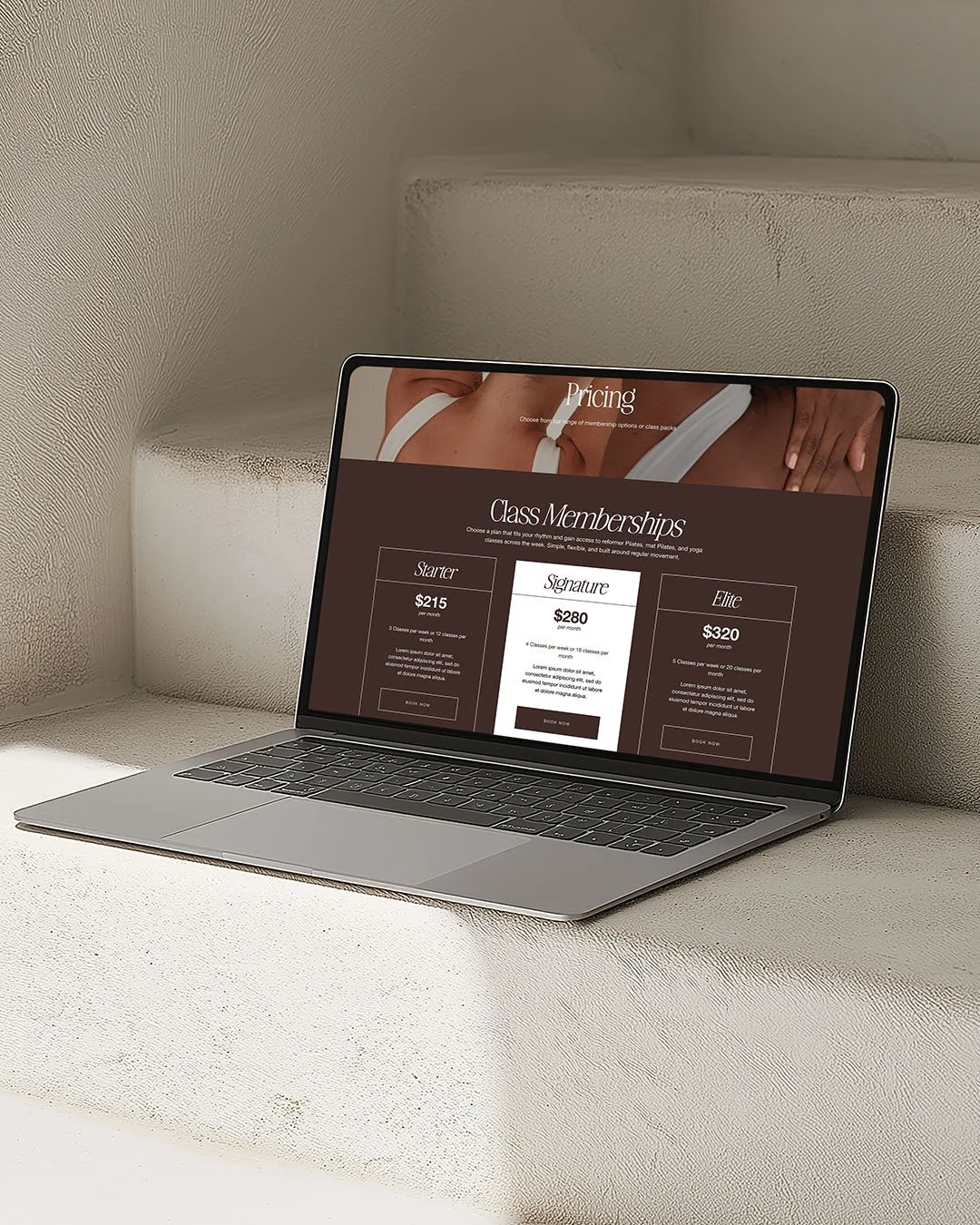
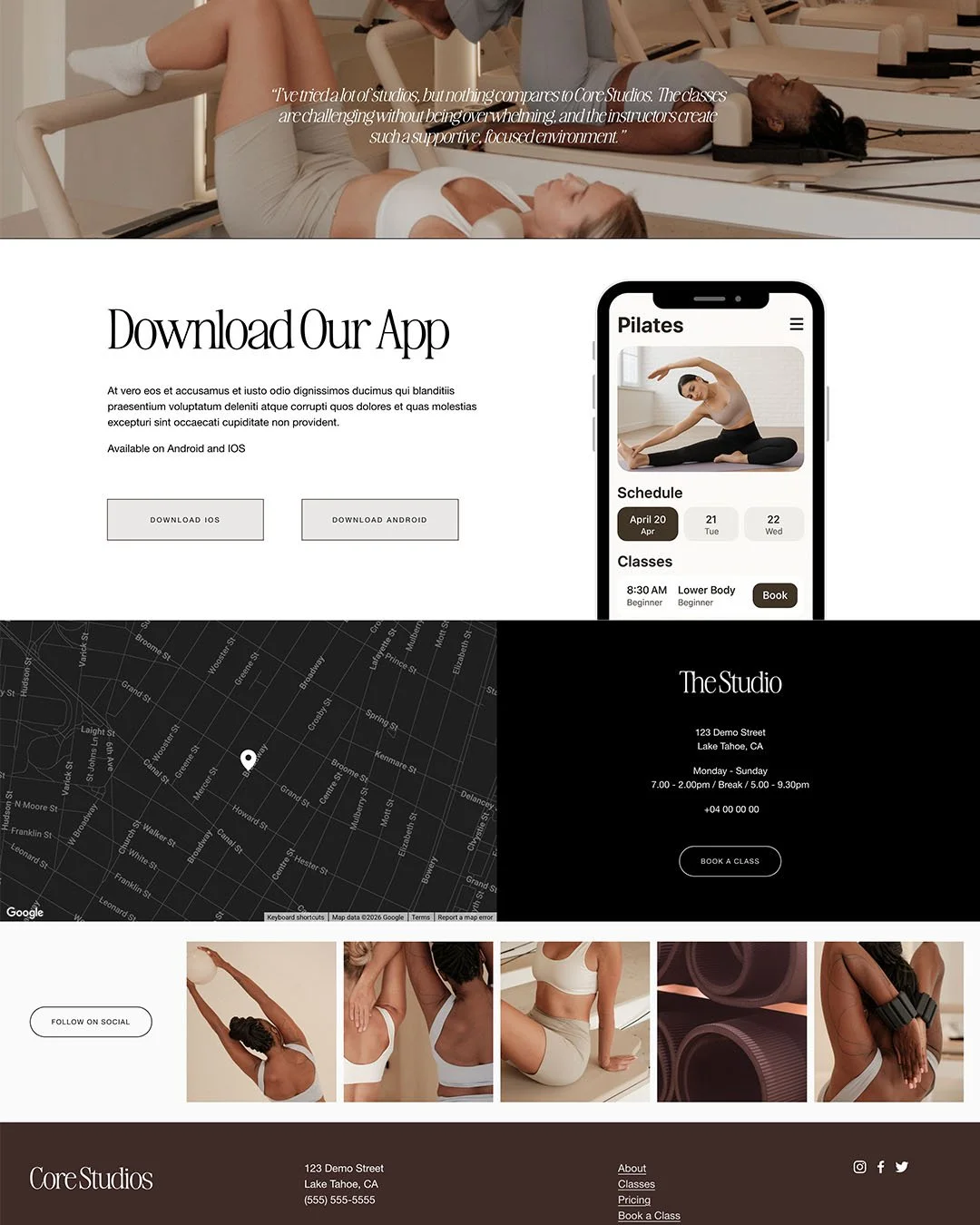
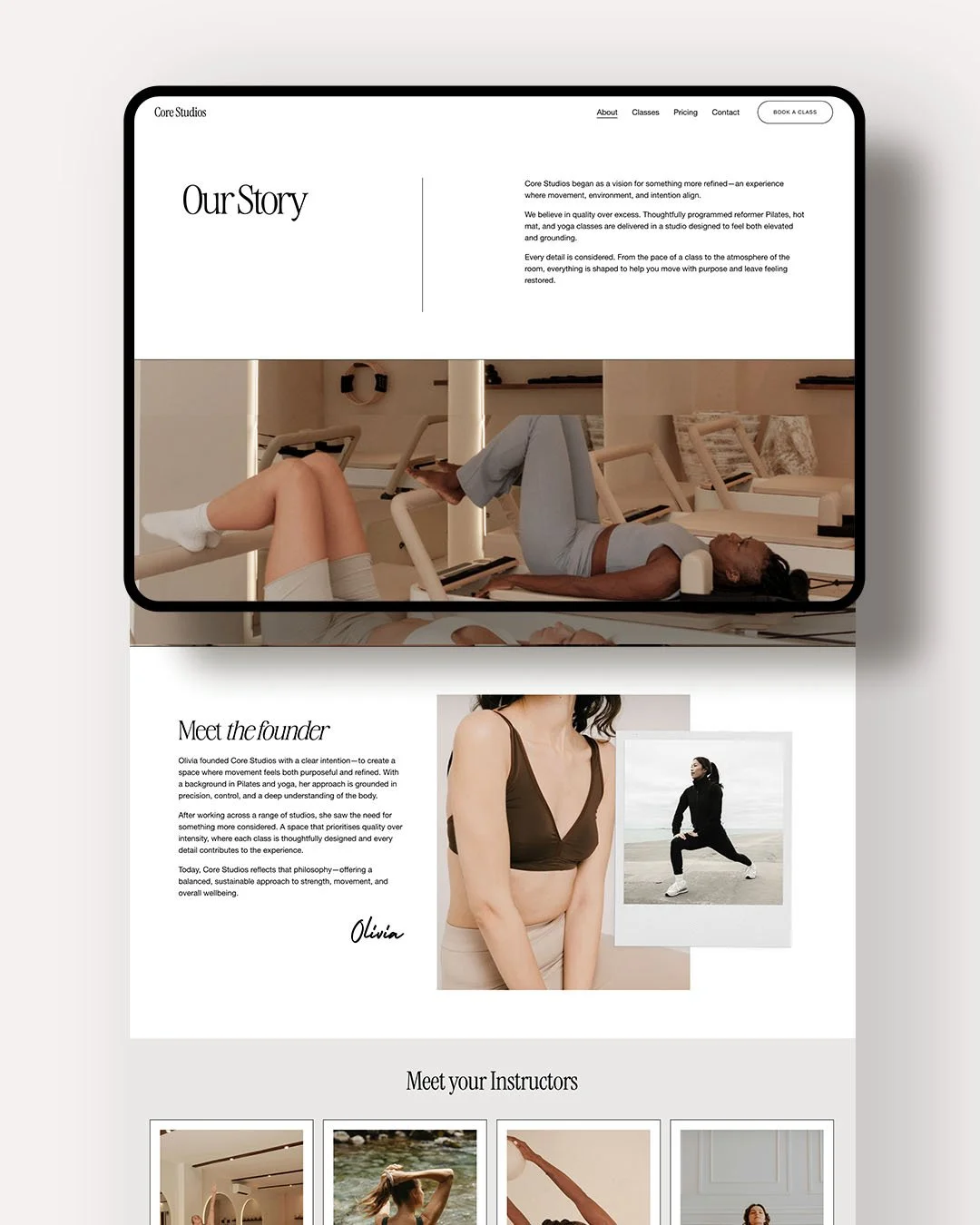
→ A done-for-you Squarespace website template (delivered via site transfer).
→ Easy-to-edit pages designed for:
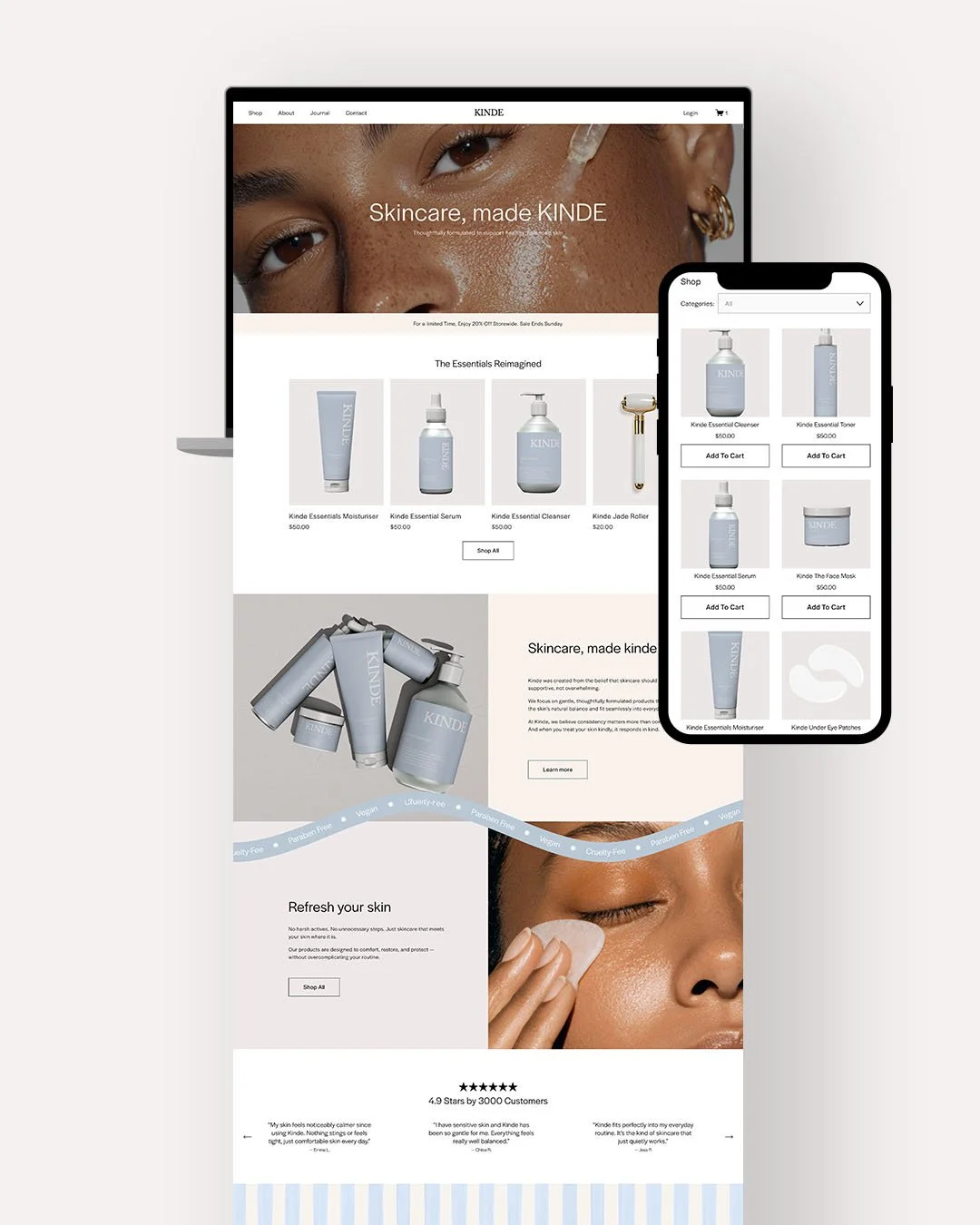
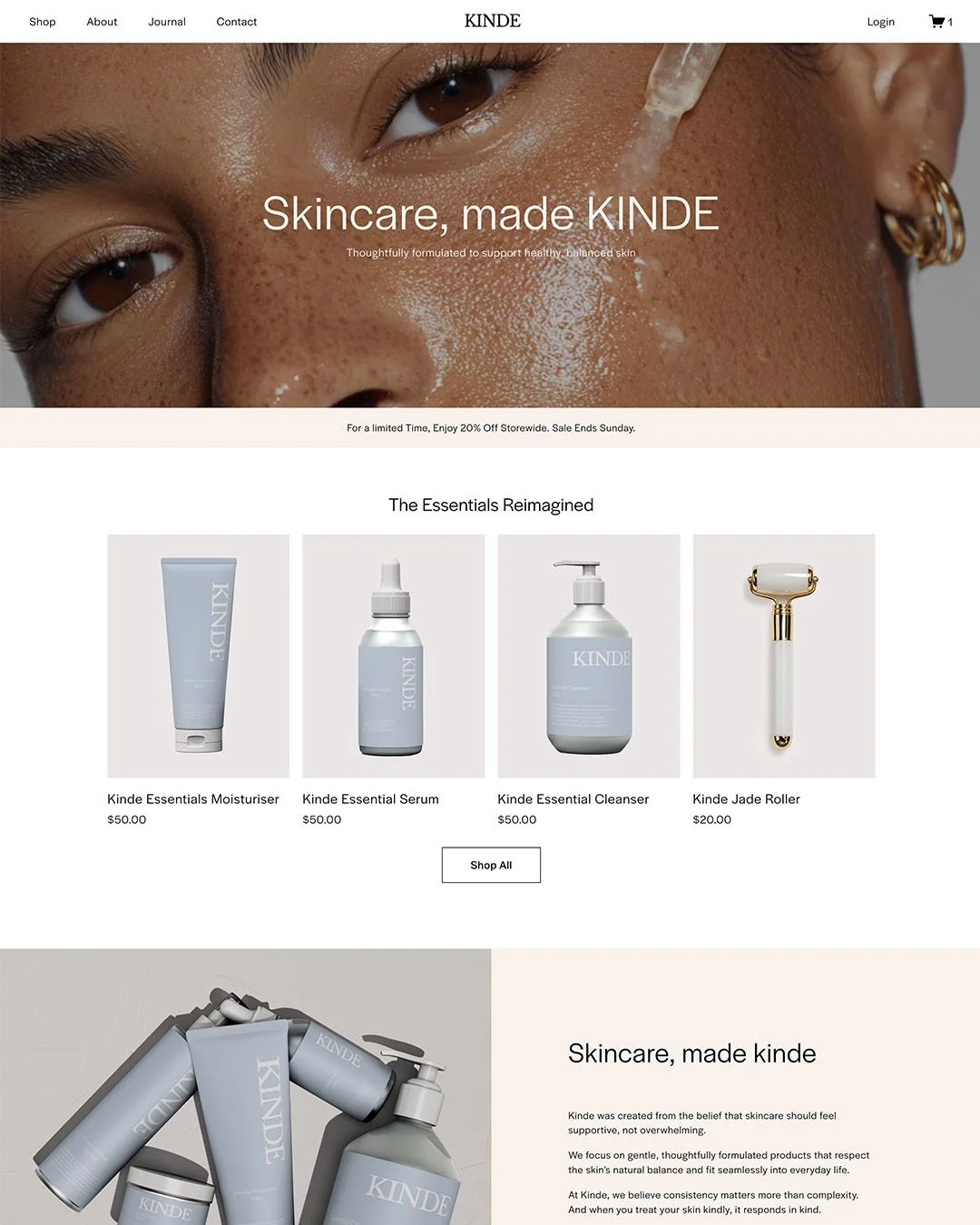
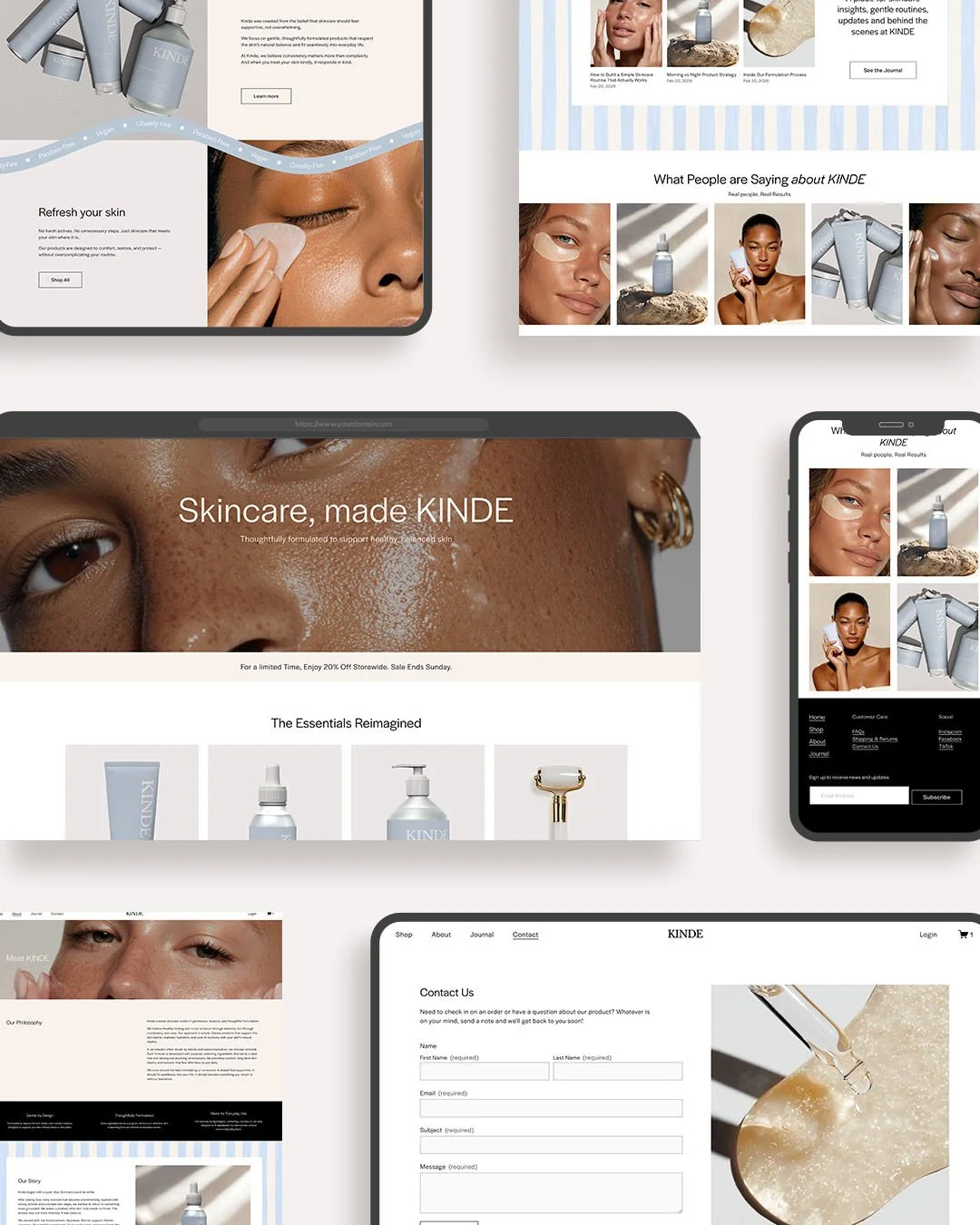
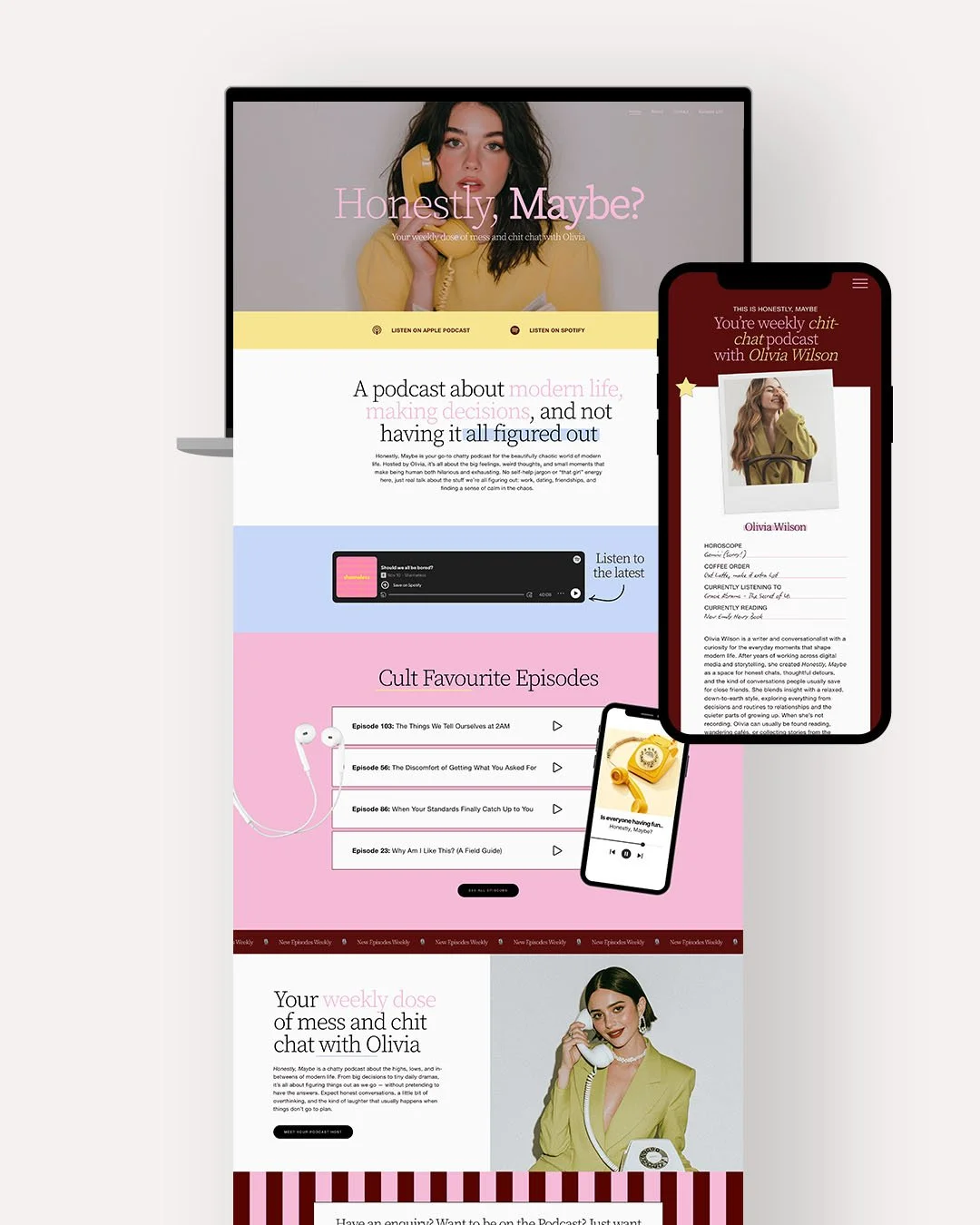
Home, About, Contact, Episode List
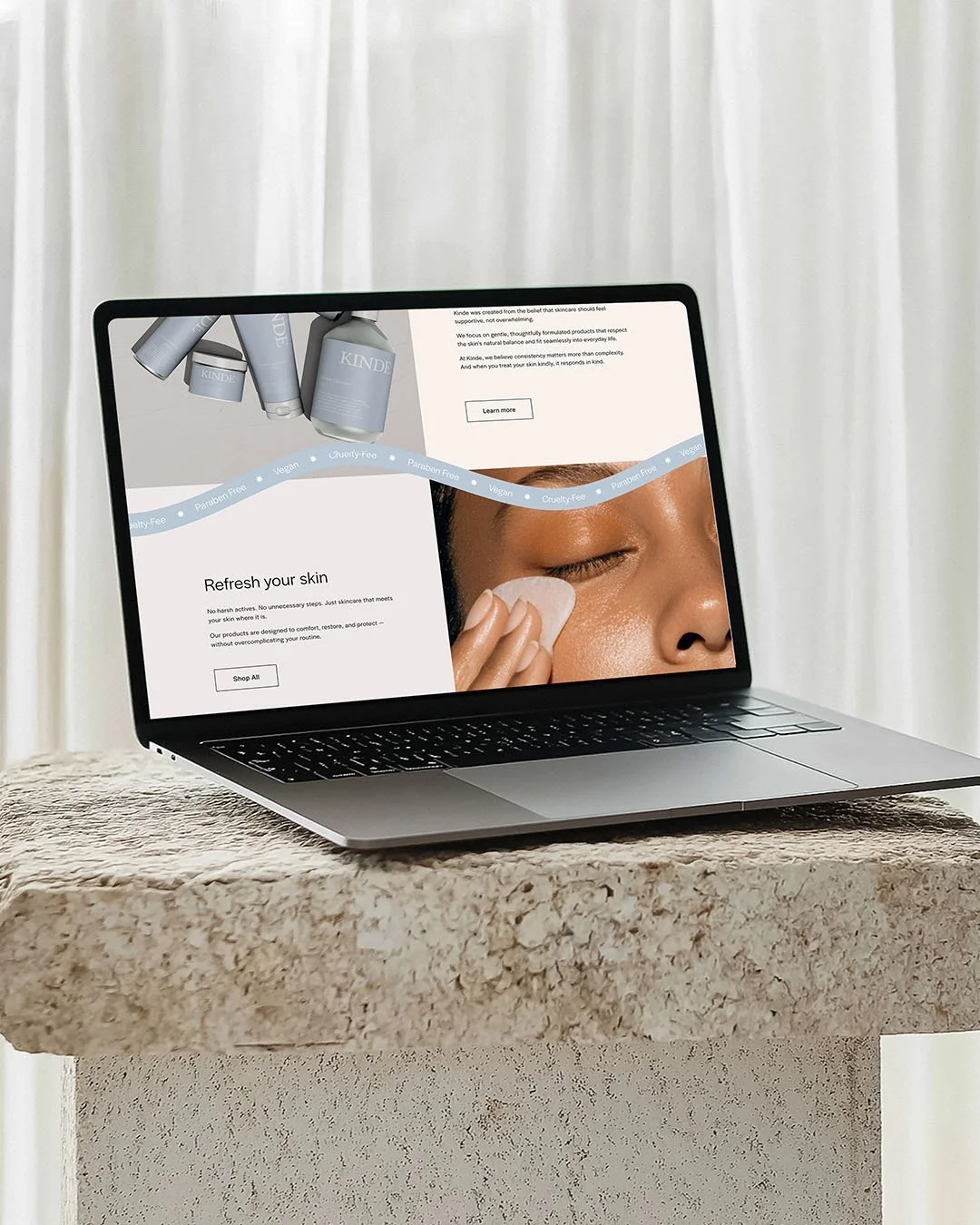
→ Mobile-responsive design that looks beautiful on any device.The photos used in the template are placeholder images only, you will need to add your own content.
-
→ Purchase the template and download the PDF instructions
→ Receive your transfer email. Within 48 hours, Squarespace will send you an invitation to access your new site.
→ Accept the transfer. Log into your Squarespace account, and your template will appear in your dashboard.
→ Customise. Replace demo images and text with your own, tweak colours and fonts, and add/remove pages as needed.
→ Publish. Connect your domain and launch your new website! -
This template includes a one-time use licence, meaning it can be used for one personal or commercial project only.
The template and code can not be copied, shared, redistributed, or reused to create additional Squarespace websites. -
Do I need experience with Squarespace to use this template?
While basic Squarespace knowledge is helpful for swapping images, text, and pages, Squarespace has a simple, intuitive drag-and-drop editor that’s beginner-friendly. I’ve also included some basic instructions in a PDF after purchase.
If you have any questions, you can email me to see if I can help.Can I use this template on my exisiting Squarespace Website?
Unfortunately, Squarespace doesn’t currently allow you to directly apply a template to an existing site. Because of this, you’ll receive a link to build a new website with your purchase.However, Squarespace now has a feature that lets you save sections to your account, so you can easily reuse sections from your previous site and add them into your new template