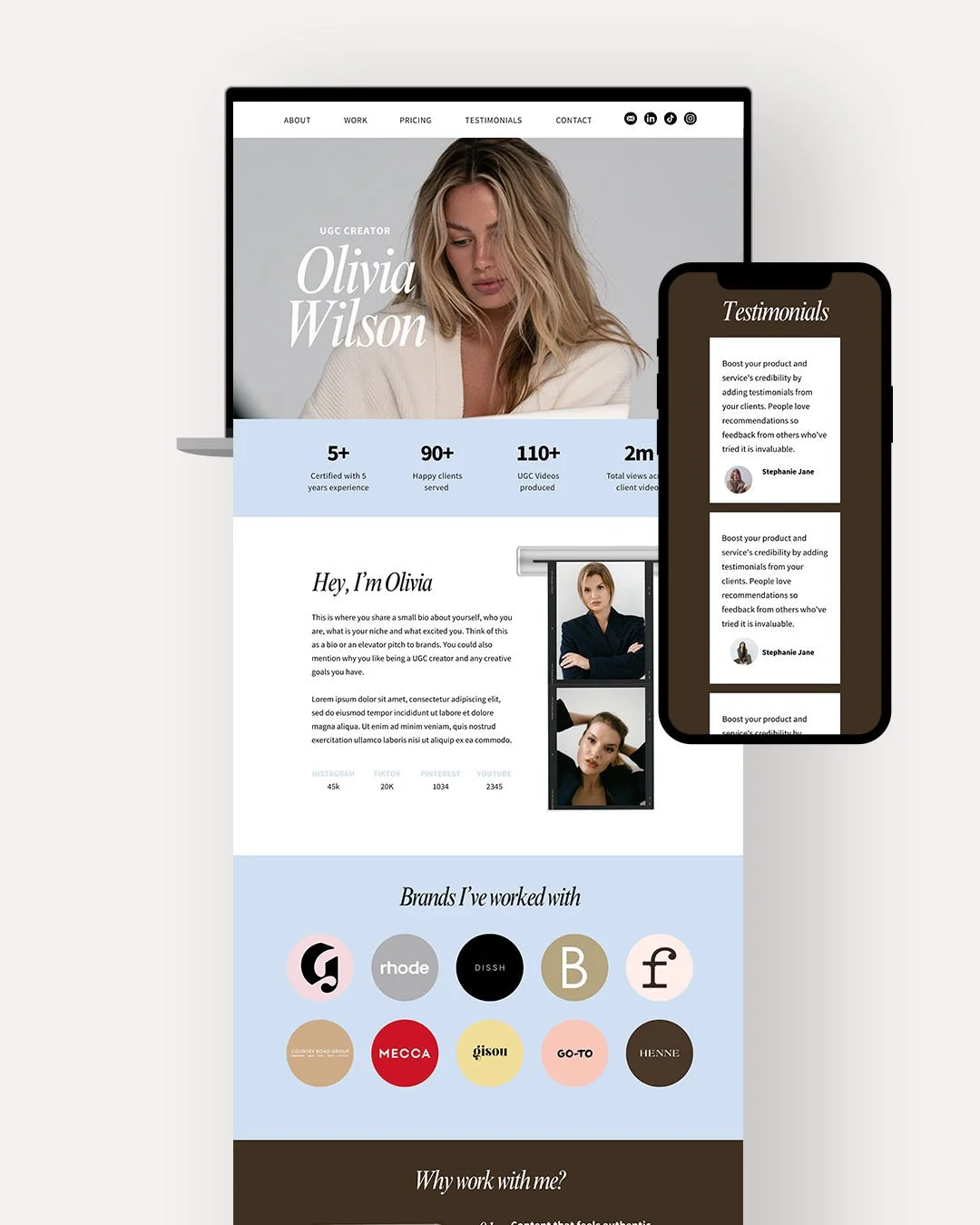
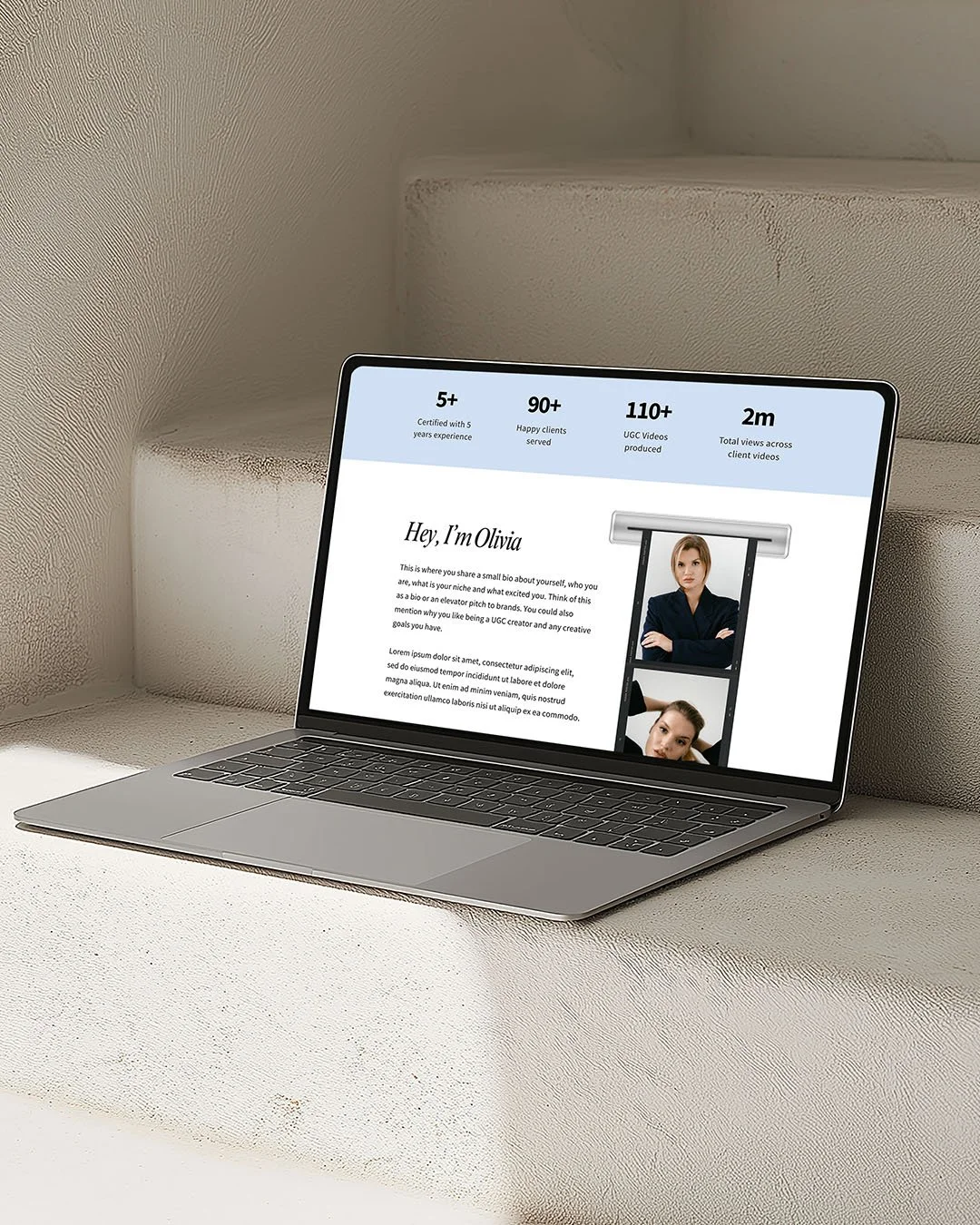
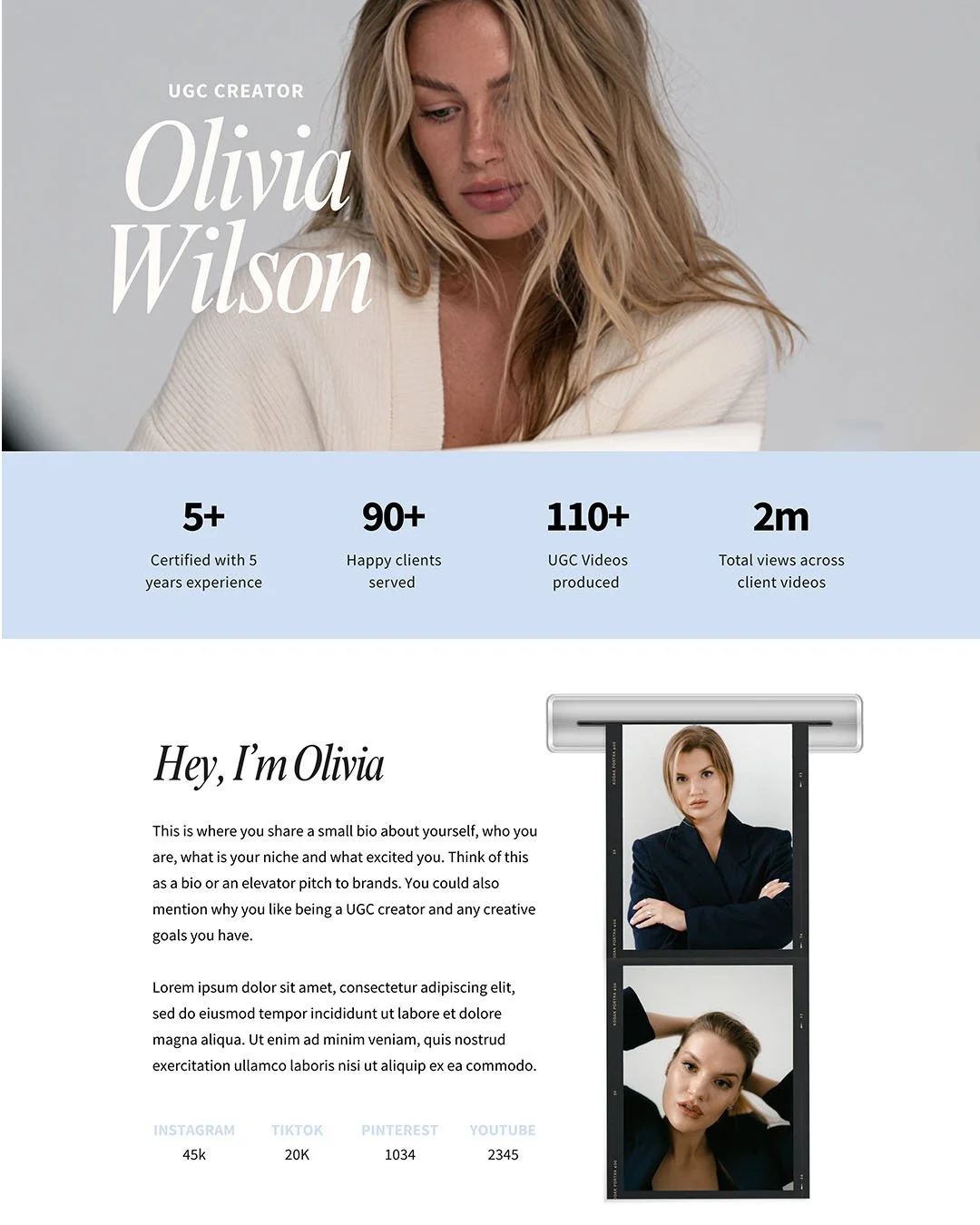
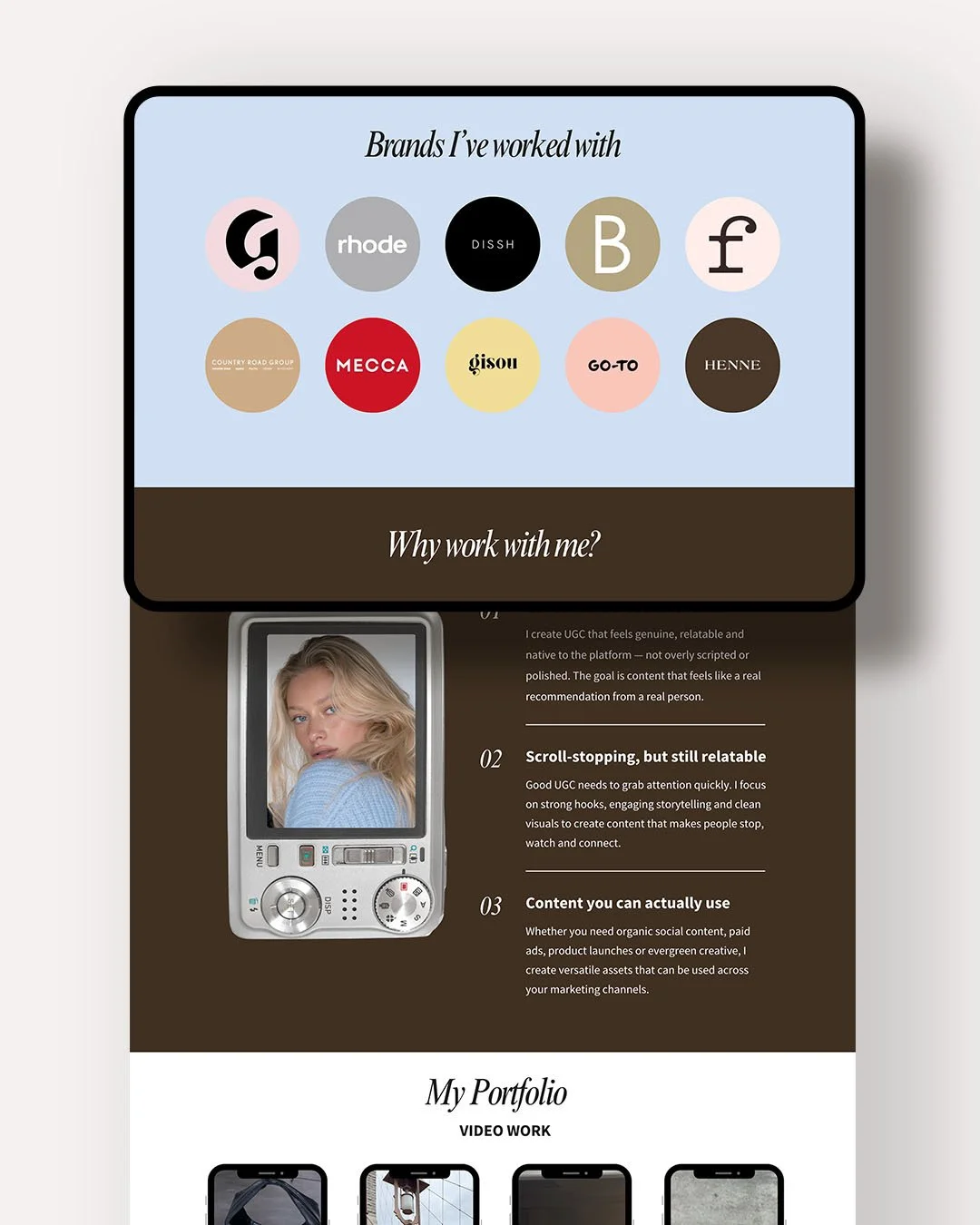
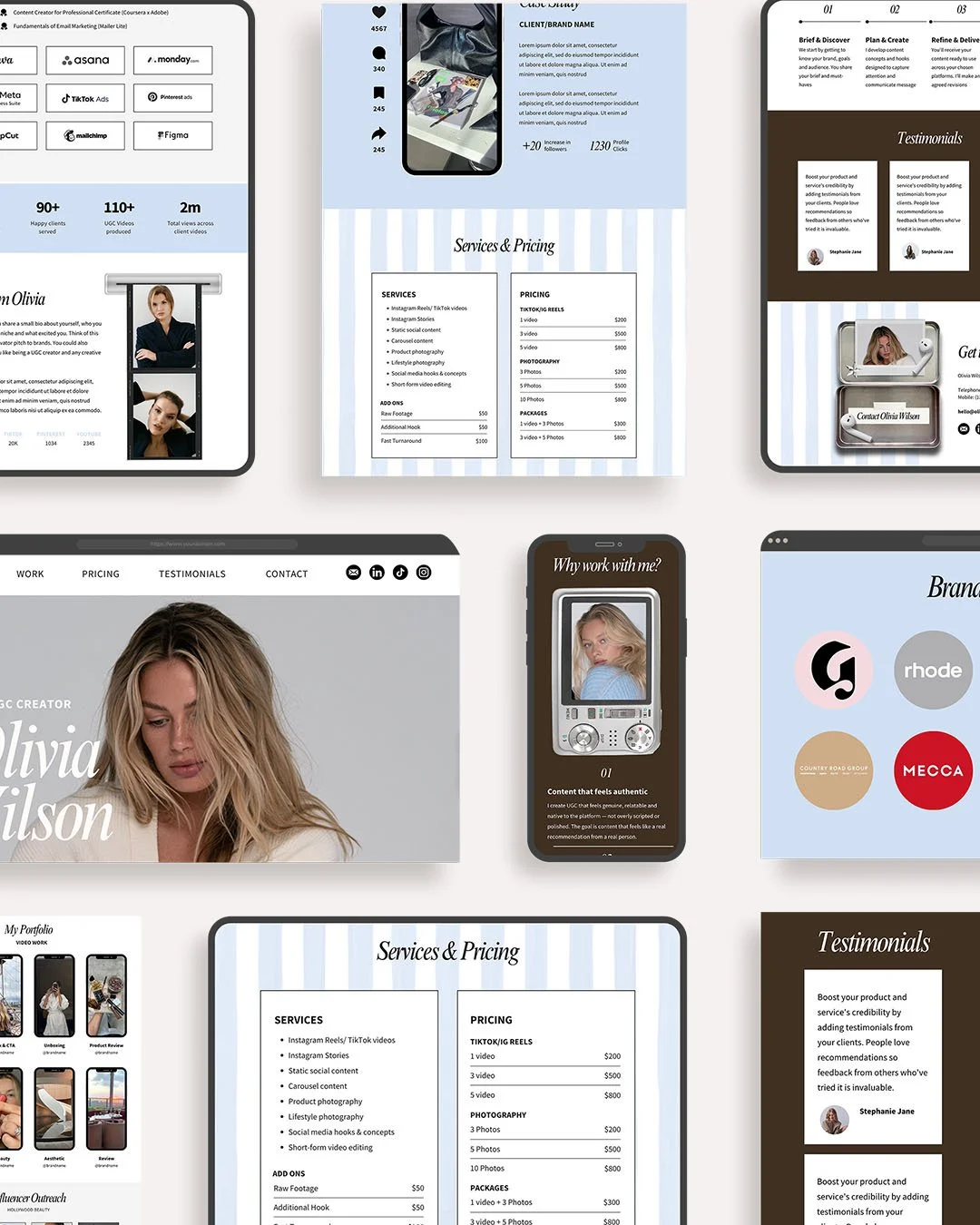
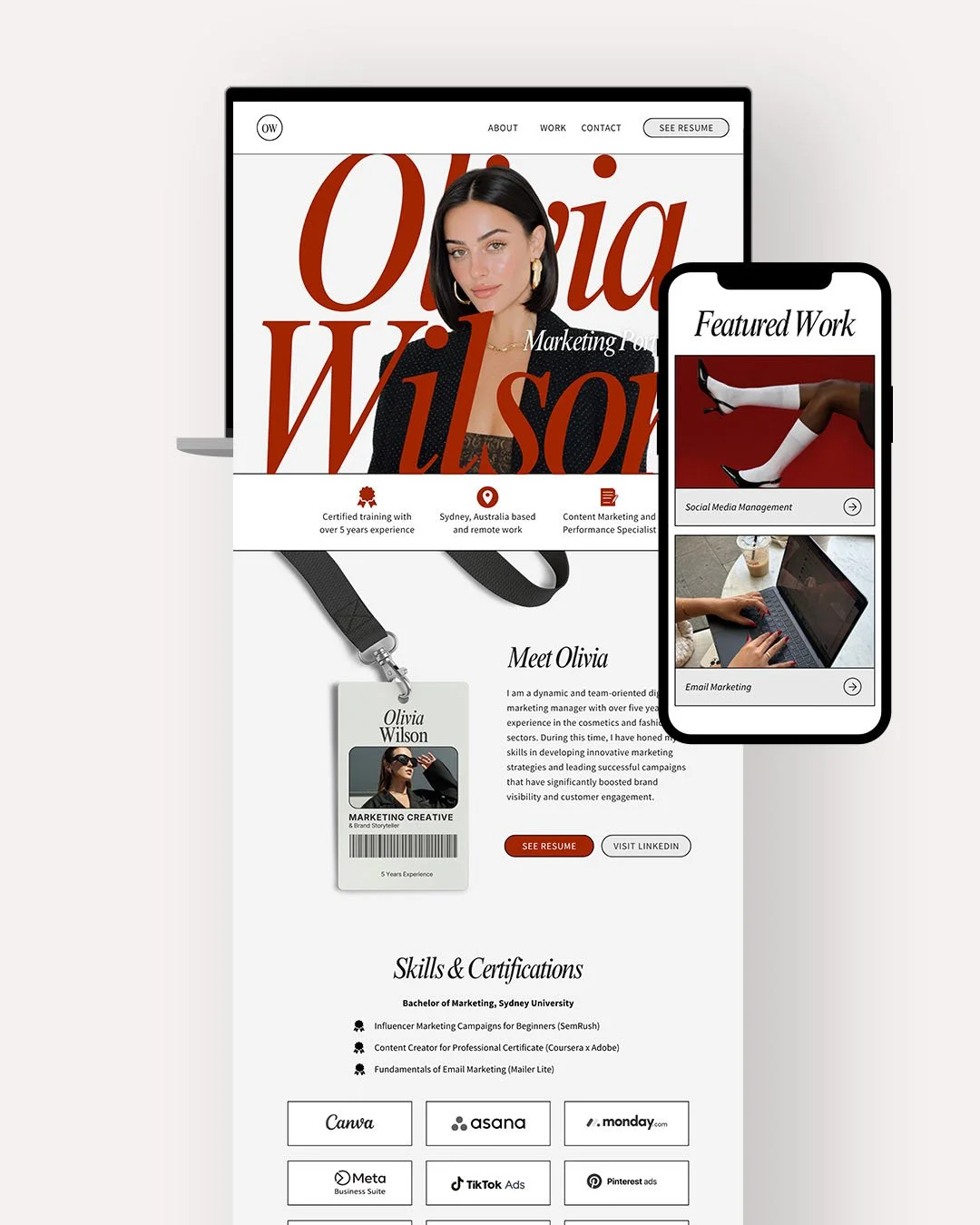
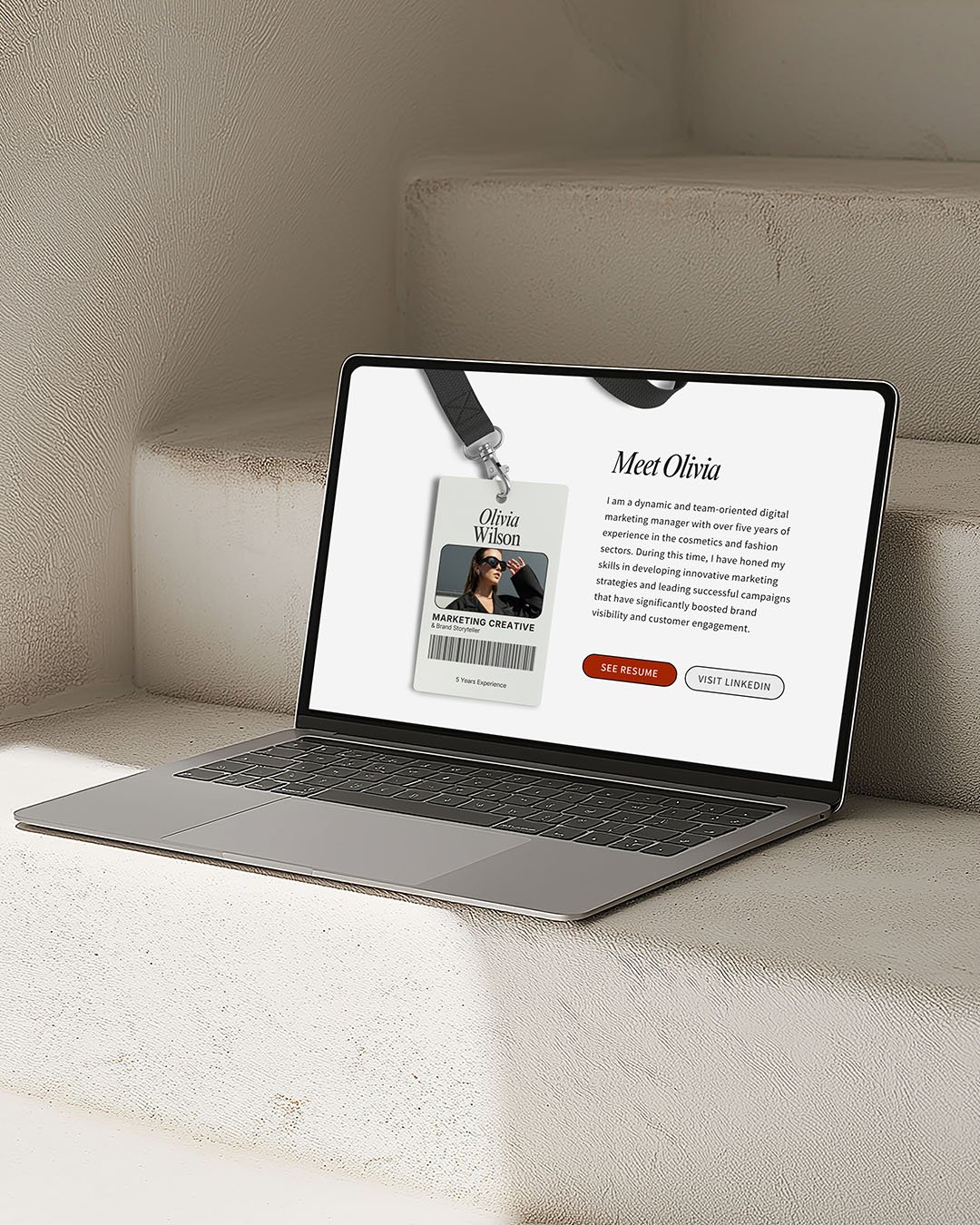
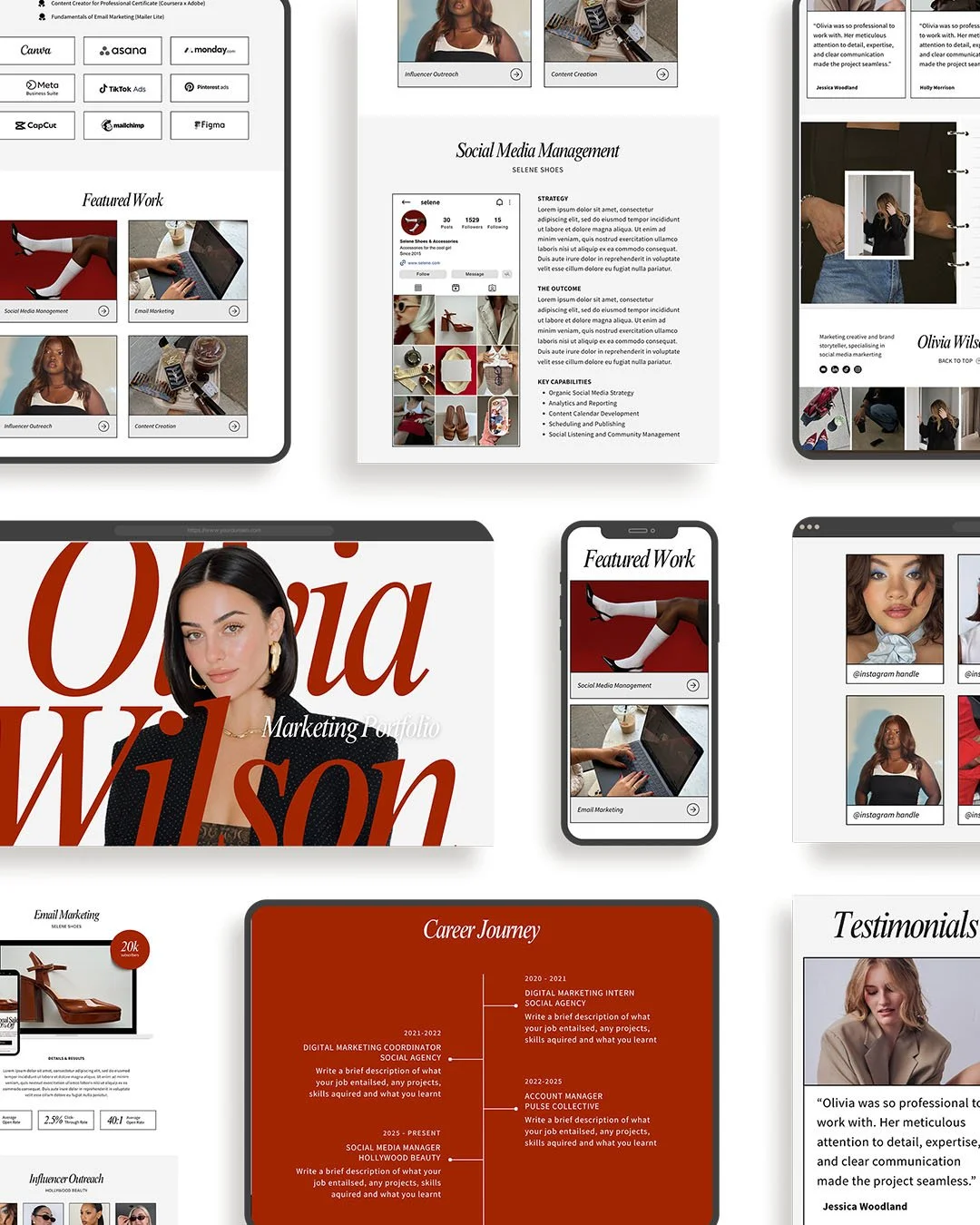
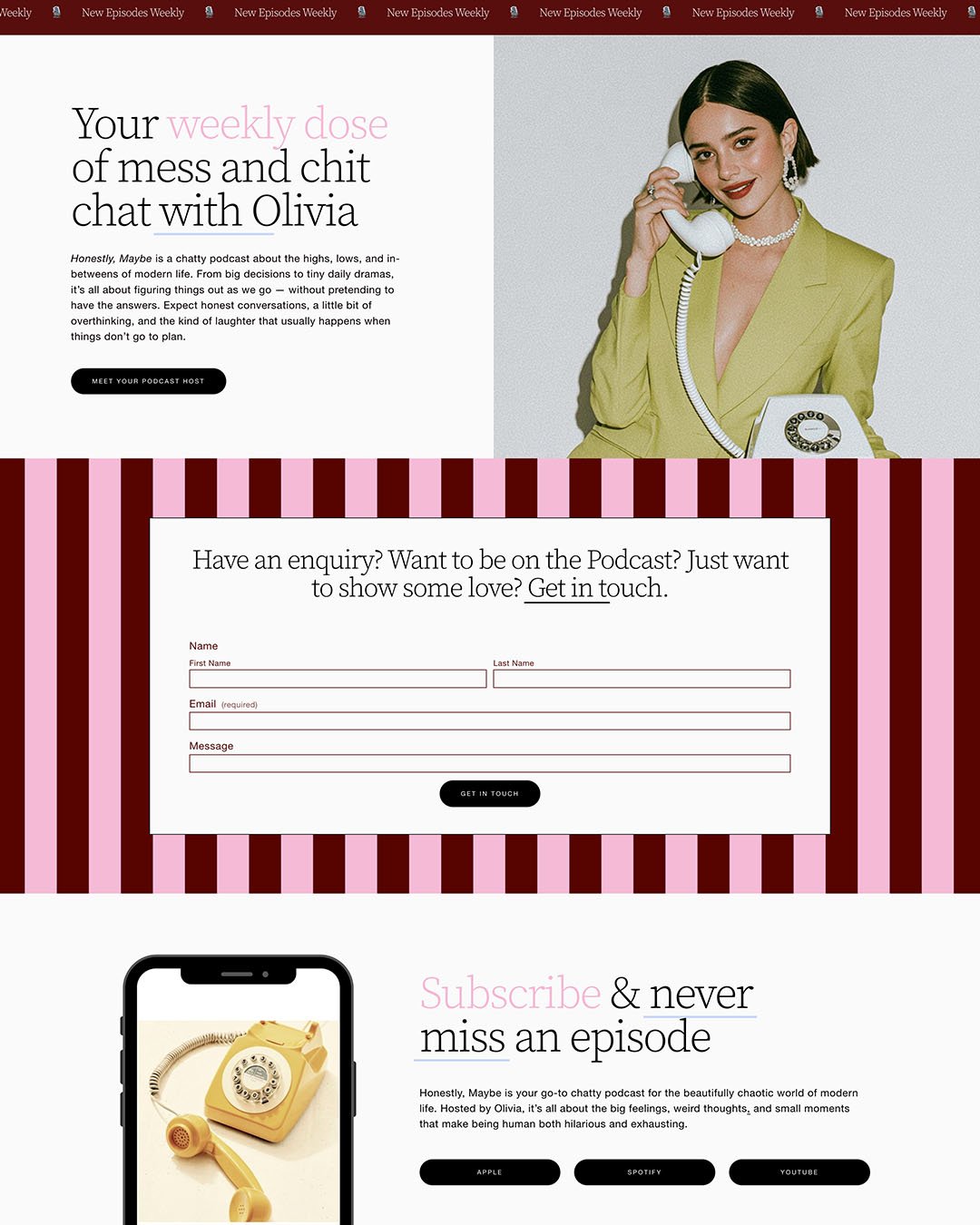
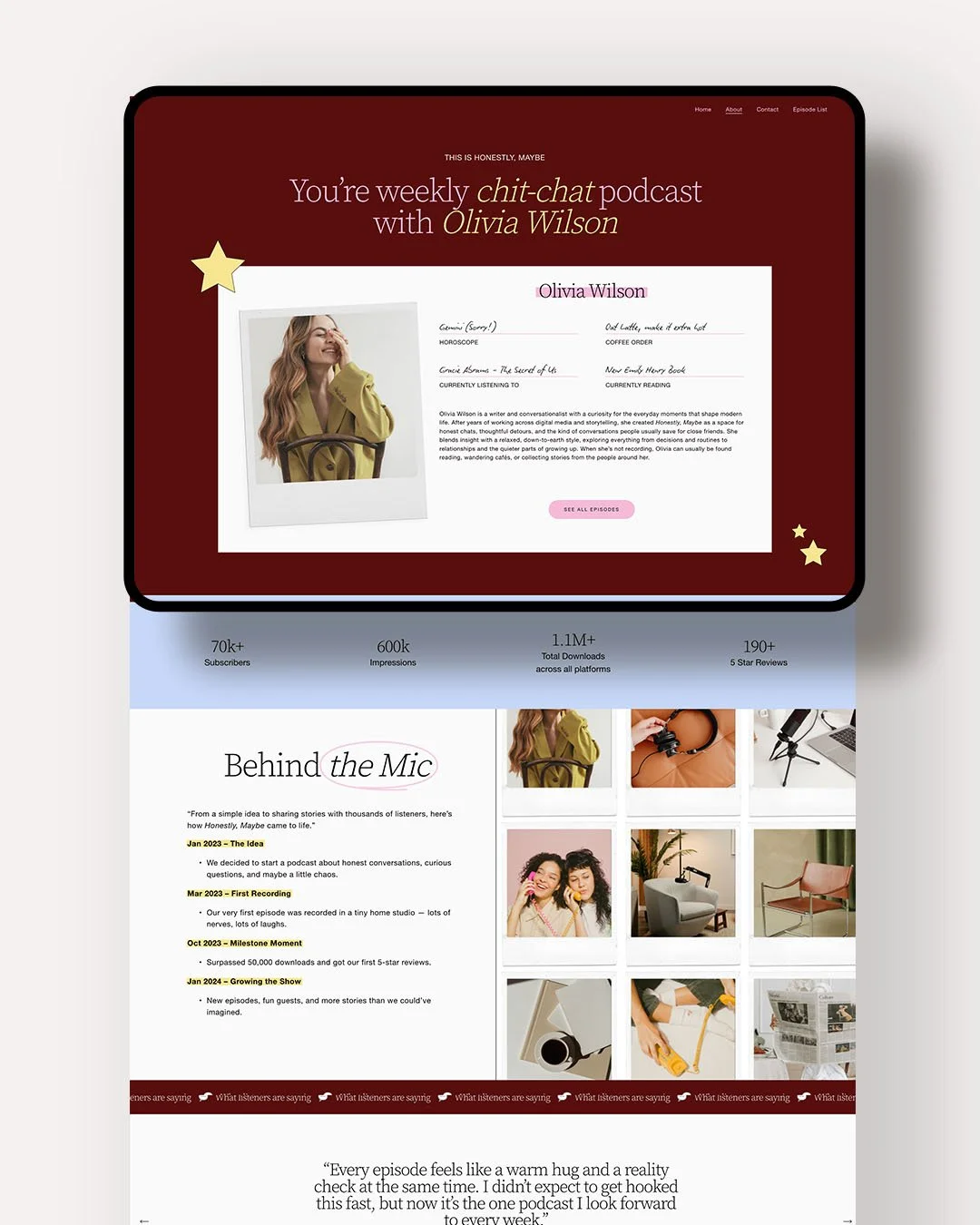
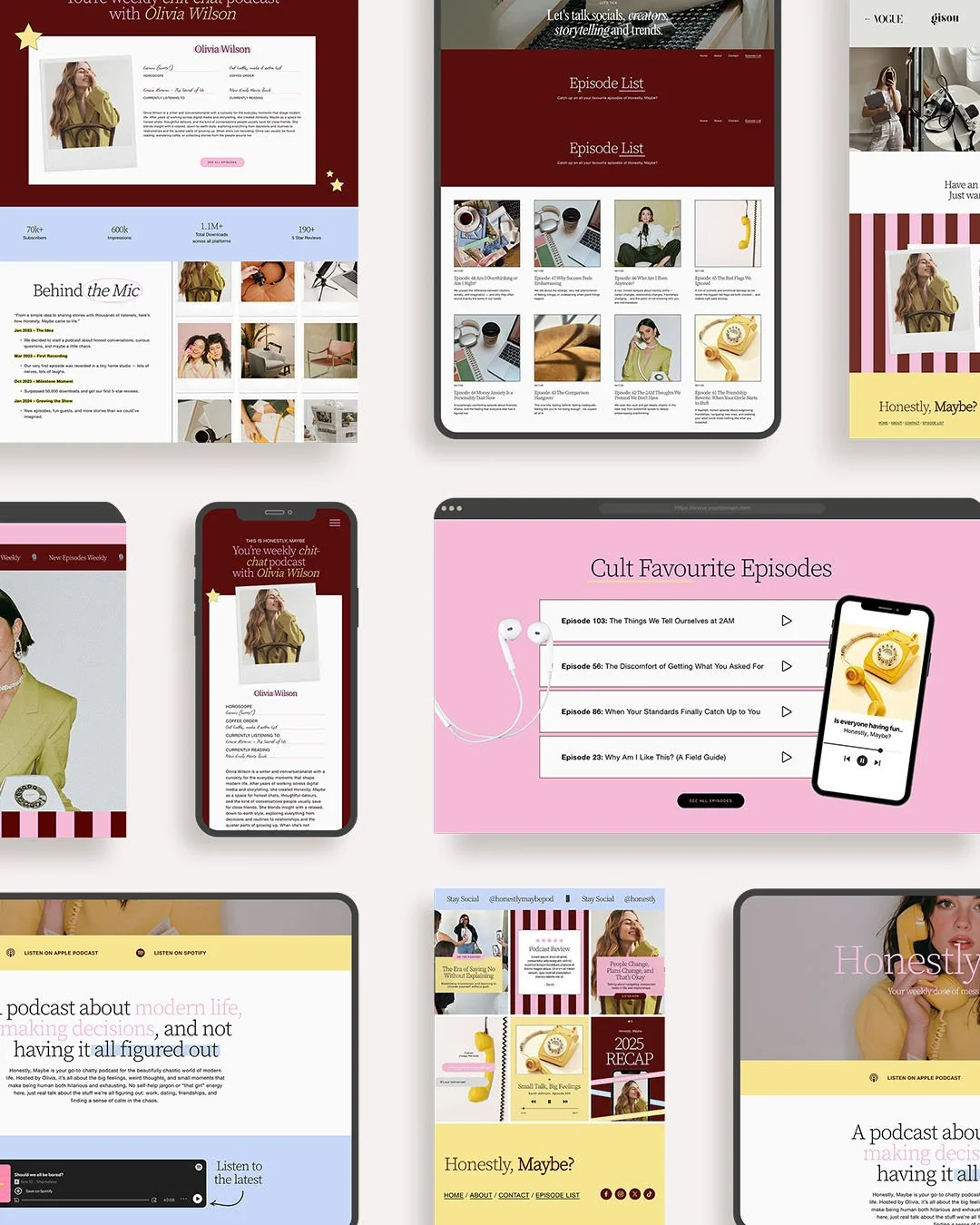
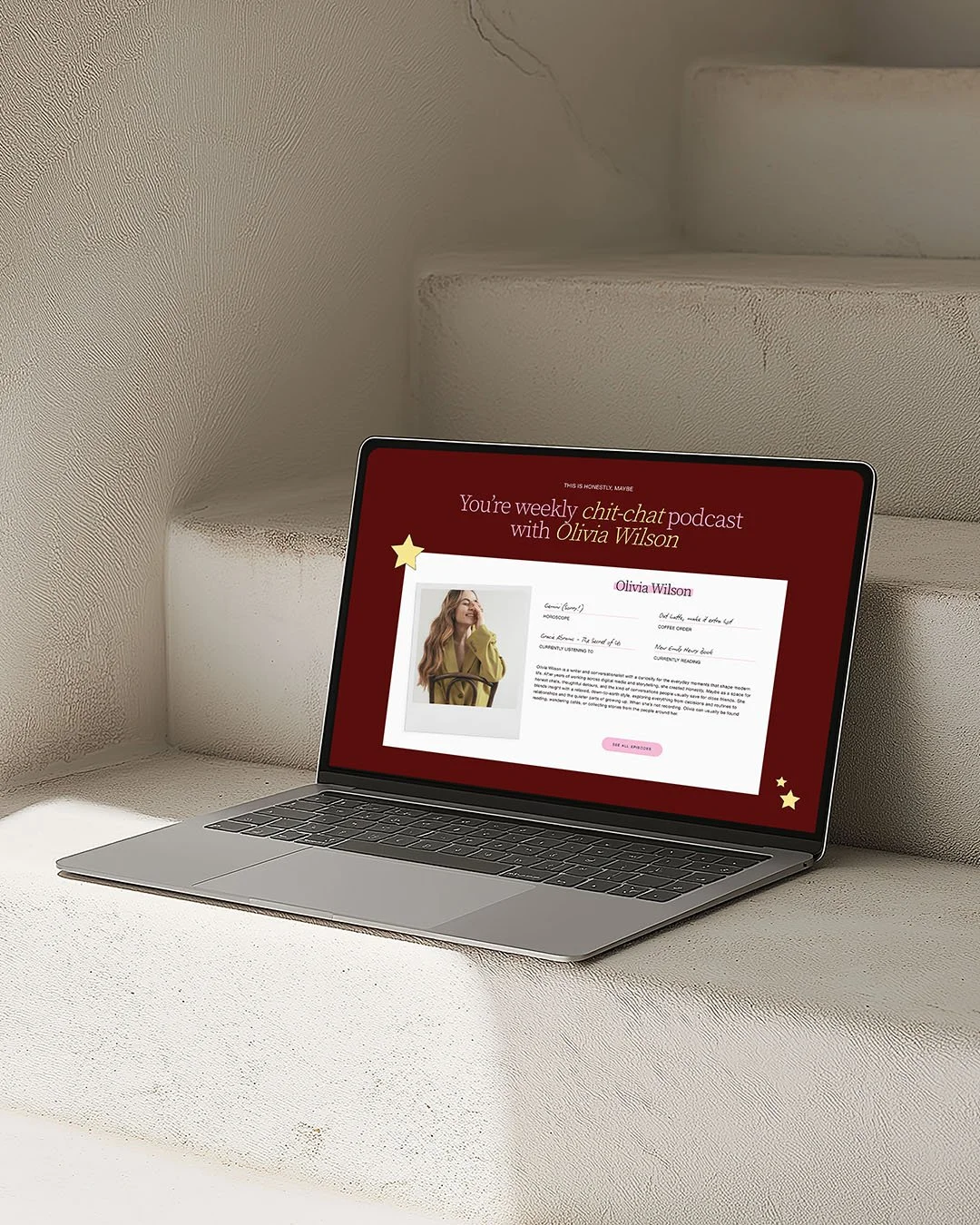
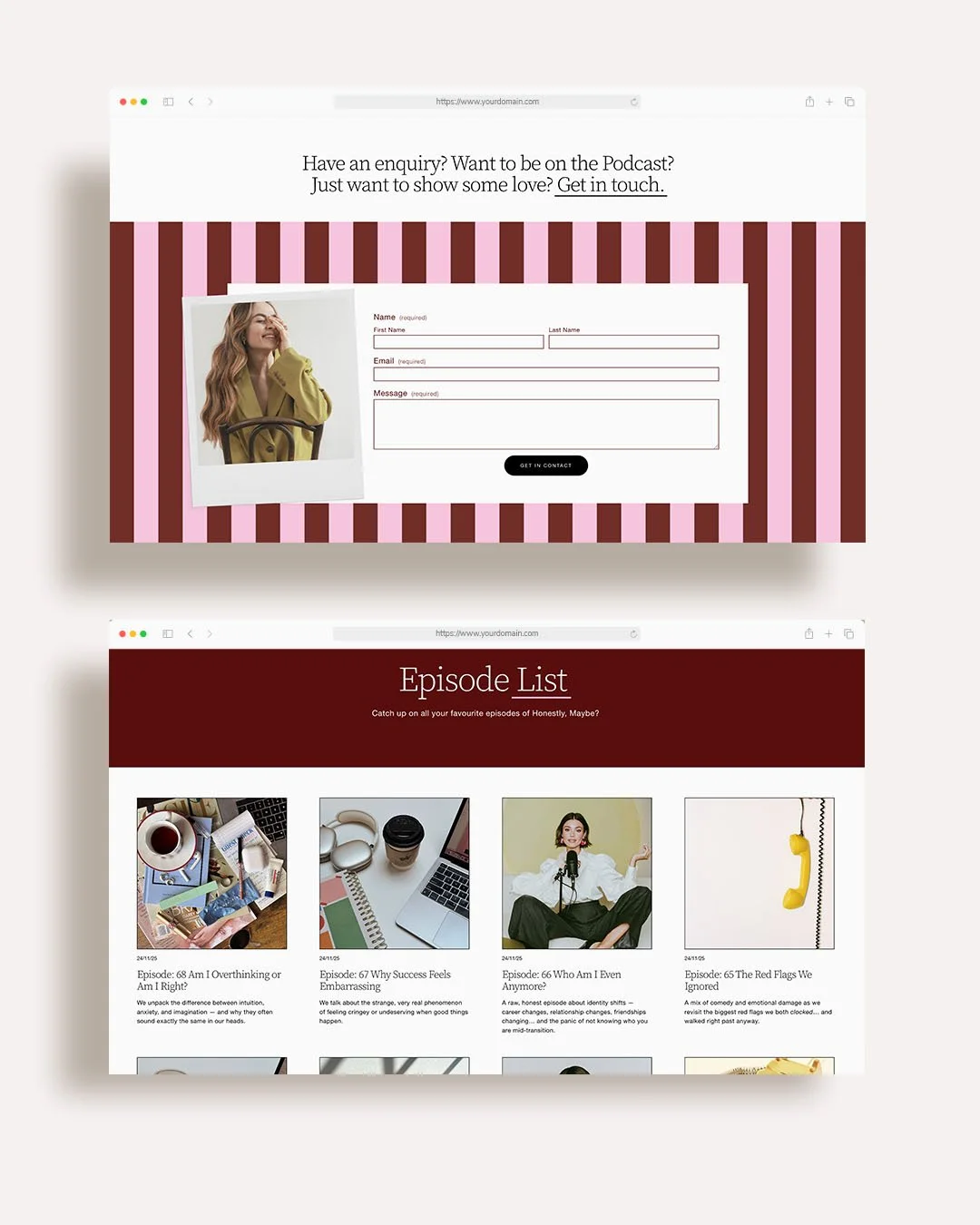
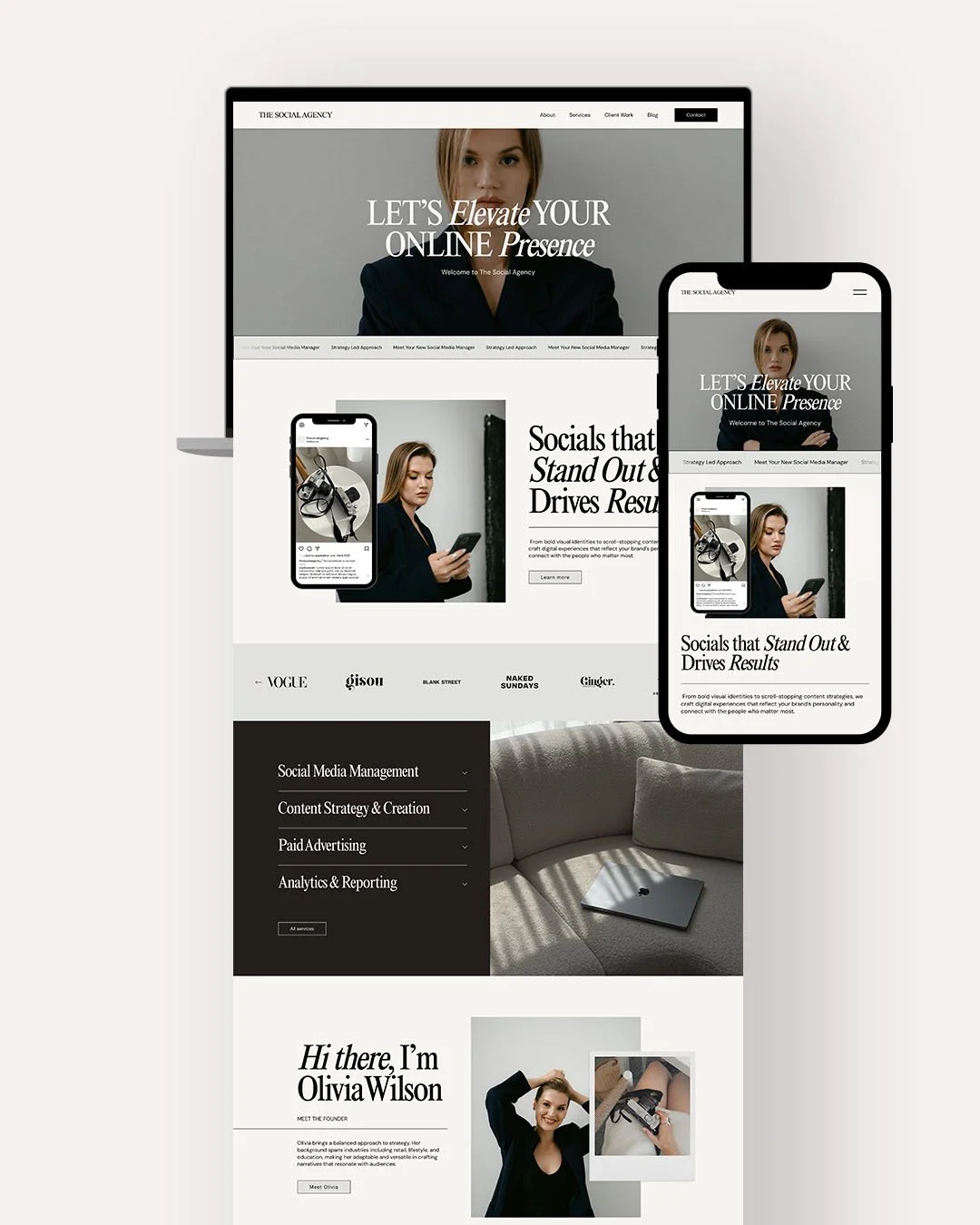
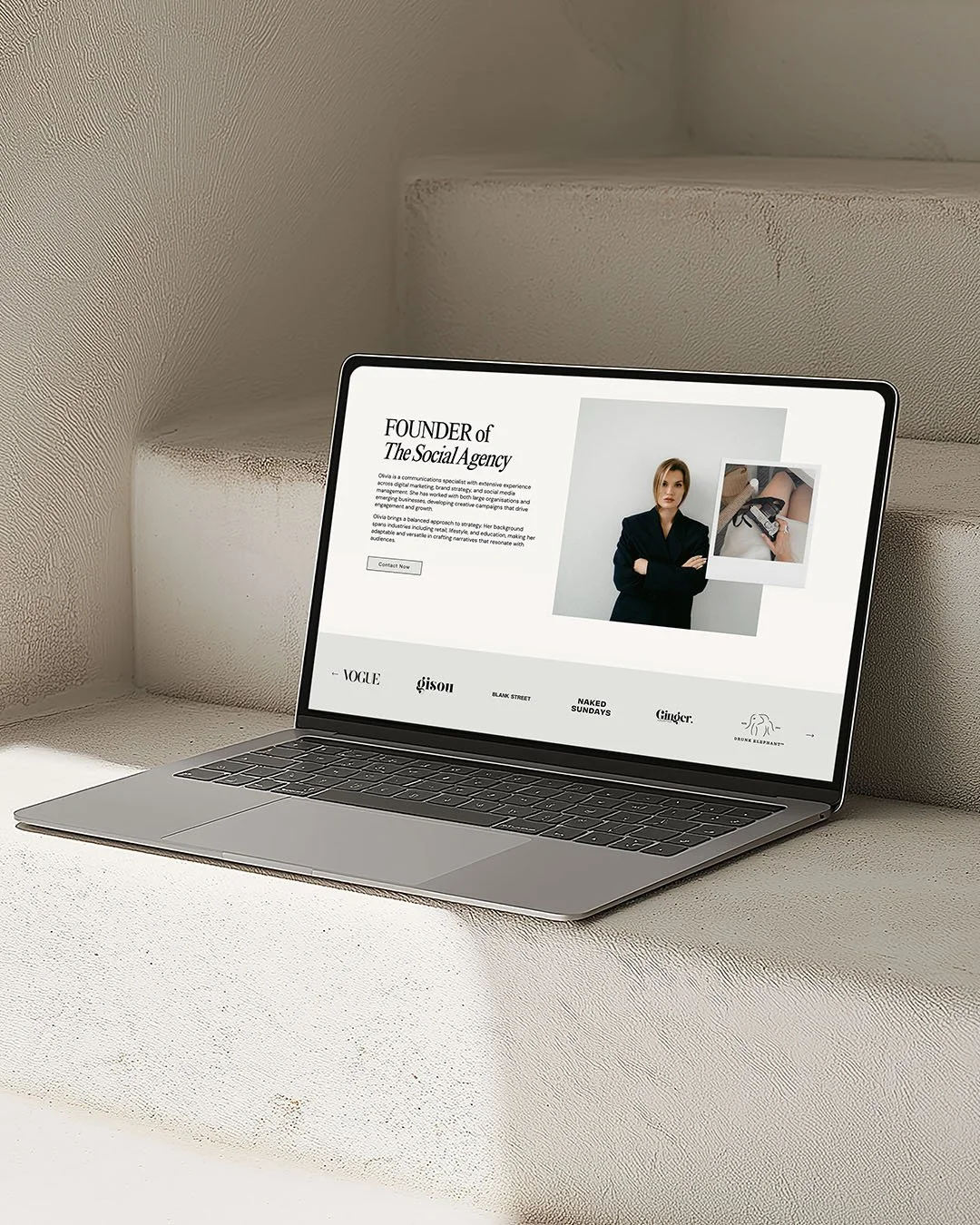
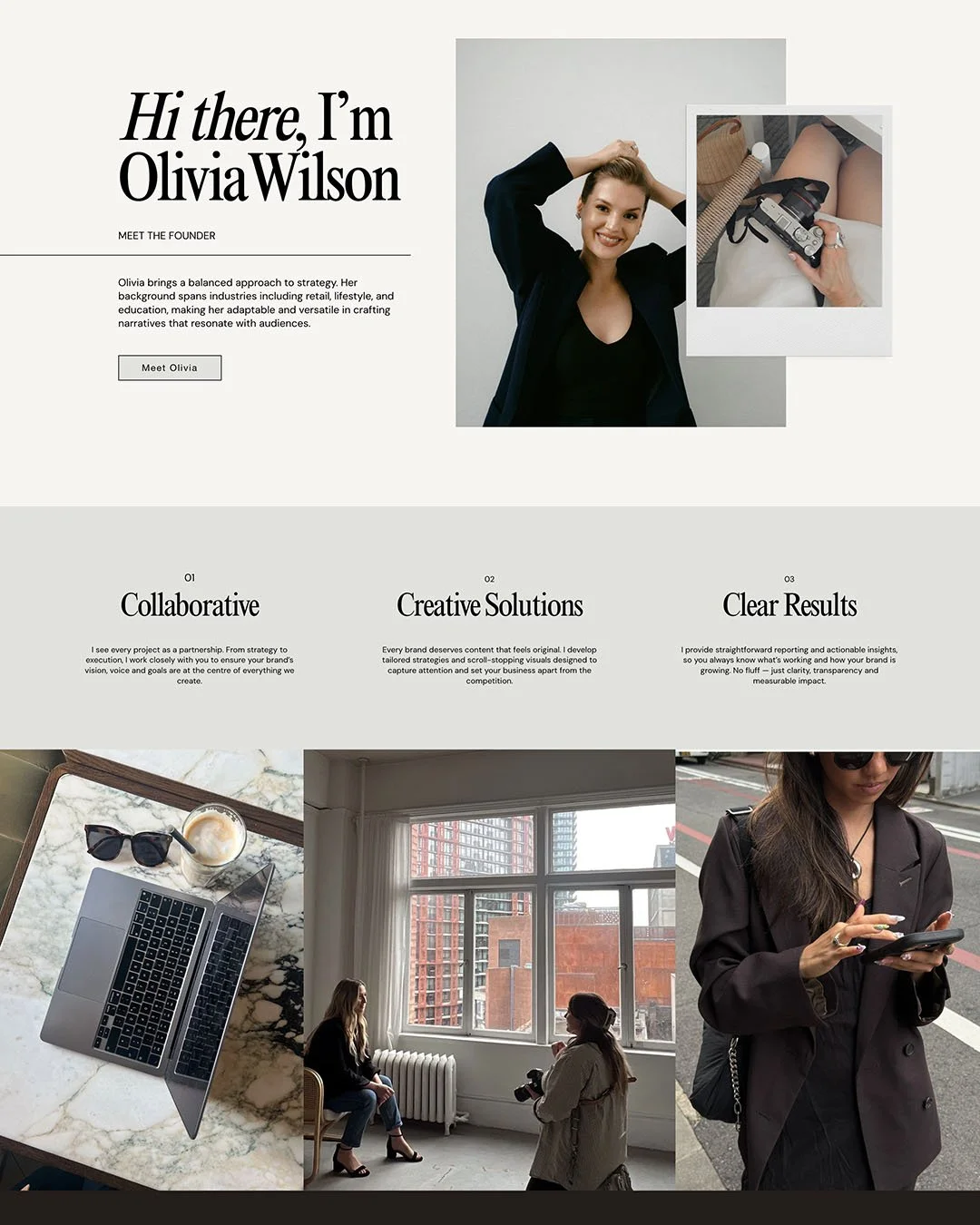
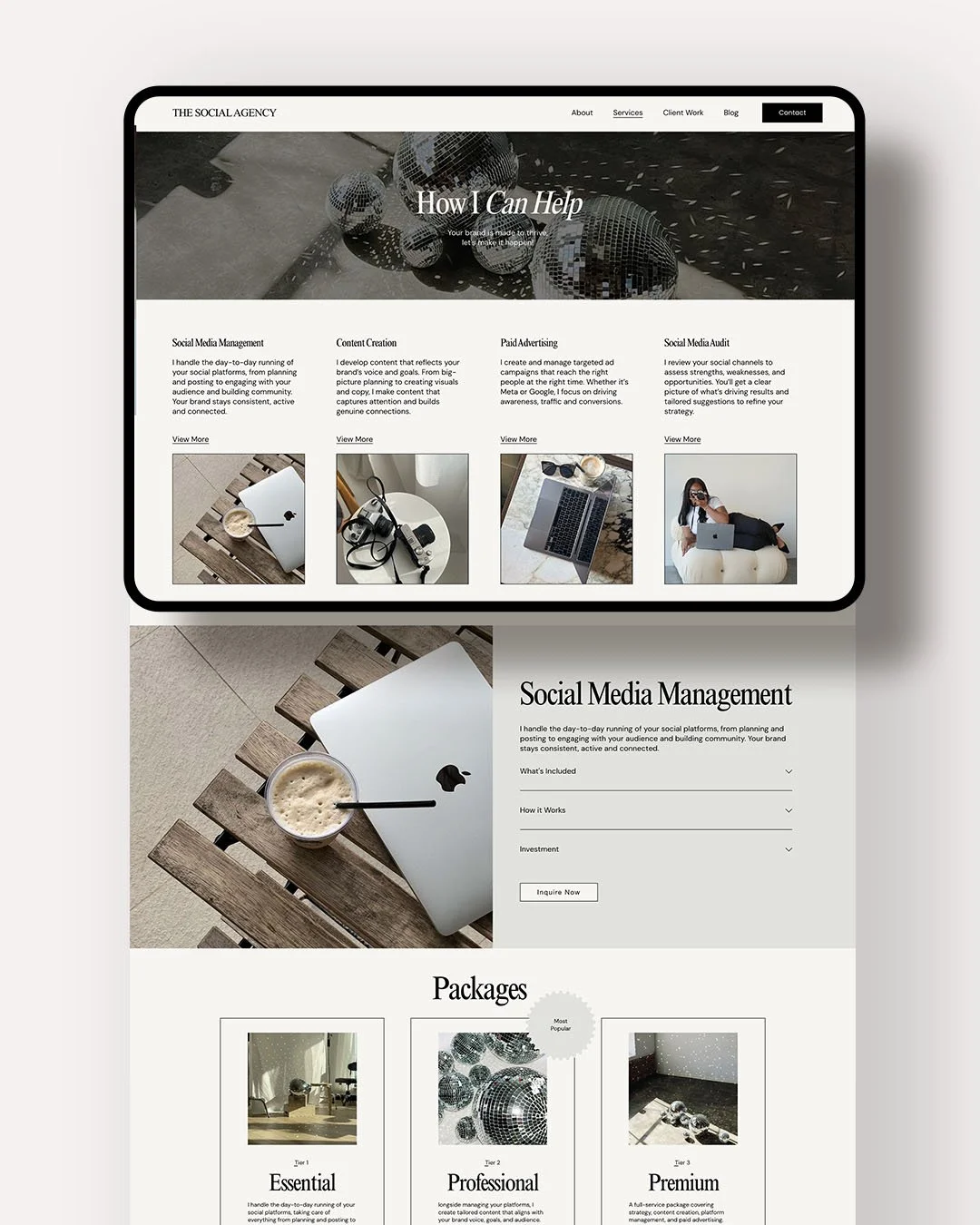
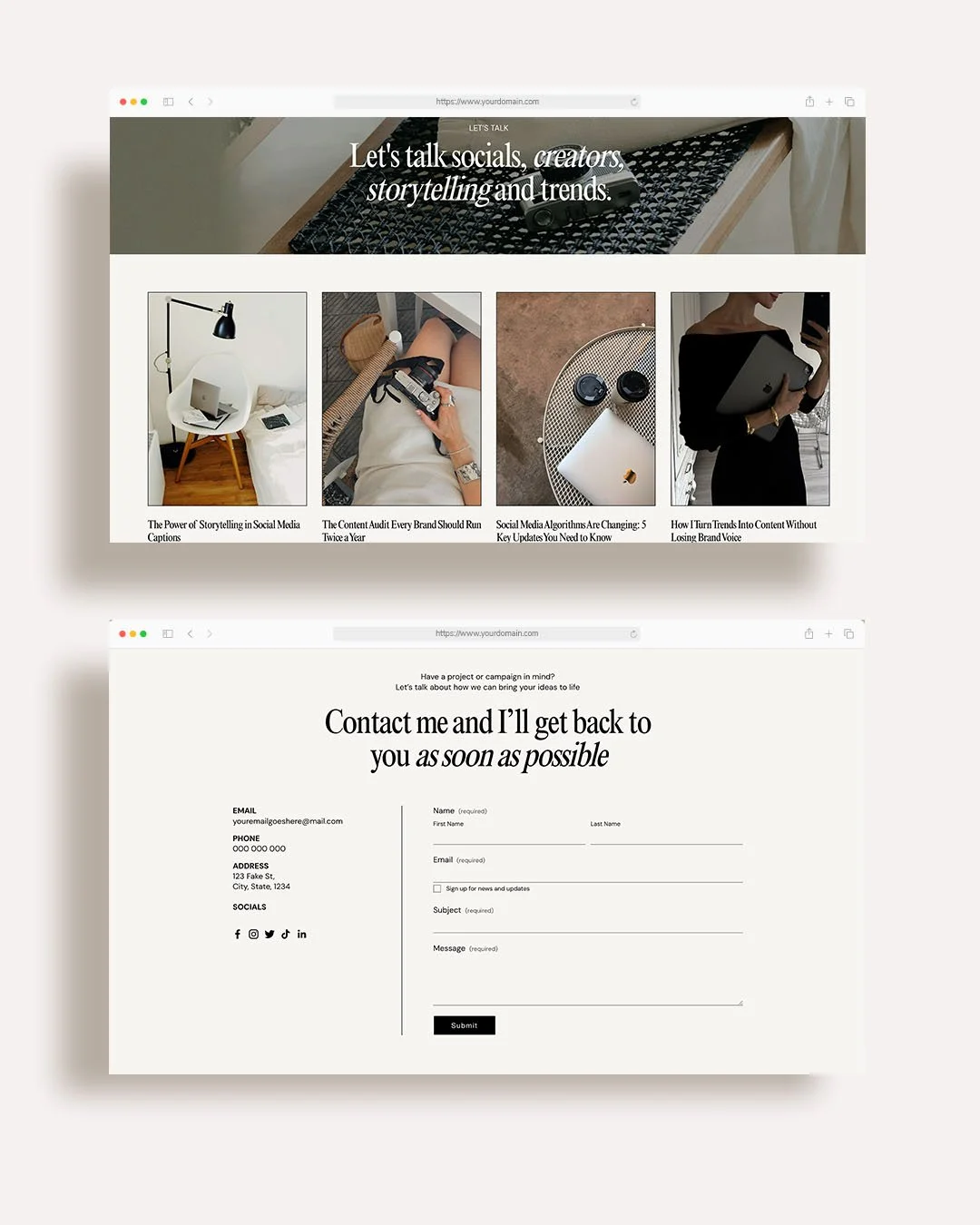
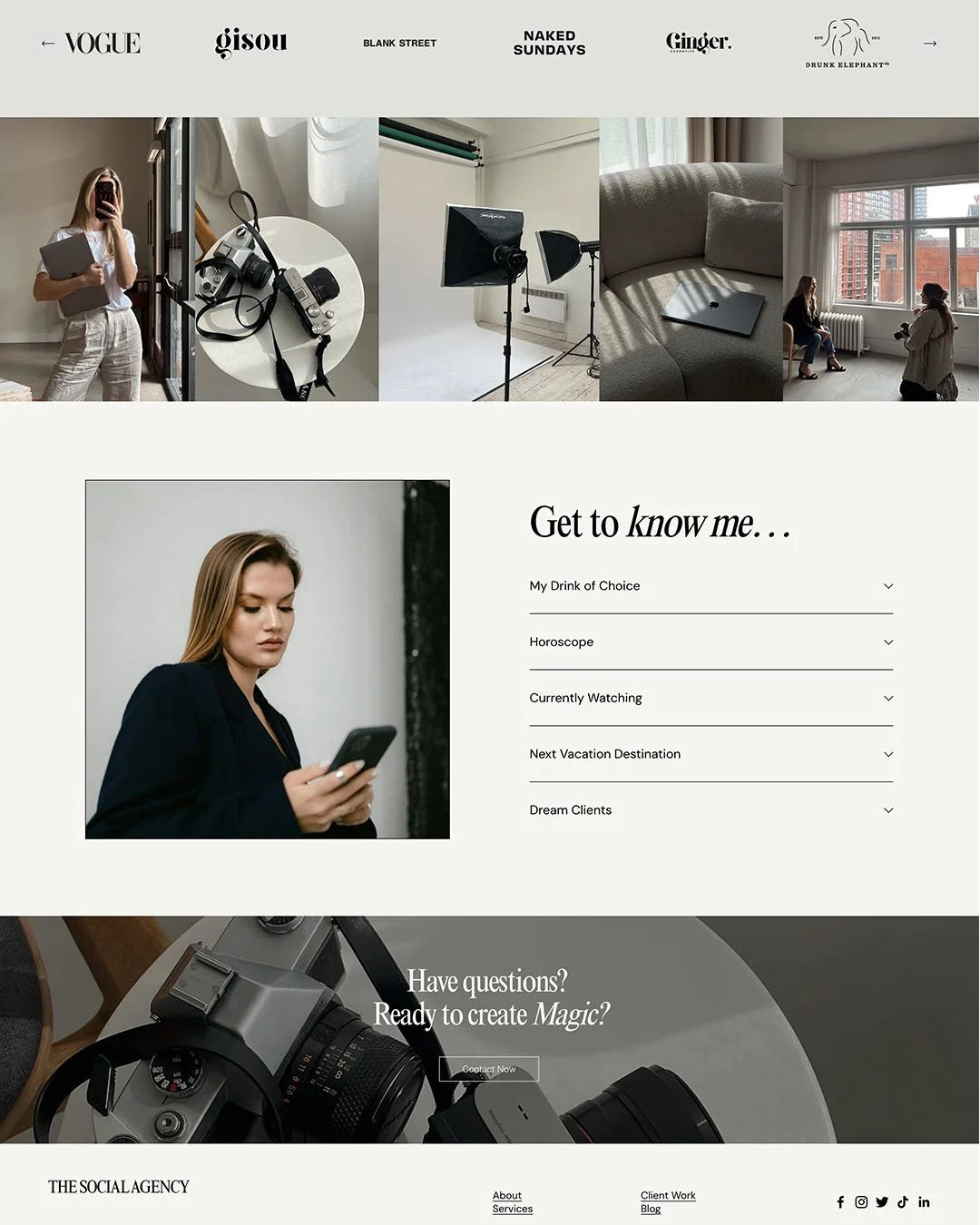
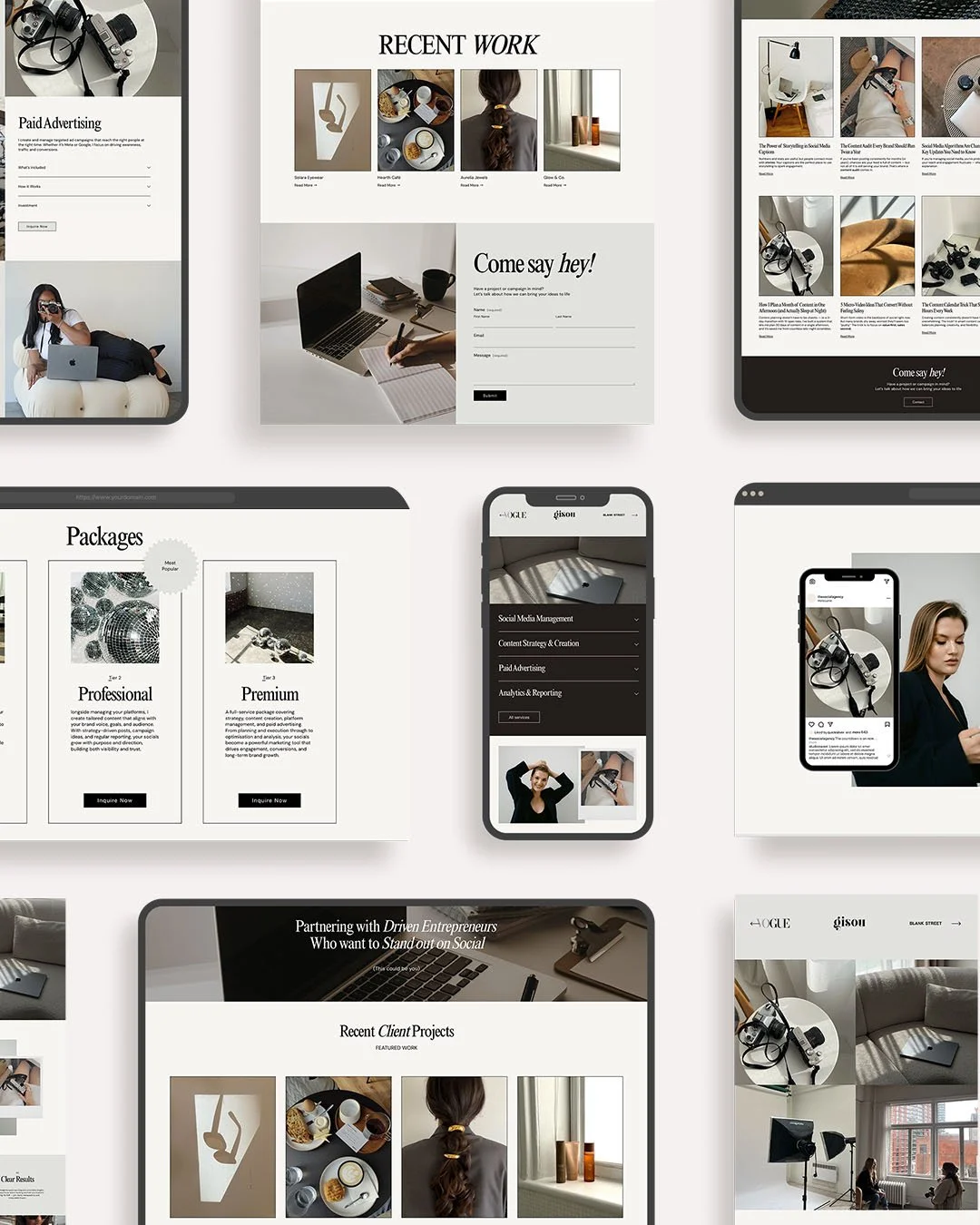
 Image 1 of 9
 Image 2 of 9
 Image 3 of 9
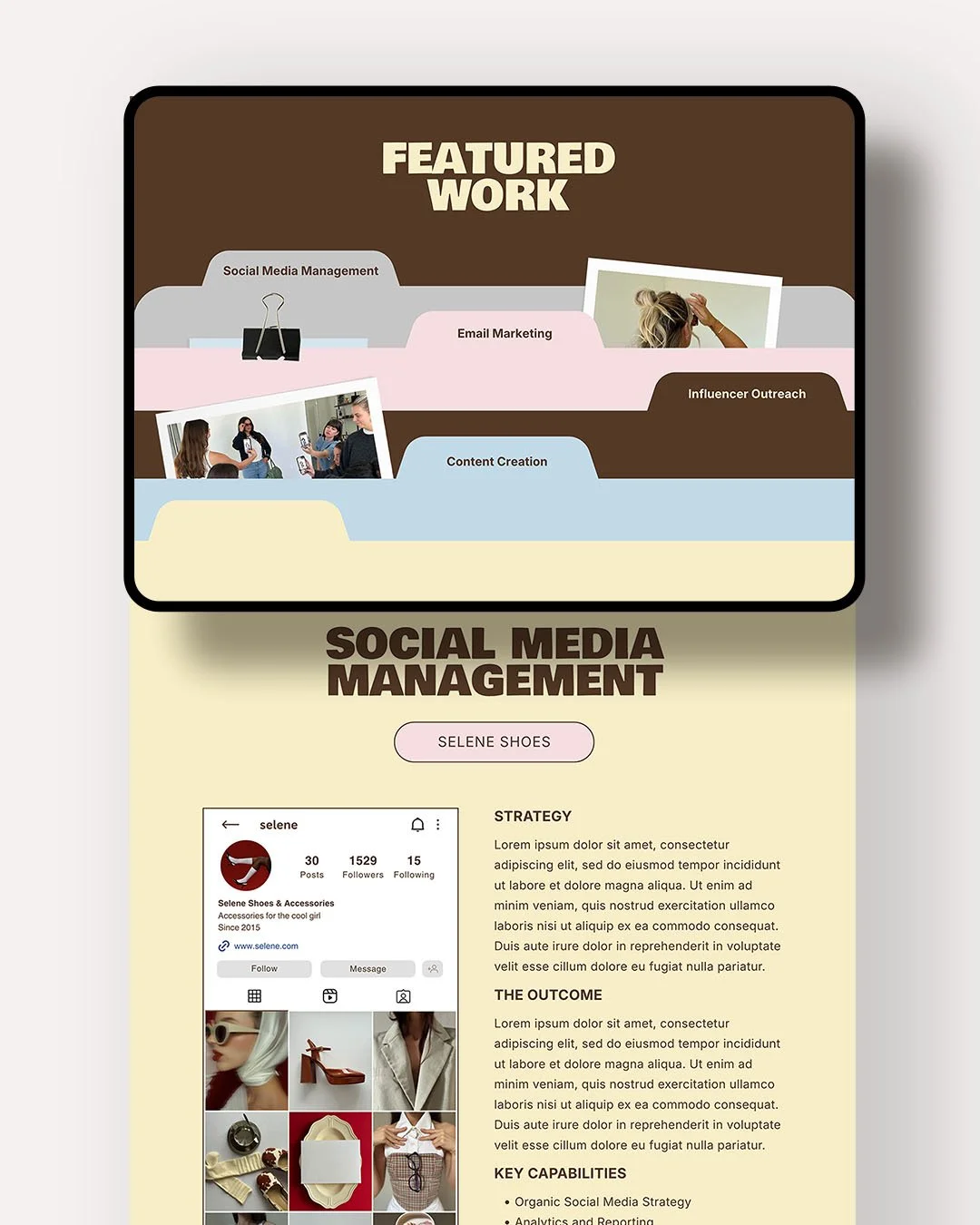 Image 4 of 9
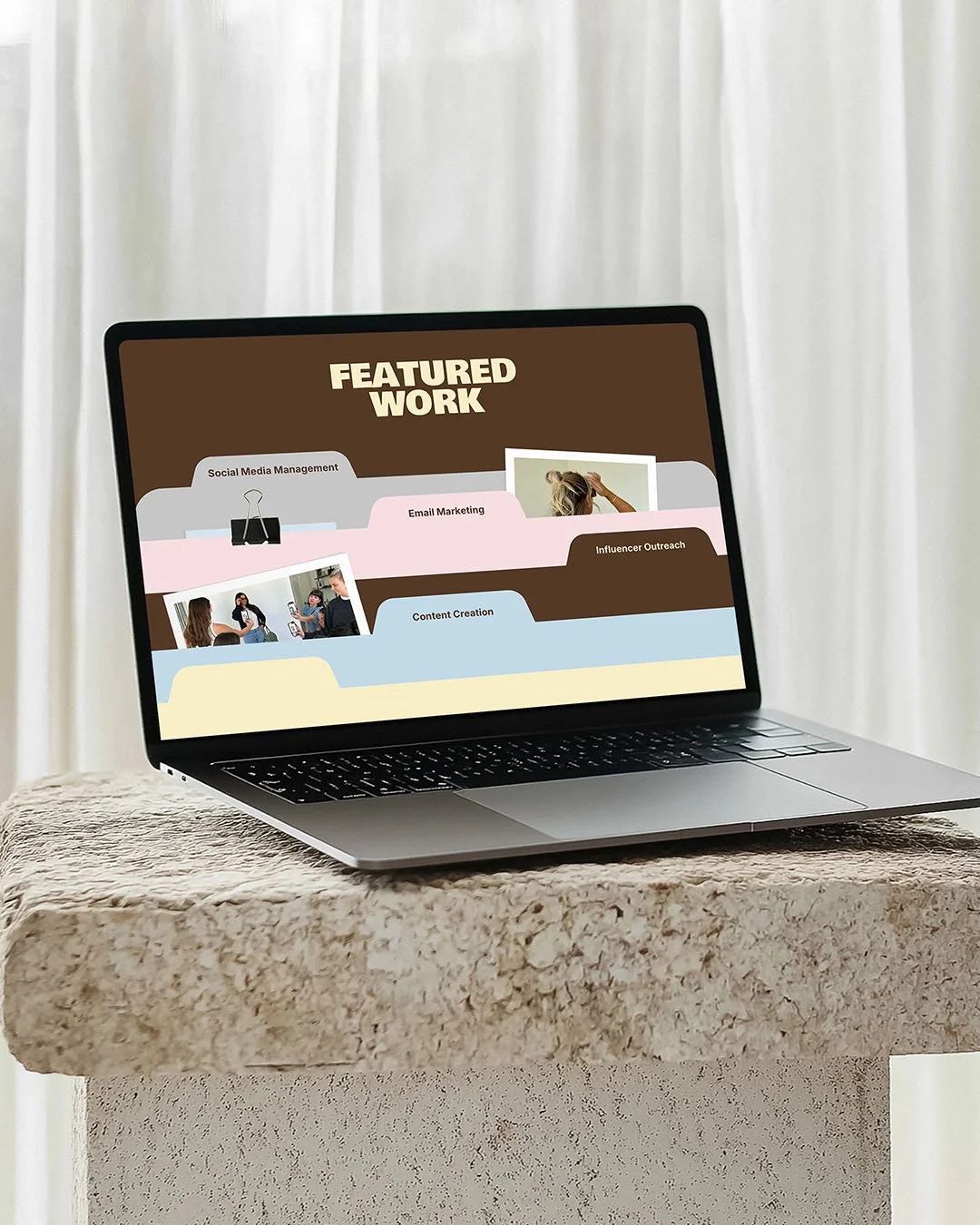 Image 5 of 9
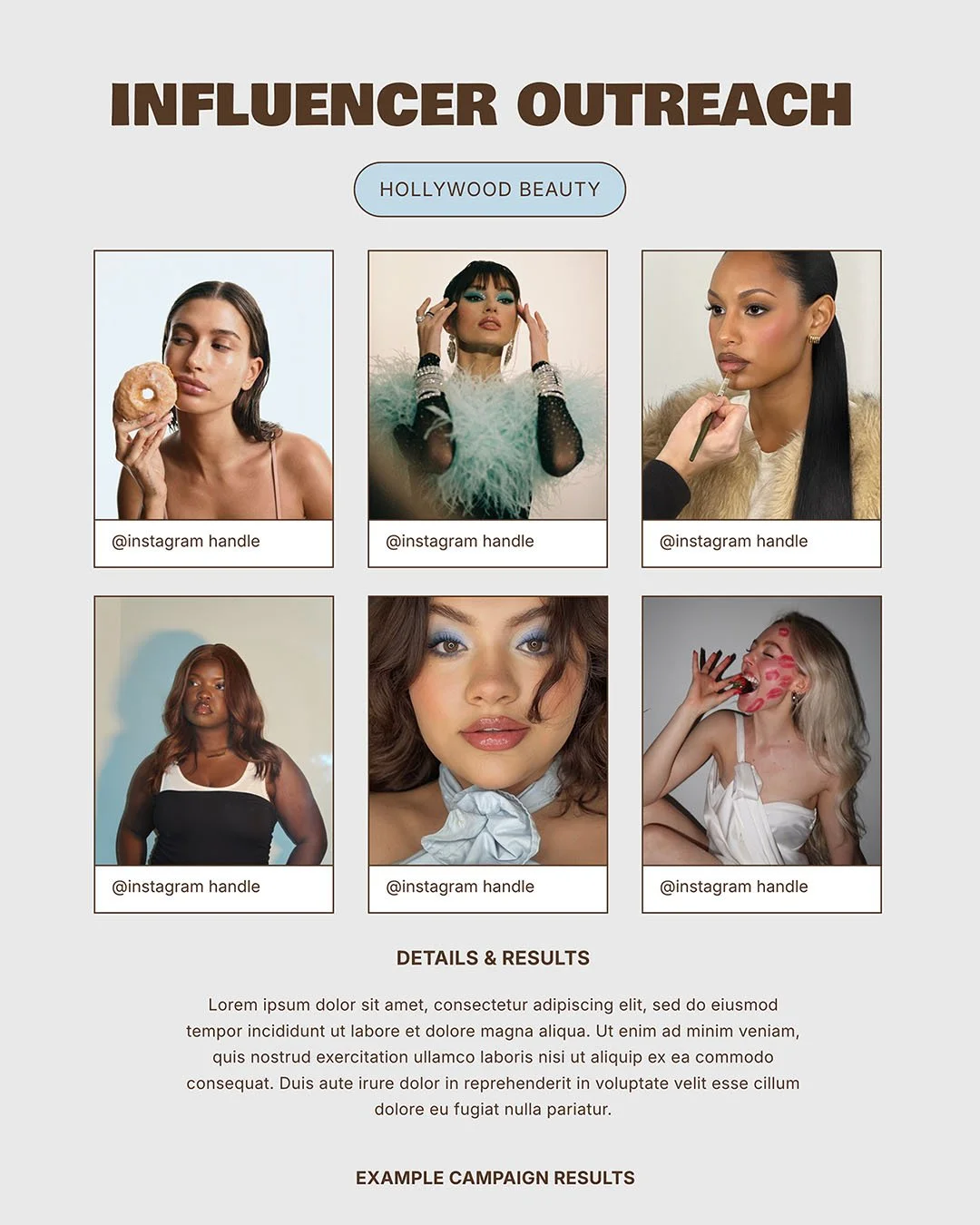 Image 6 of 9
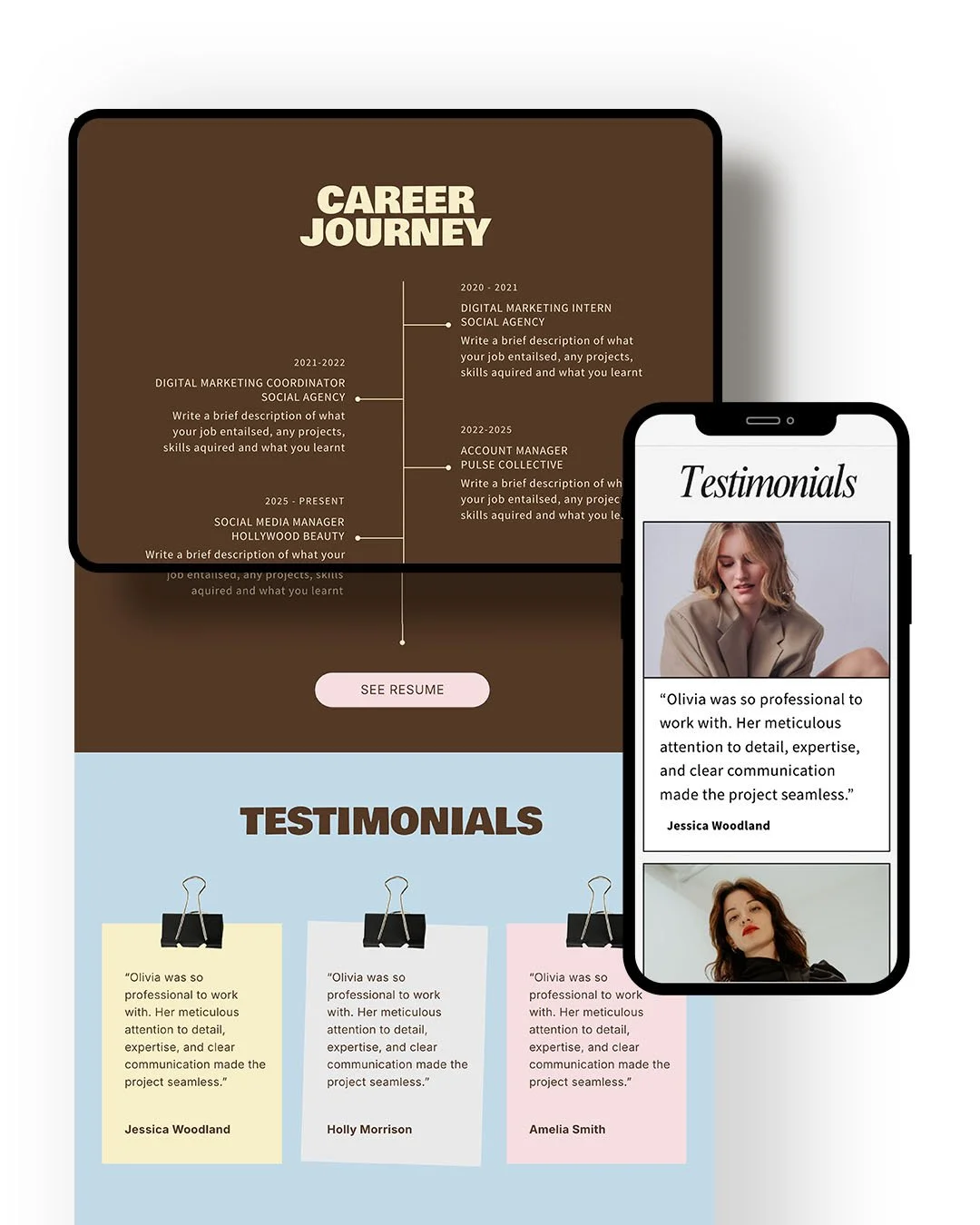 Image 7 of 9
 Image 8 of 9
 Image 9 of 9
-
→ PDF file with a link to the template
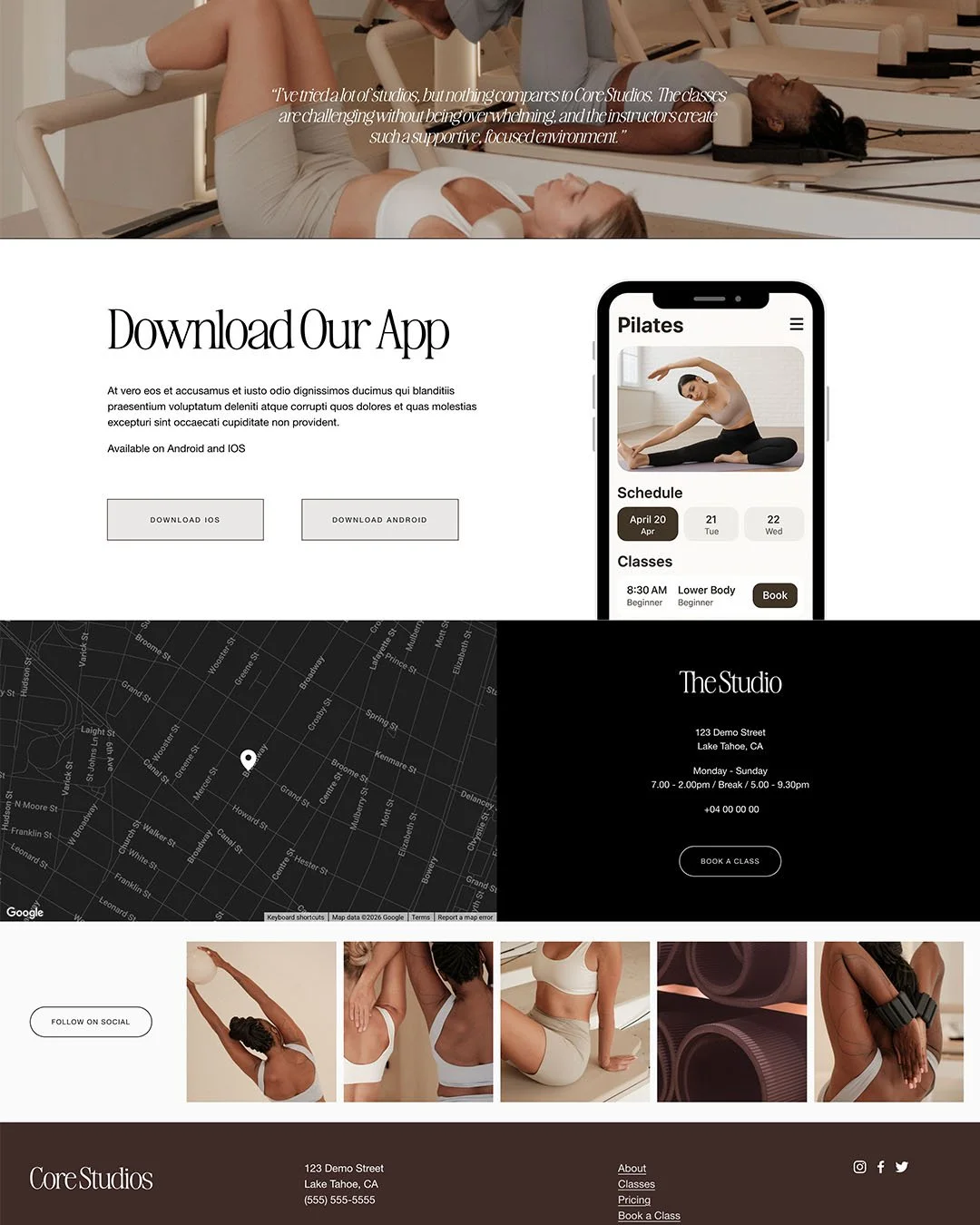
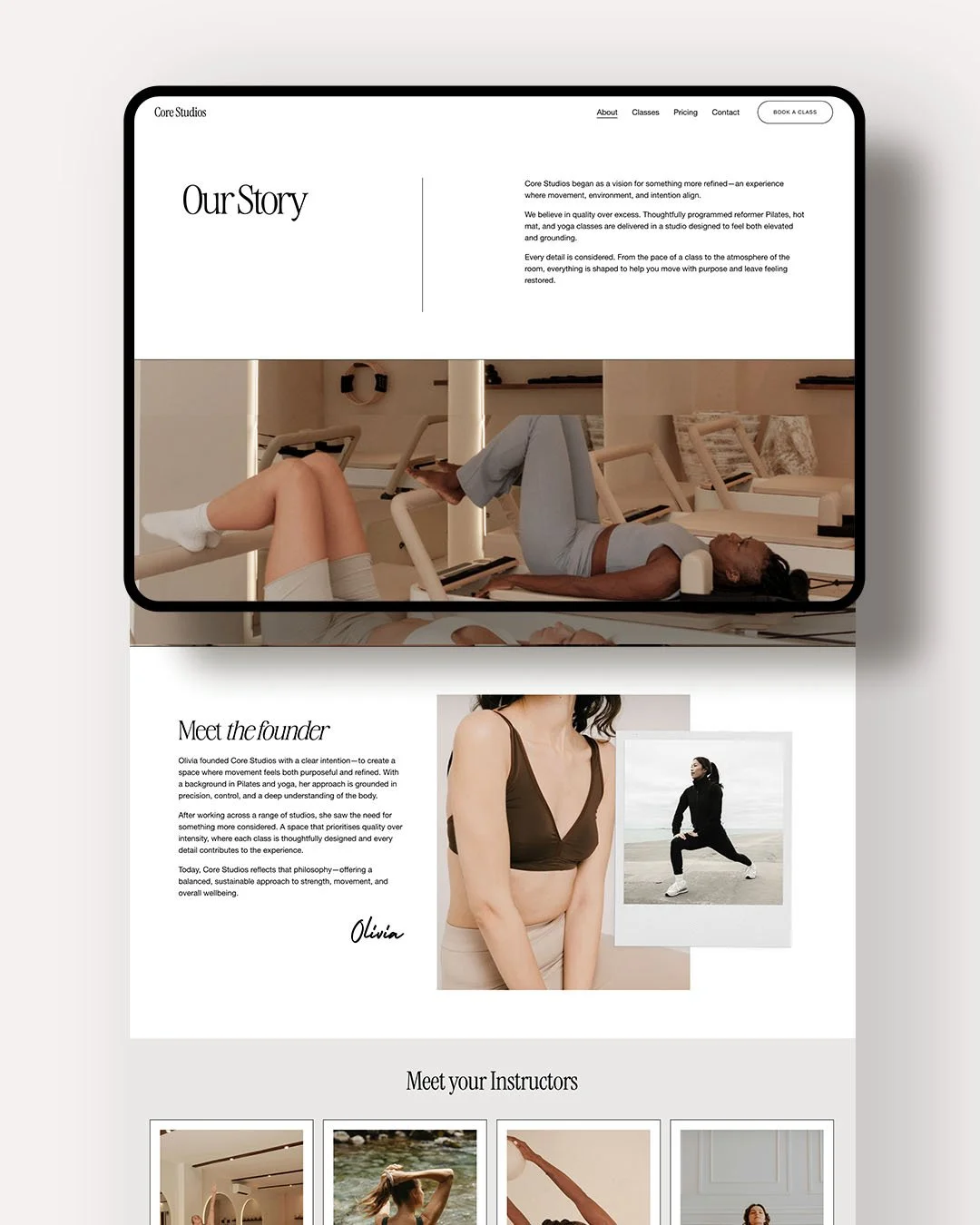
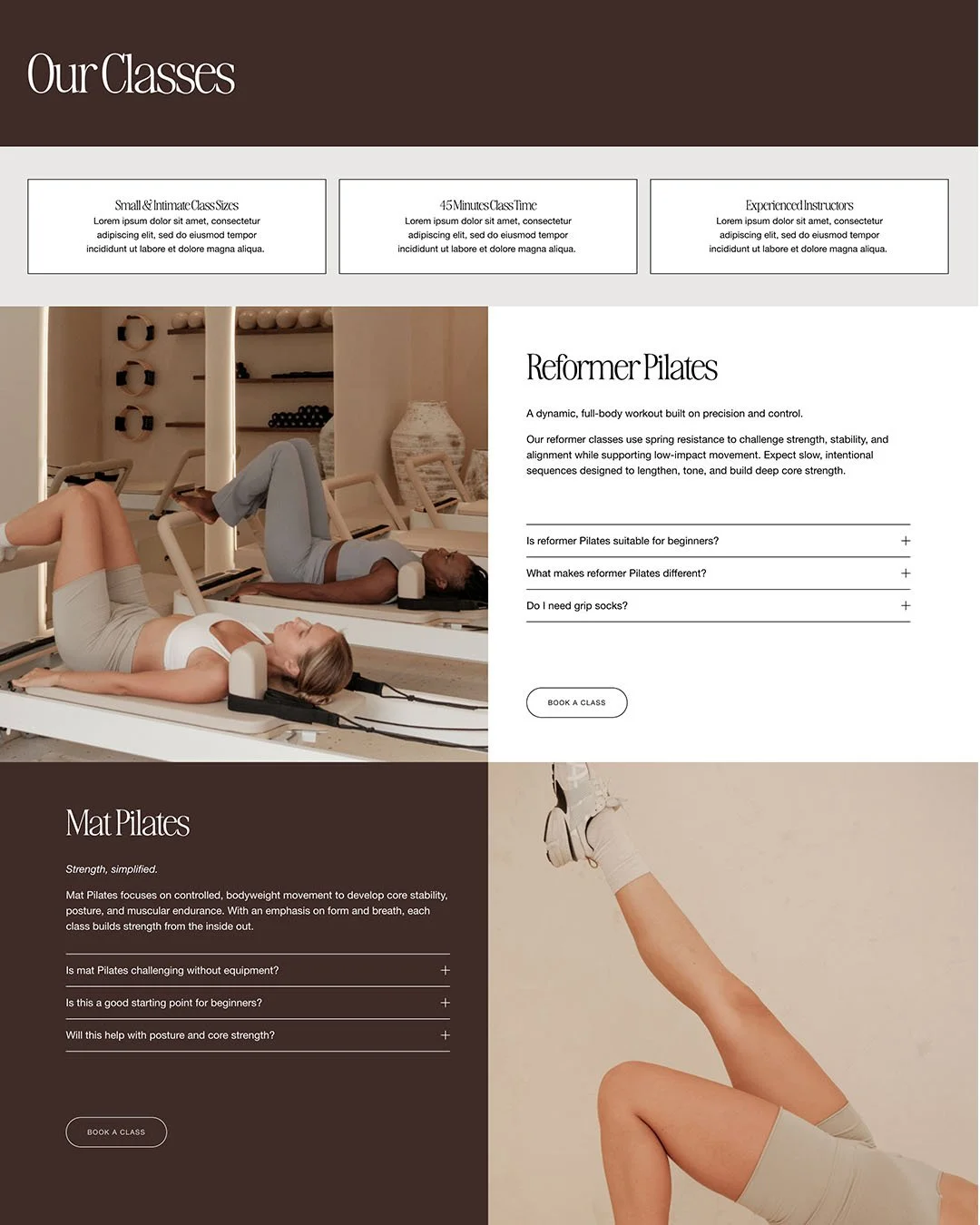
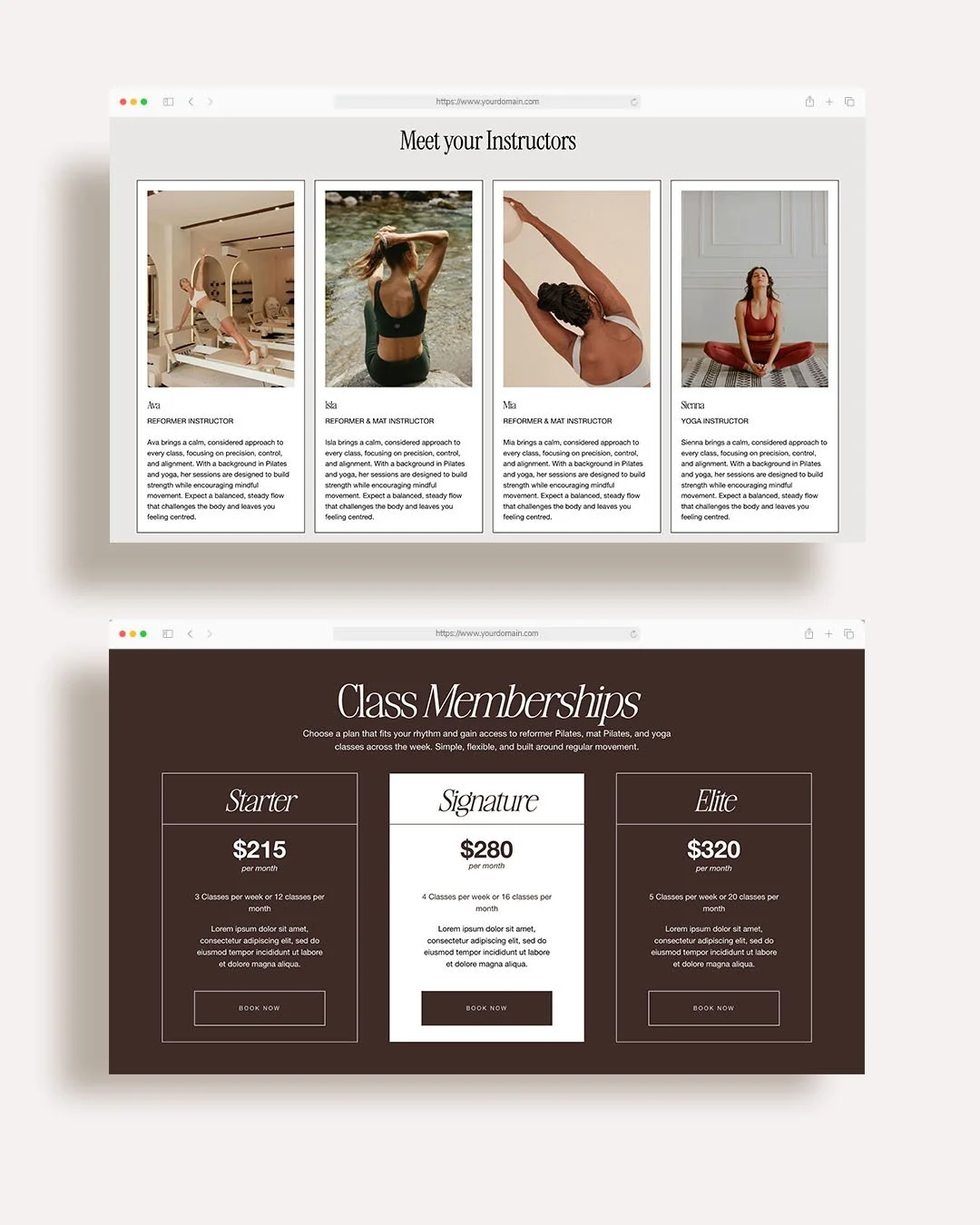
→ Social Media IconsThe photos used in the template are placeholder images only, you will need to add your own content.
-
→ Purchase the listing where you will be prompted to download the PDF
→ Follow the link in the PDF to the template
→ Edit the template in Canva and publish as a Canva website. -
This template includes a one-time use licence, meaning it can be used for one personal or commercial project only.
The template and code can not be copied, shared, redistributed, or reused to create additional Squarespace websites. -
Do I need experience with Canva to use this template?
While basic Canva knowledge is helpful for swapping images, text, and pages, Canva has a simple, intuitive drag-and-drop editor that’s beginner-friendly.
If you have any questions, you can email me to see if I can help.Do I need Canva Pro?
No! The template can be edited using a free Canva account. However, if you use any additional pro elements on a free account, you won’t be able to publish your website.Can I connect my own domain?
Yes, depending on your Canva plan. You can publish your website using a Canva URL or connect a custom domain where supported by Canva.