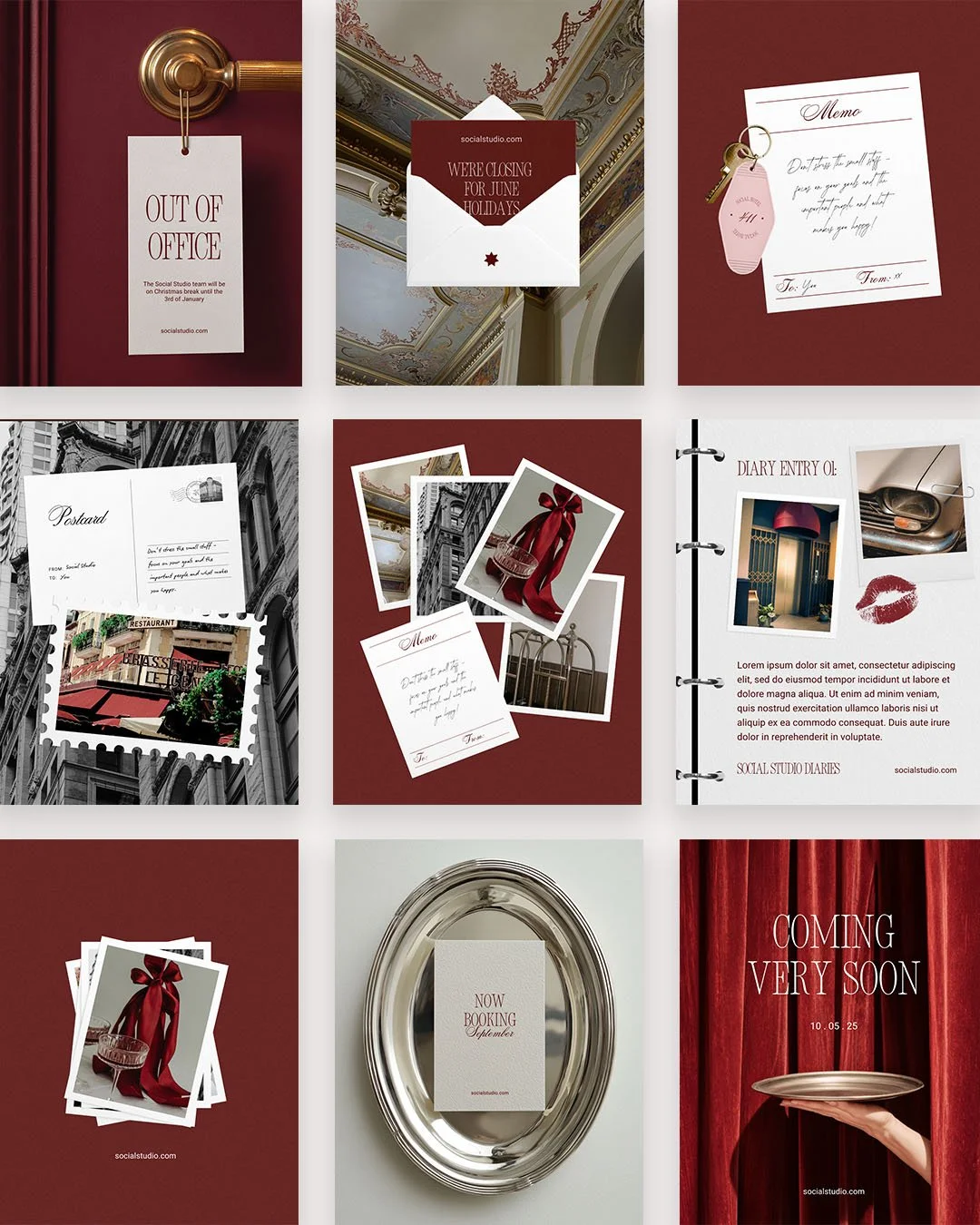
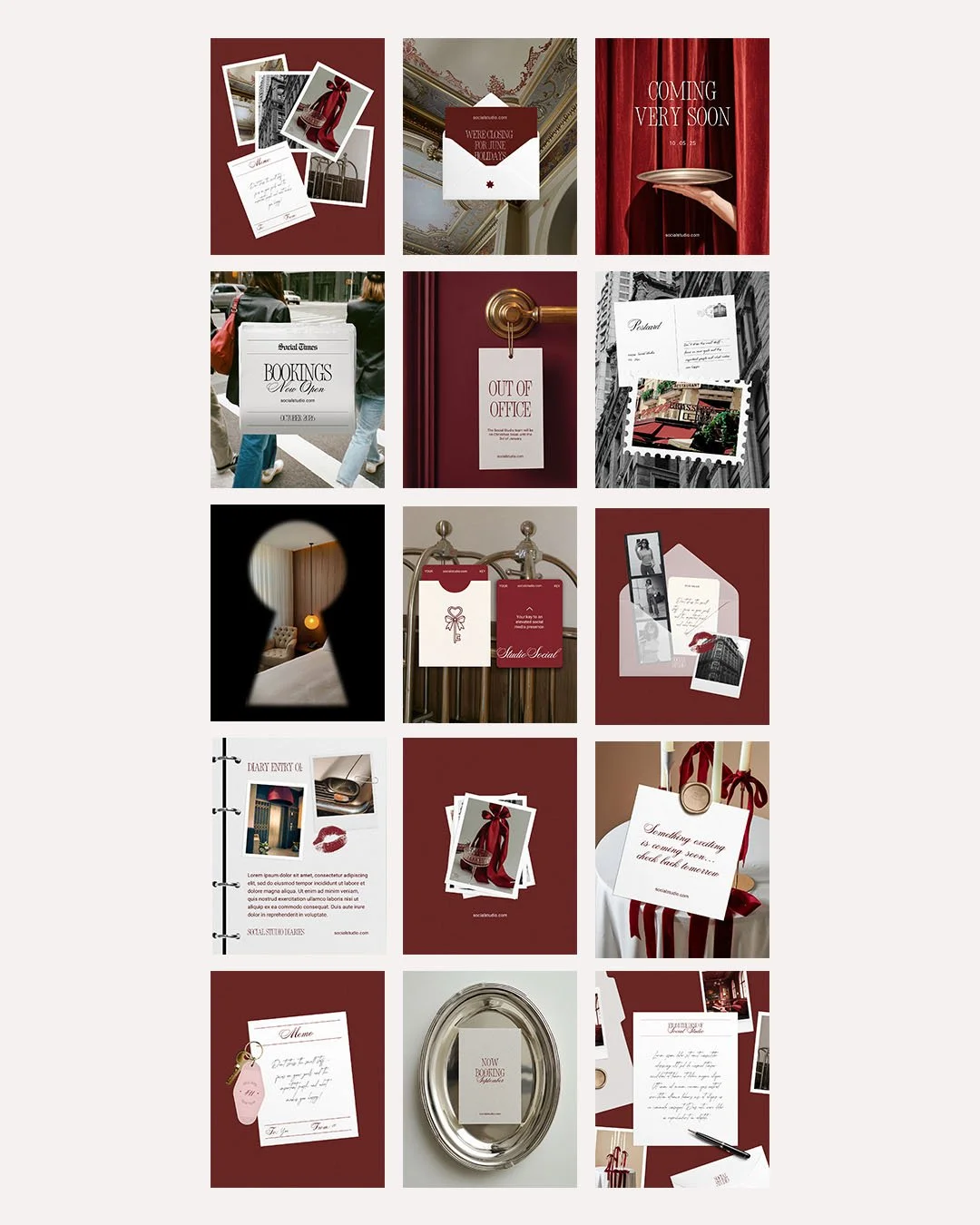
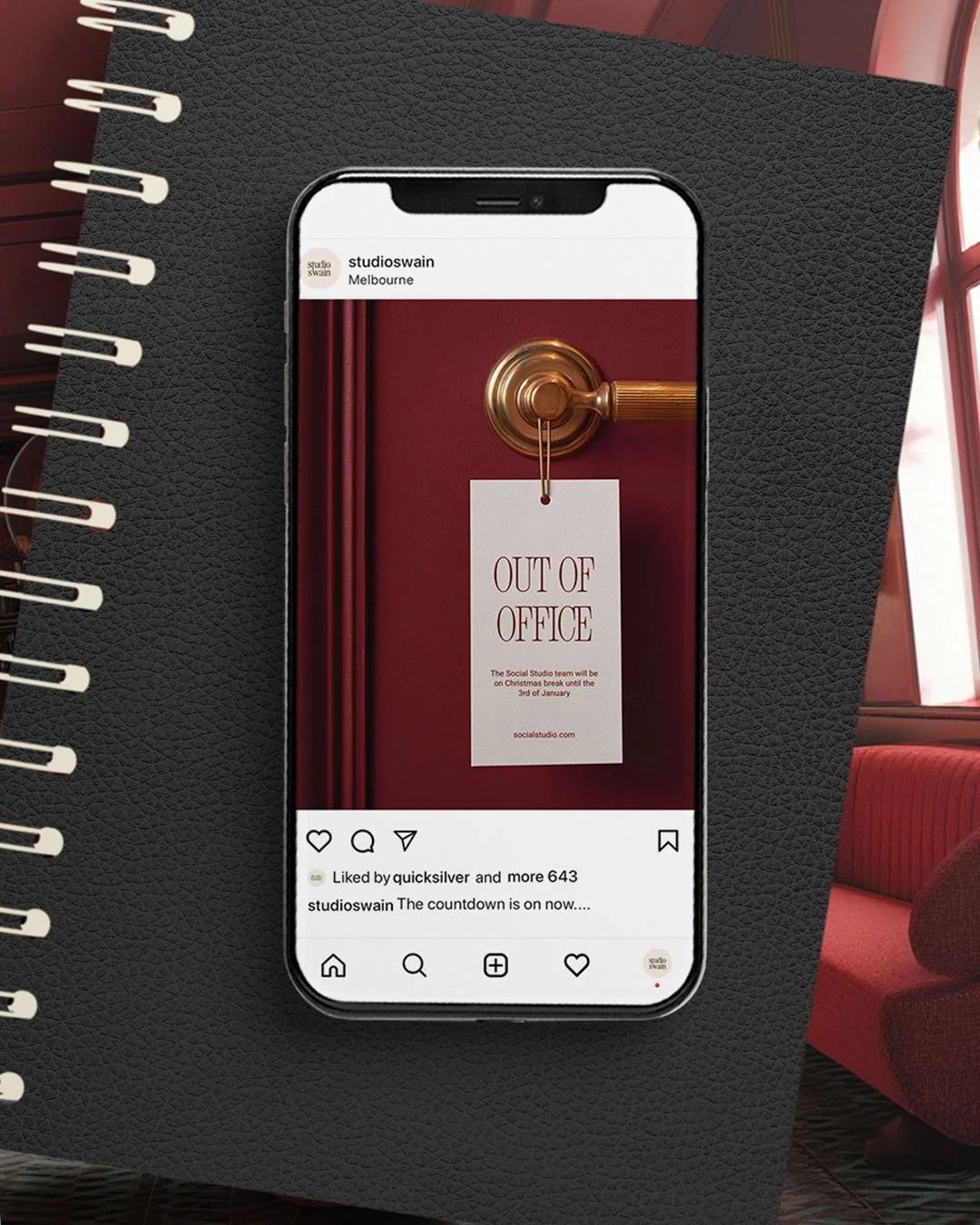
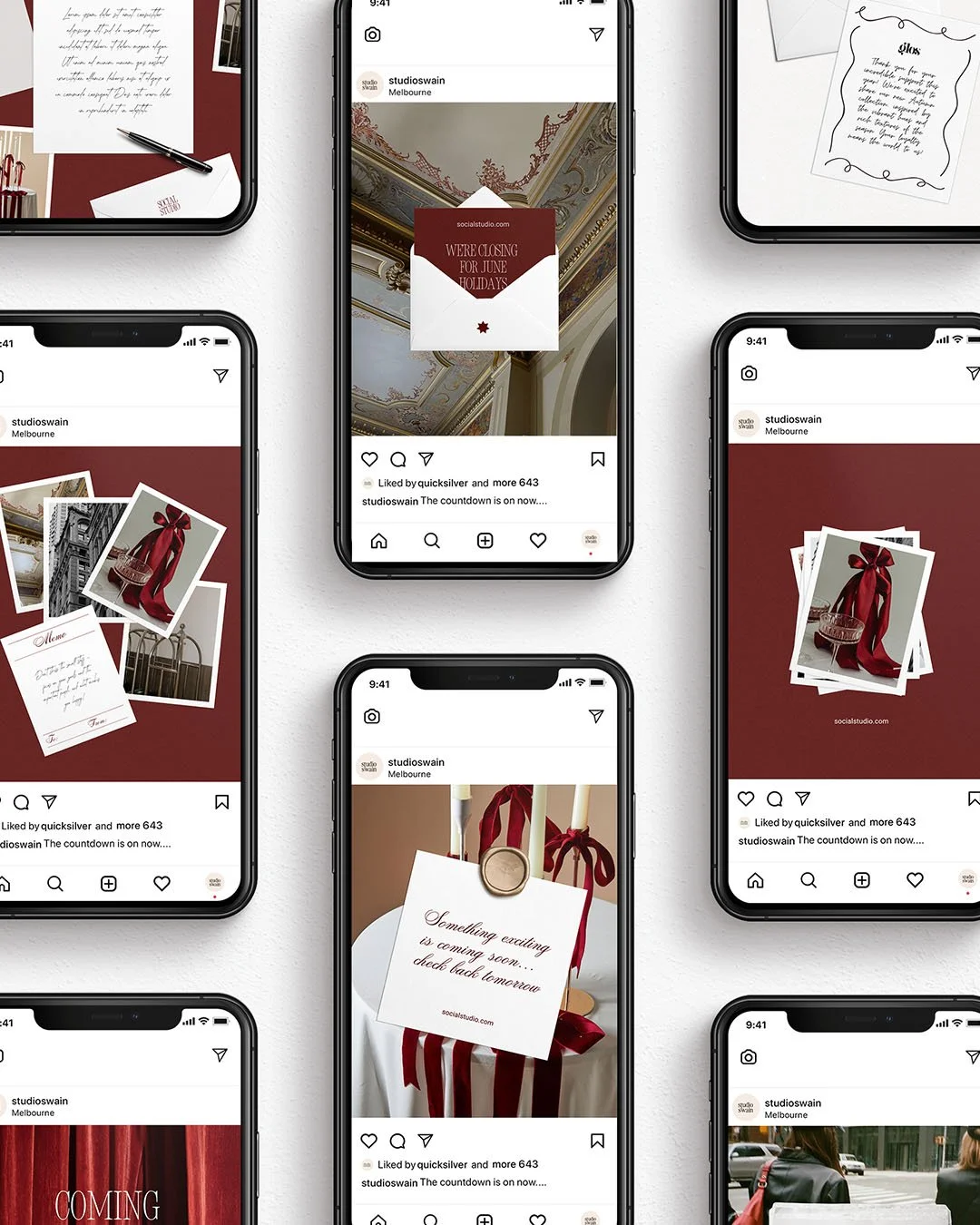
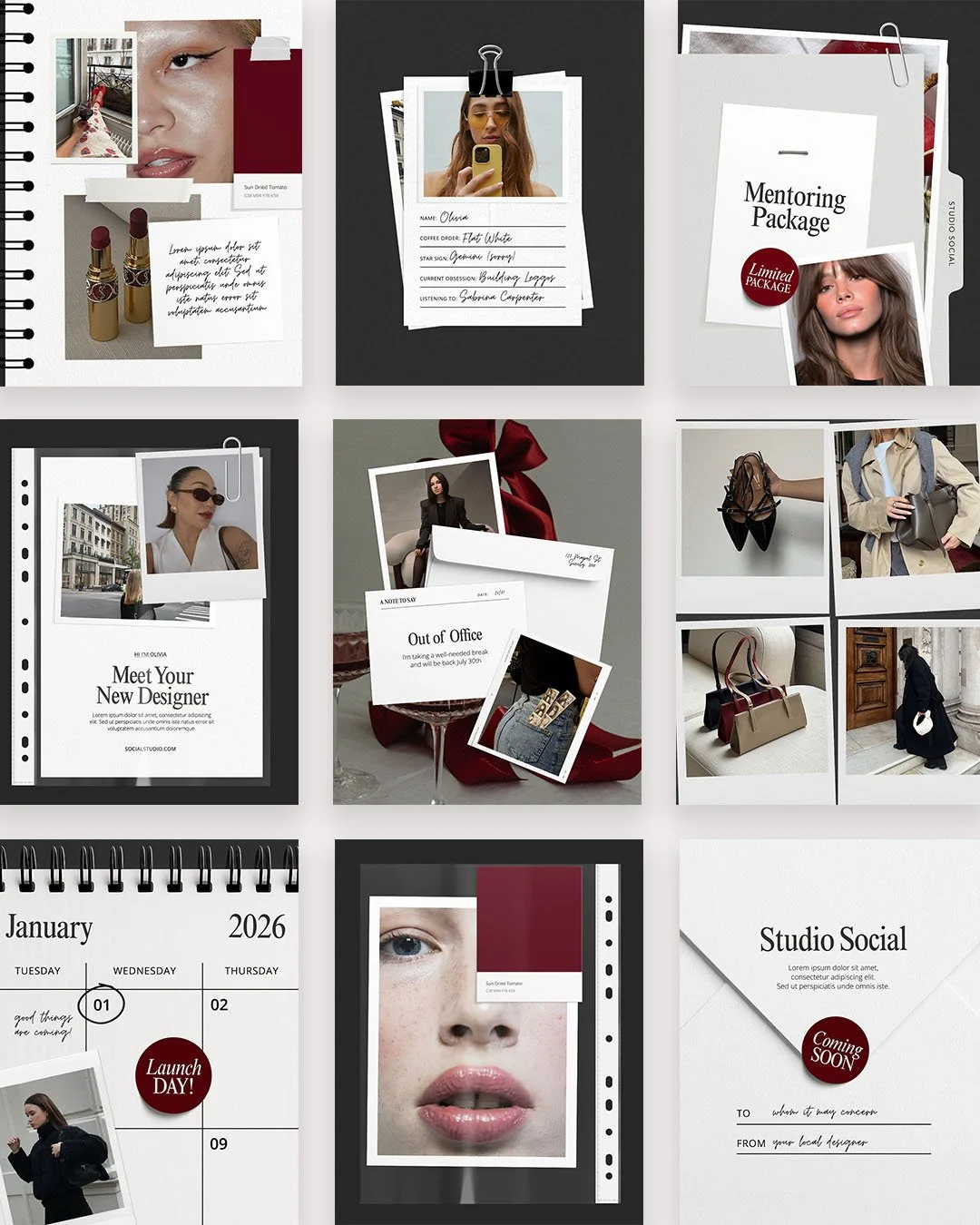
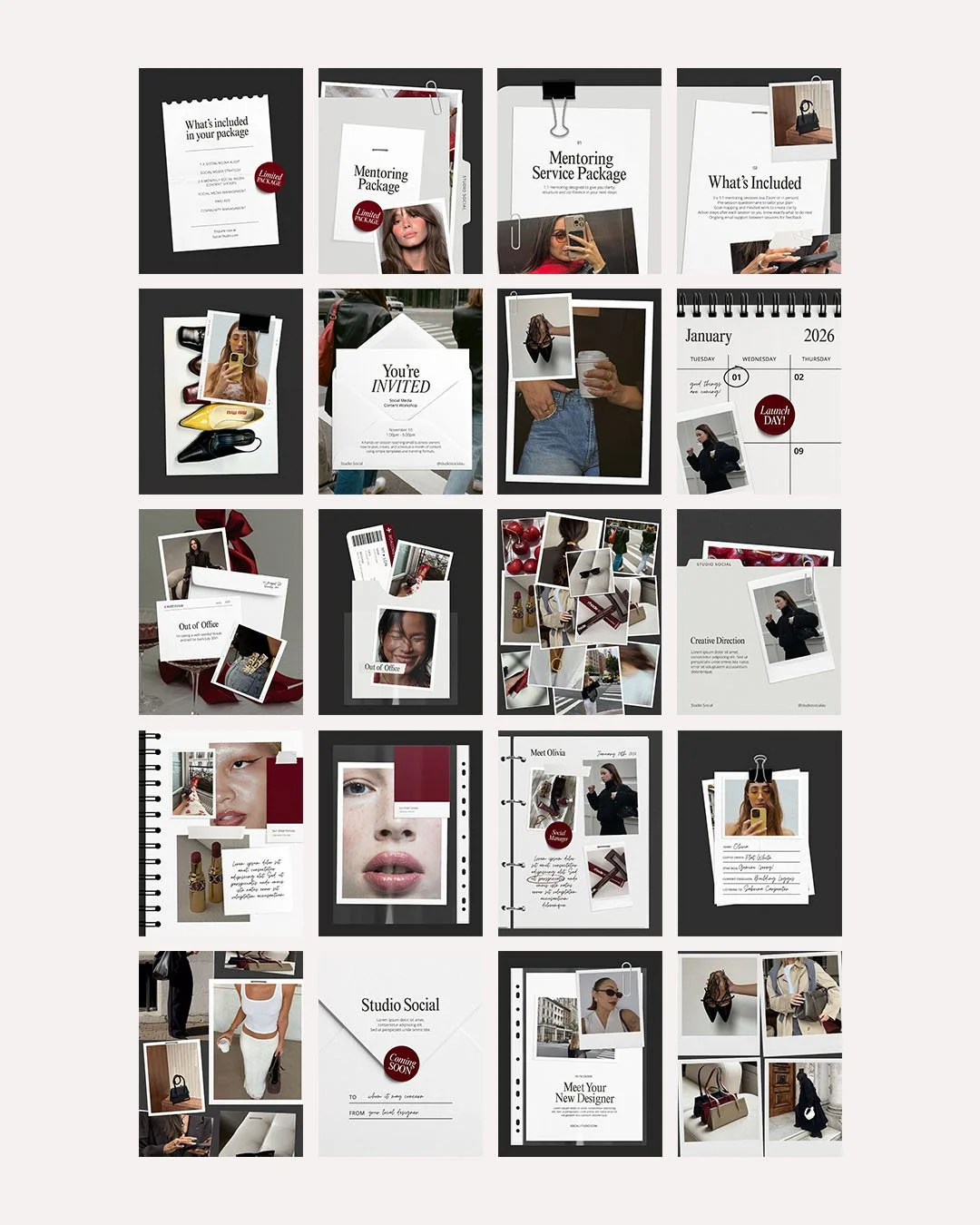
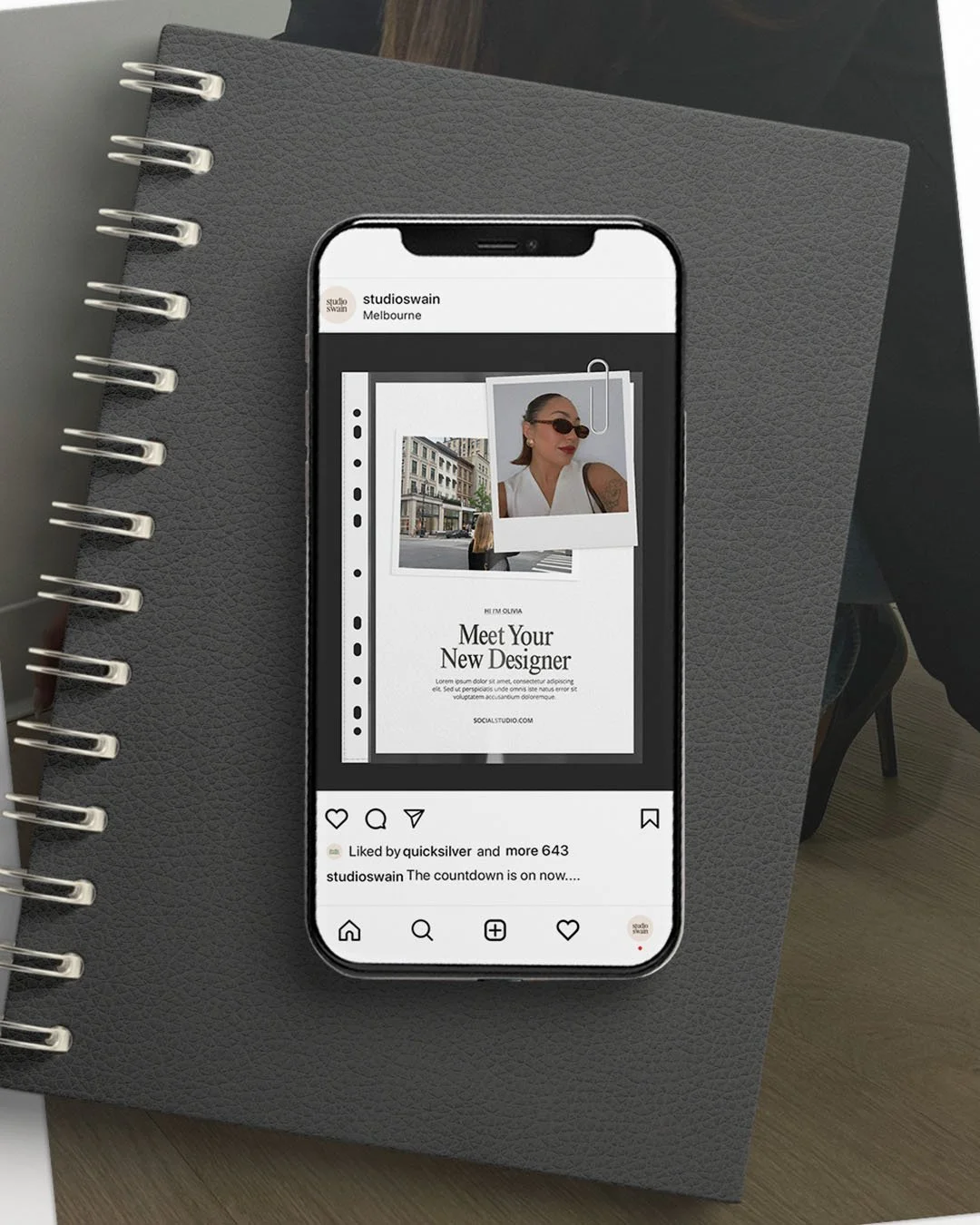
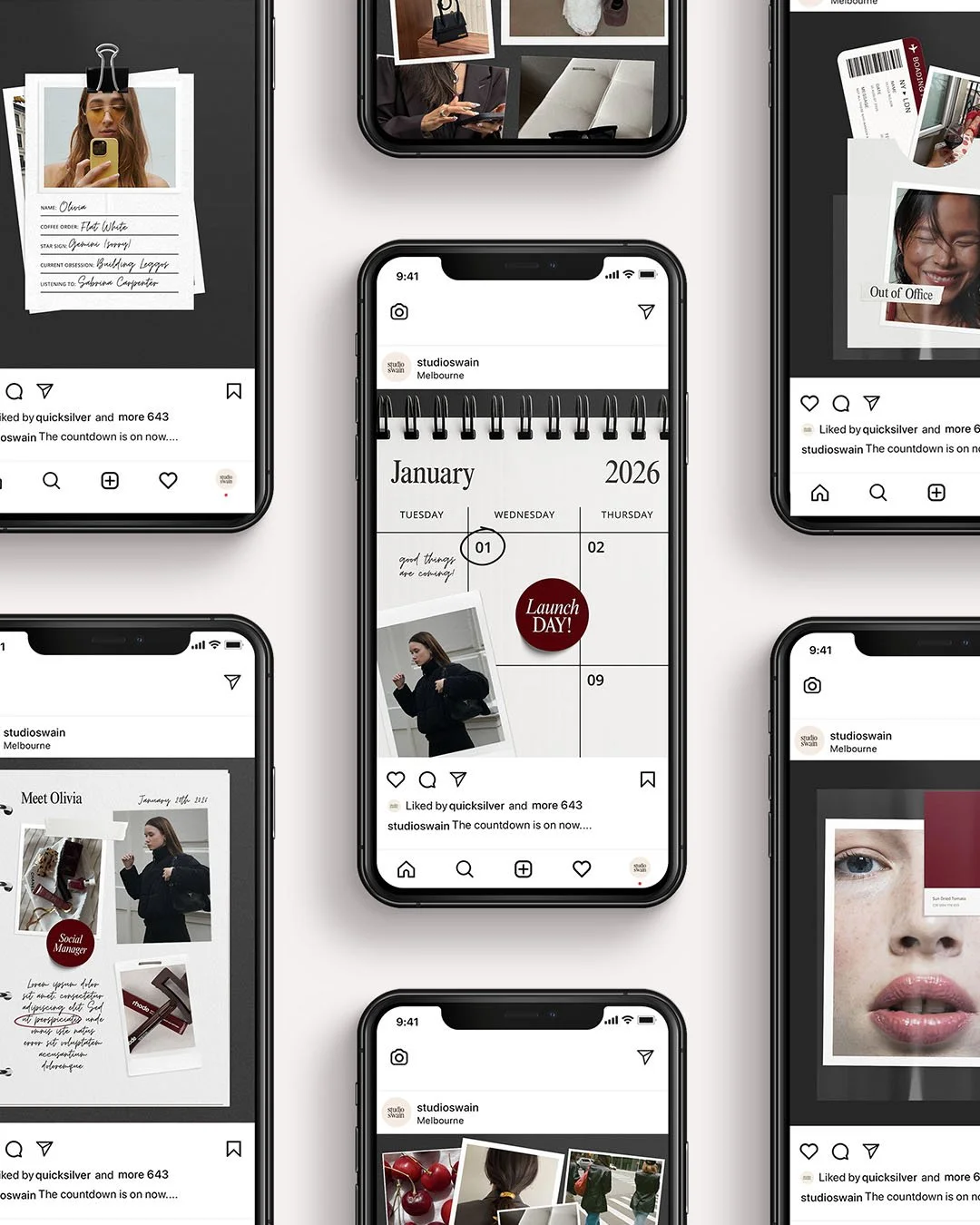
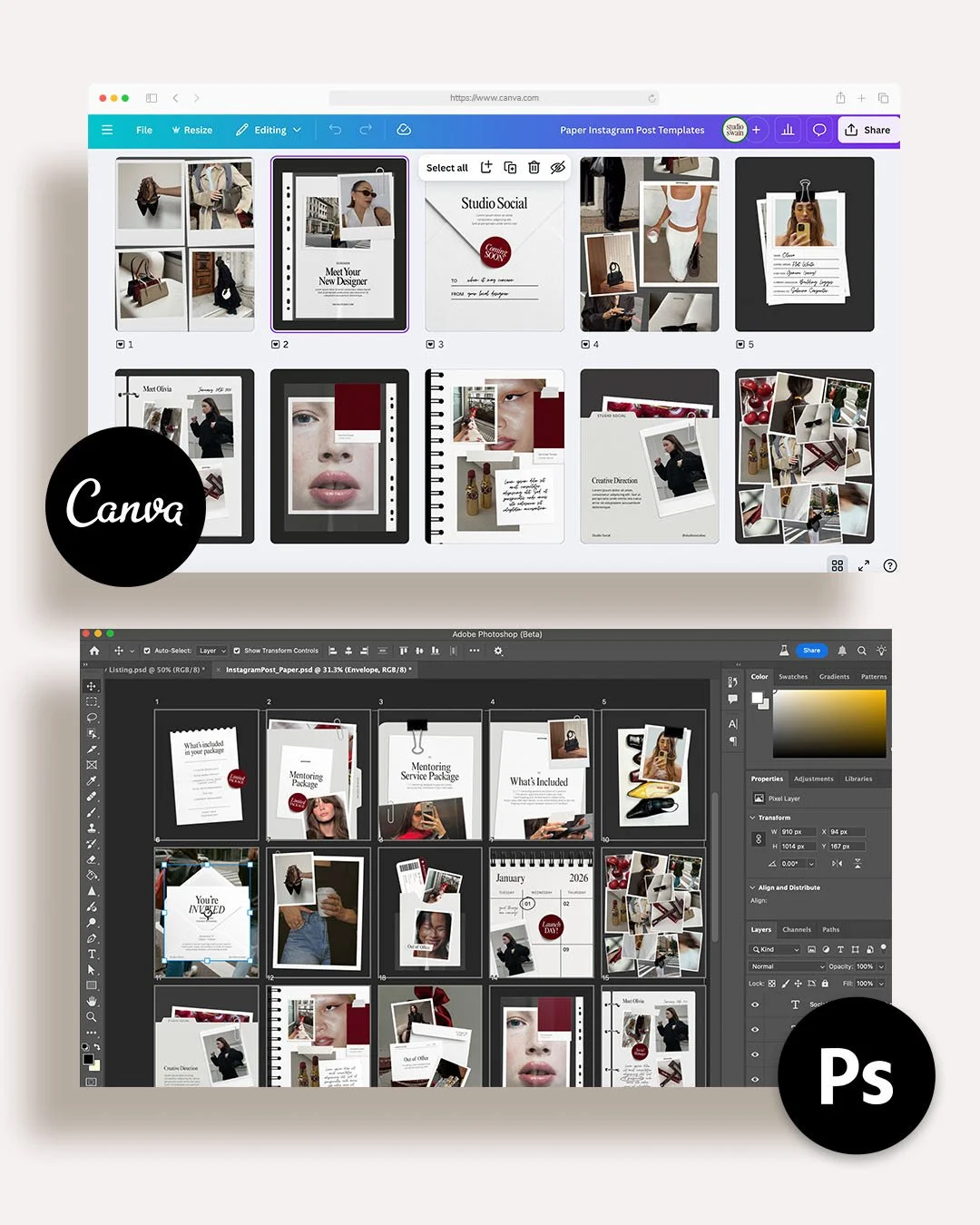
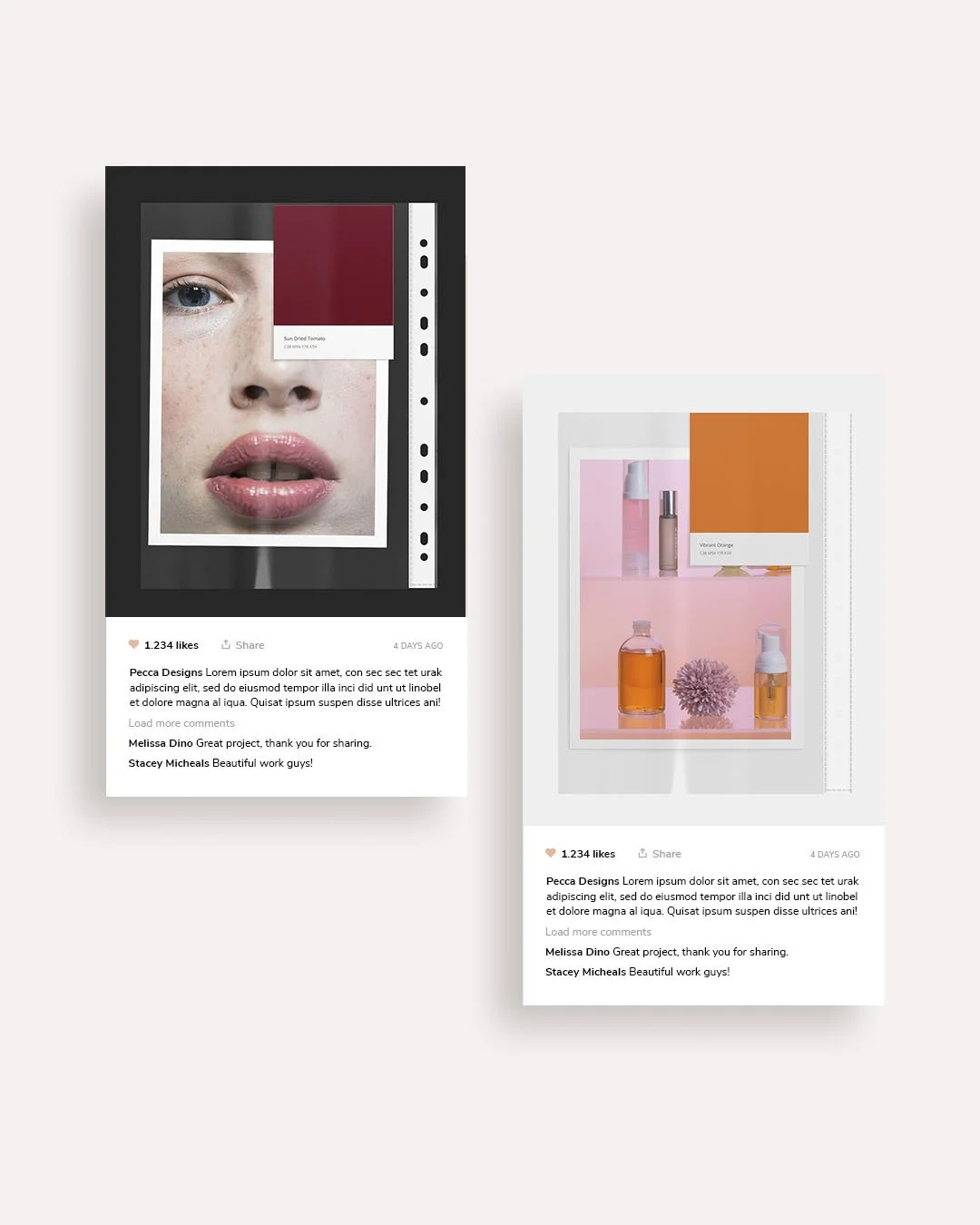
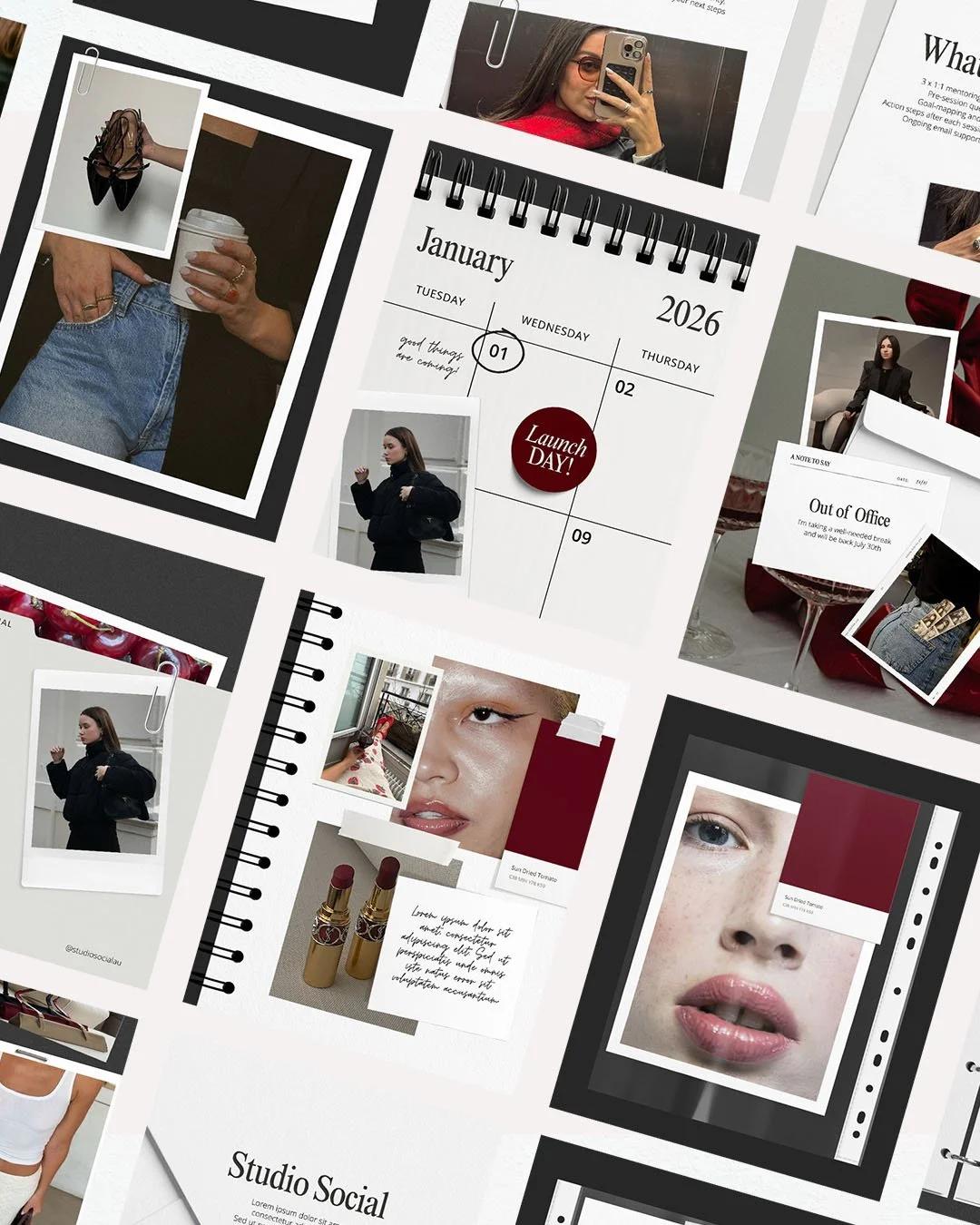
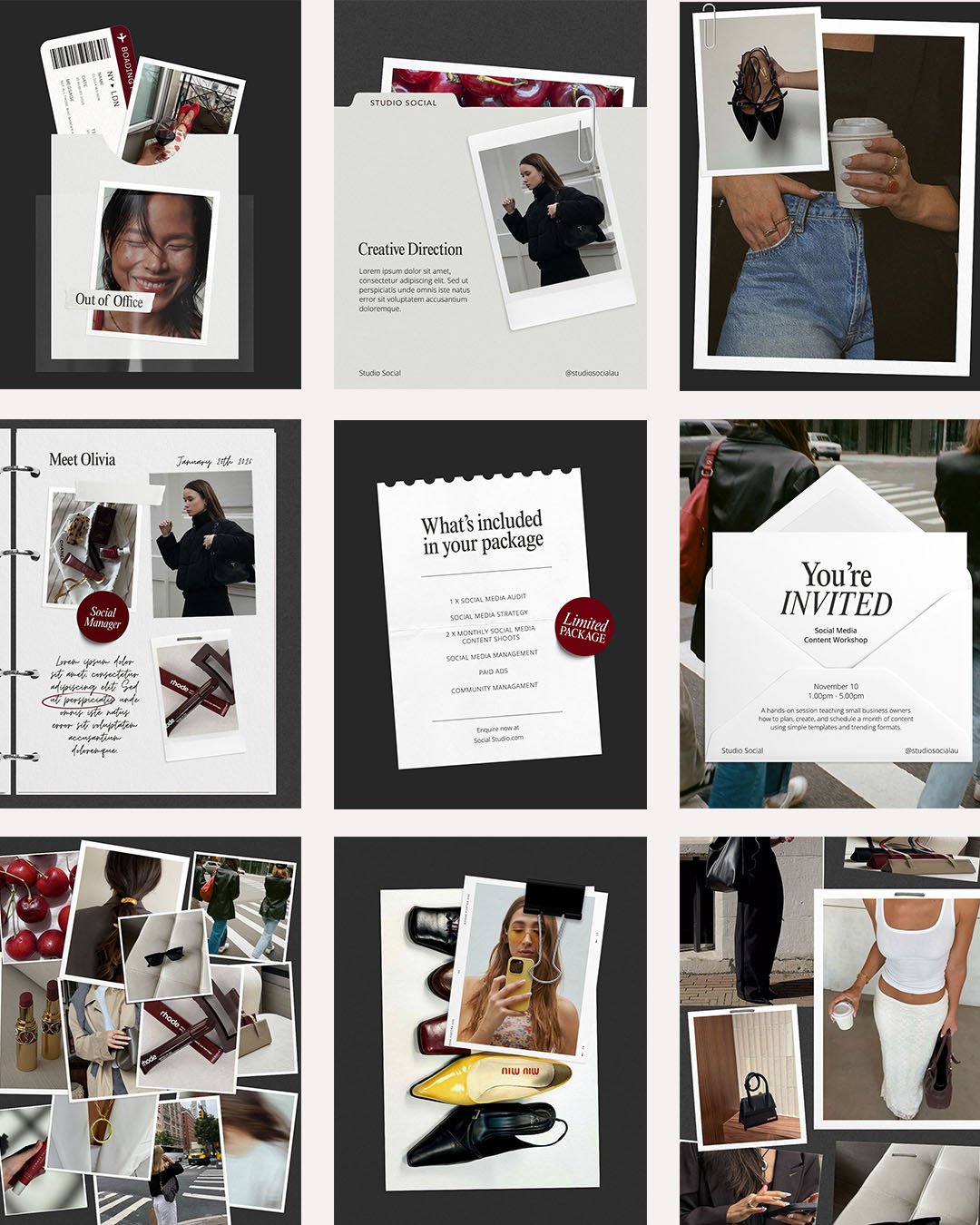
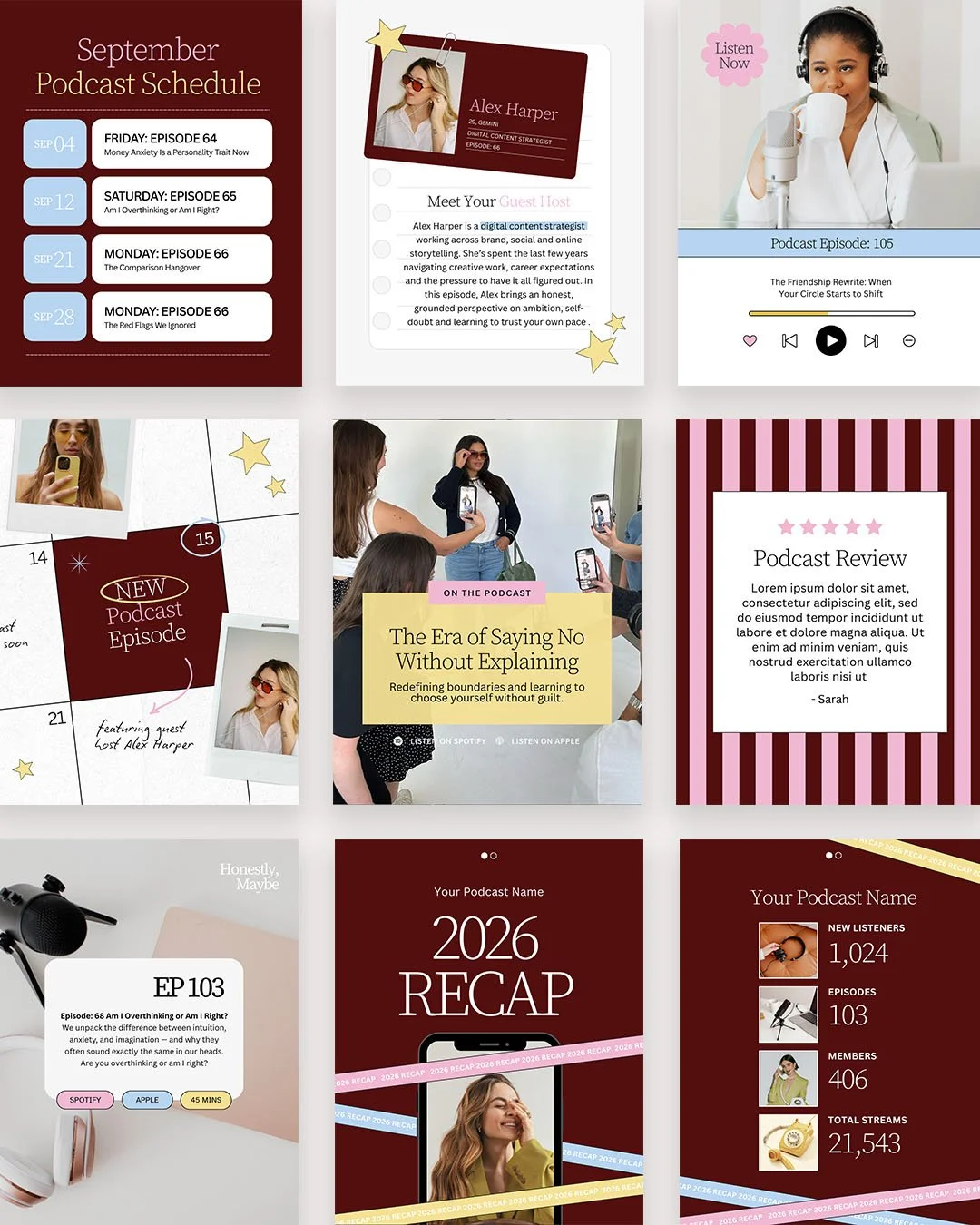
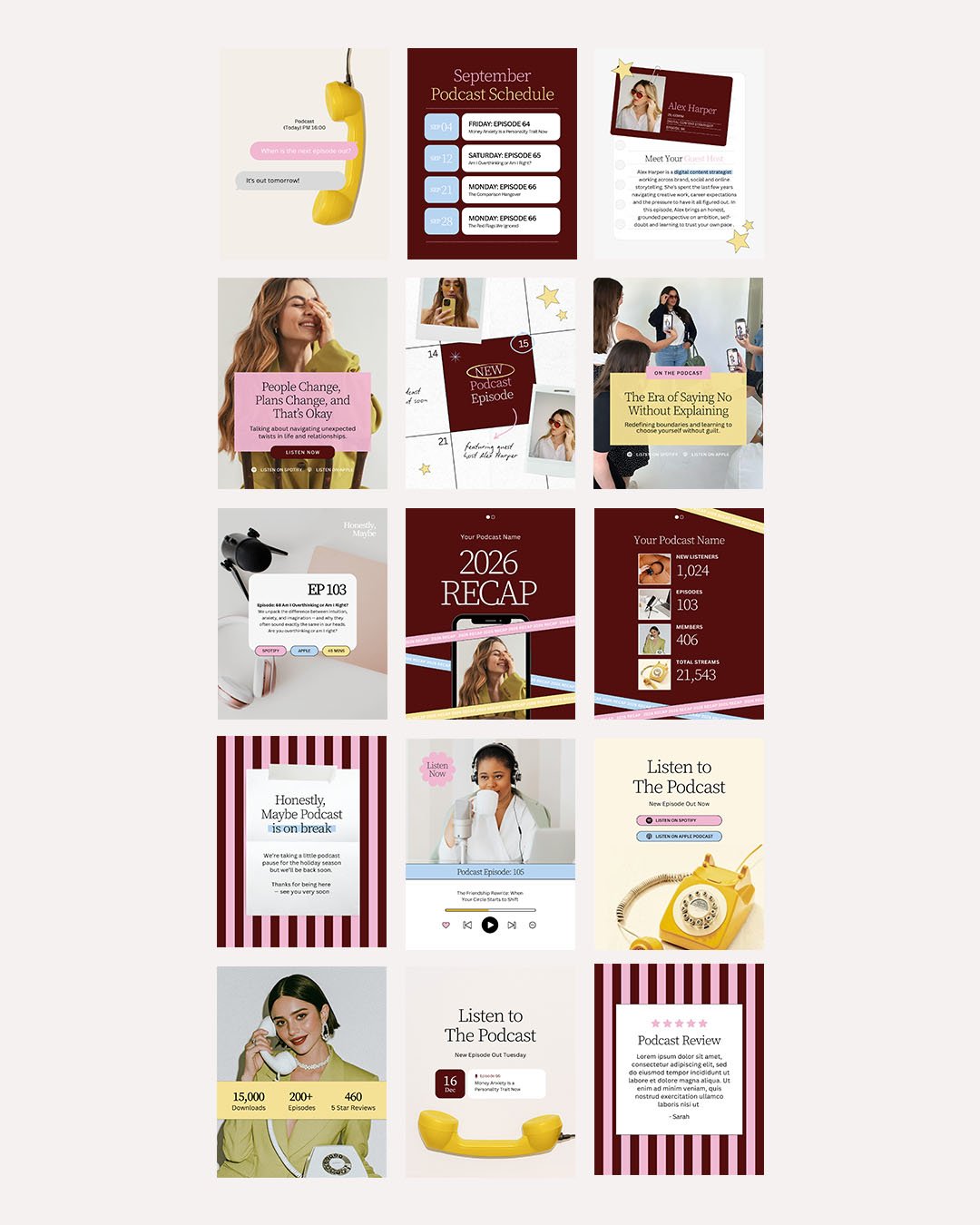
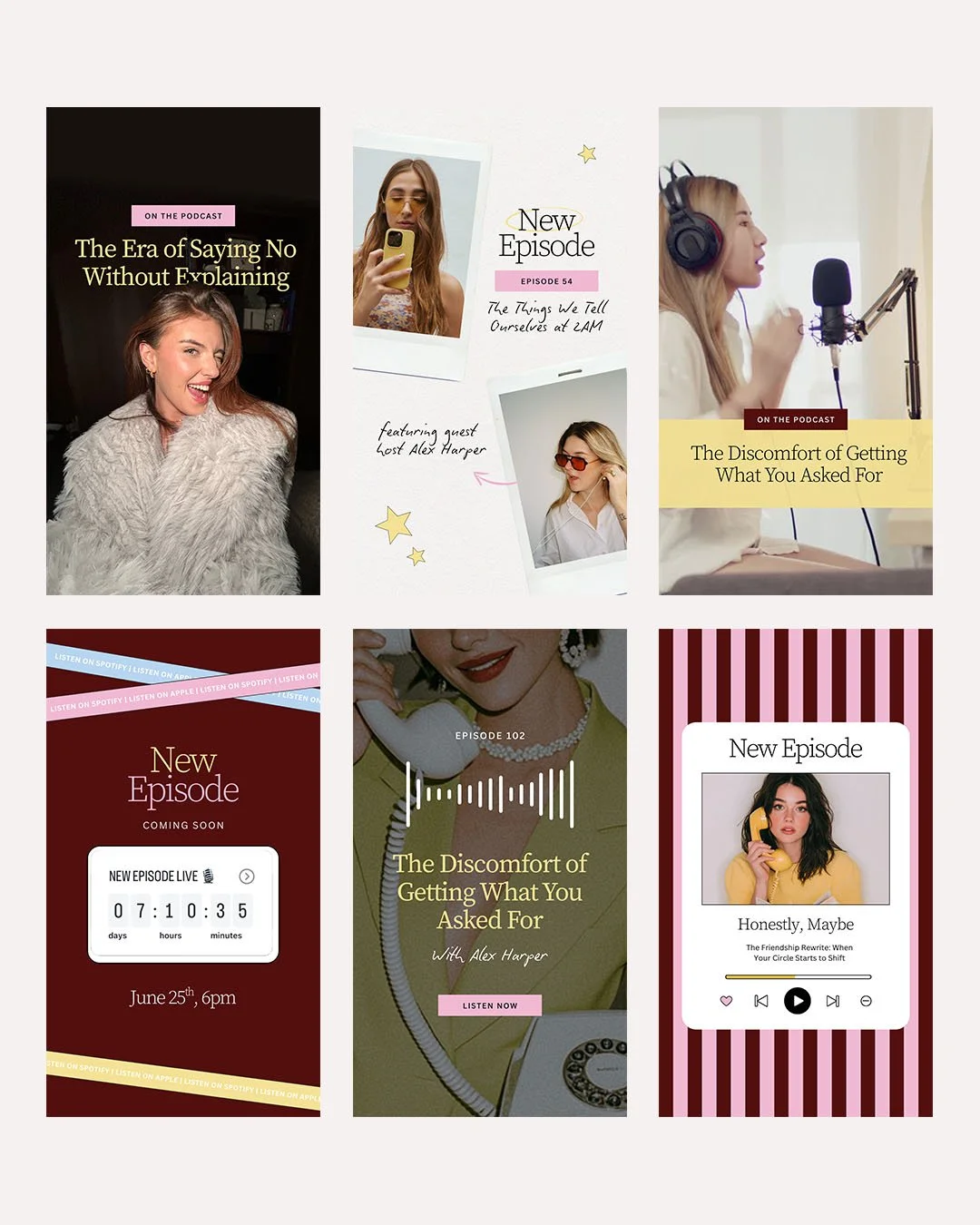
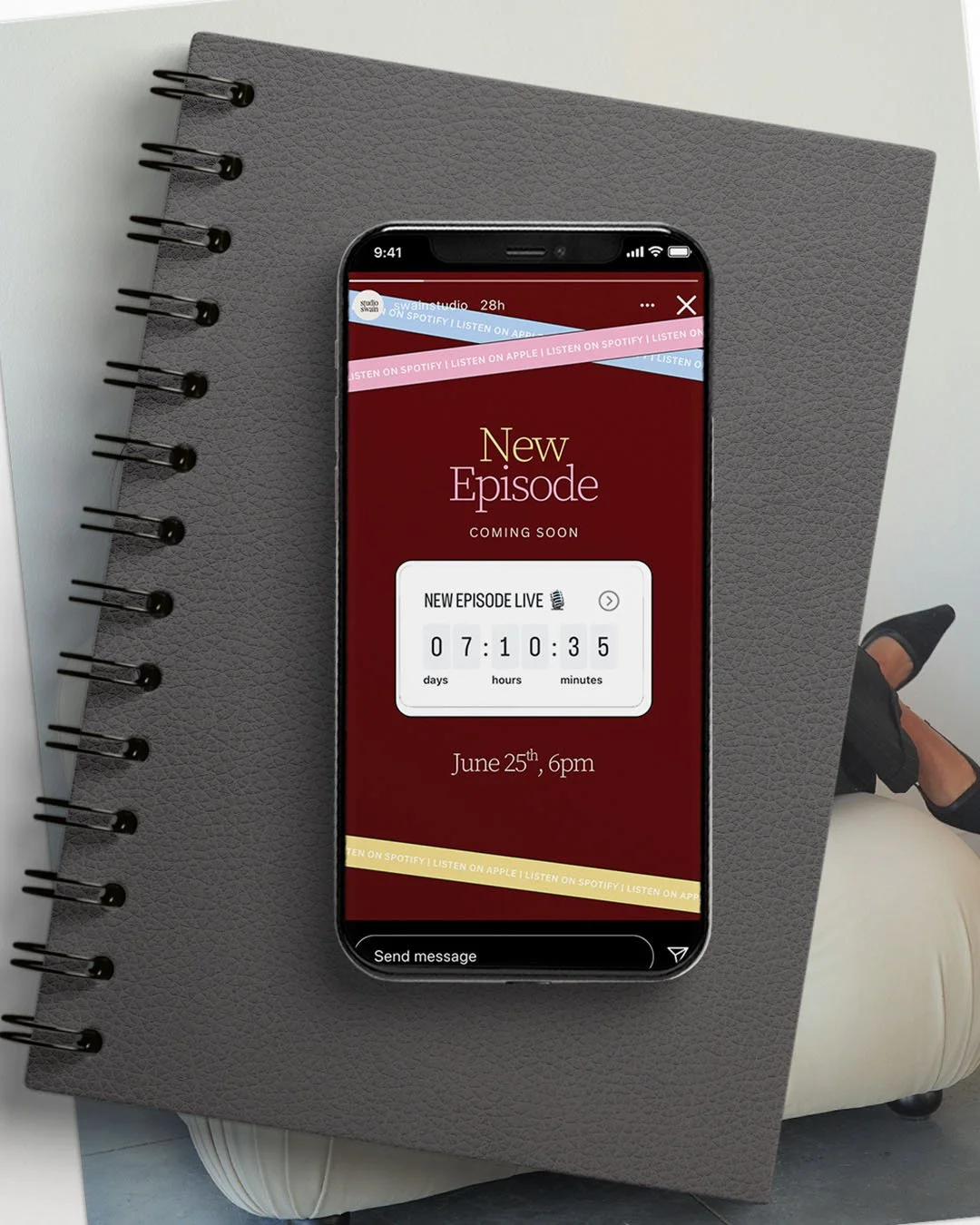
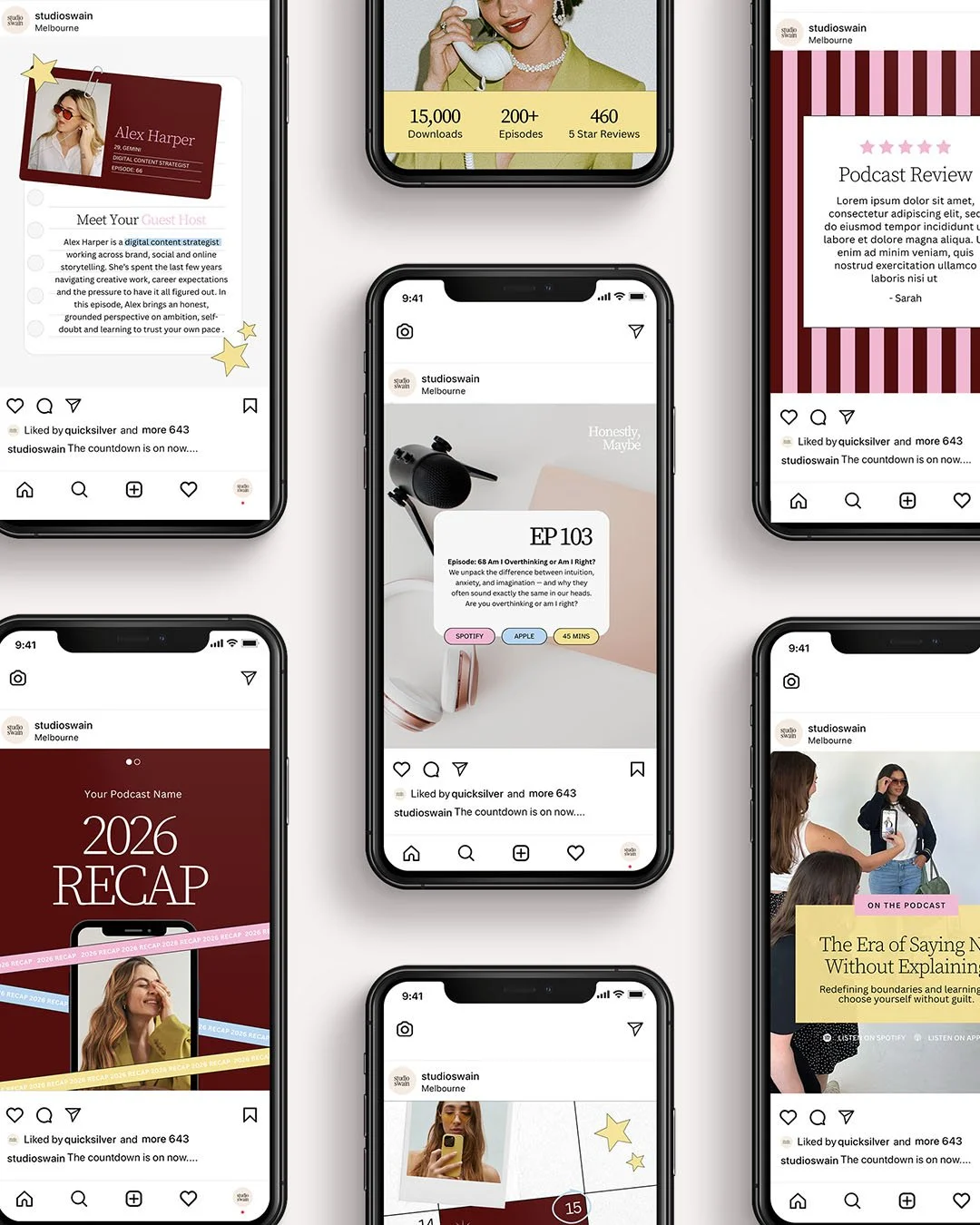
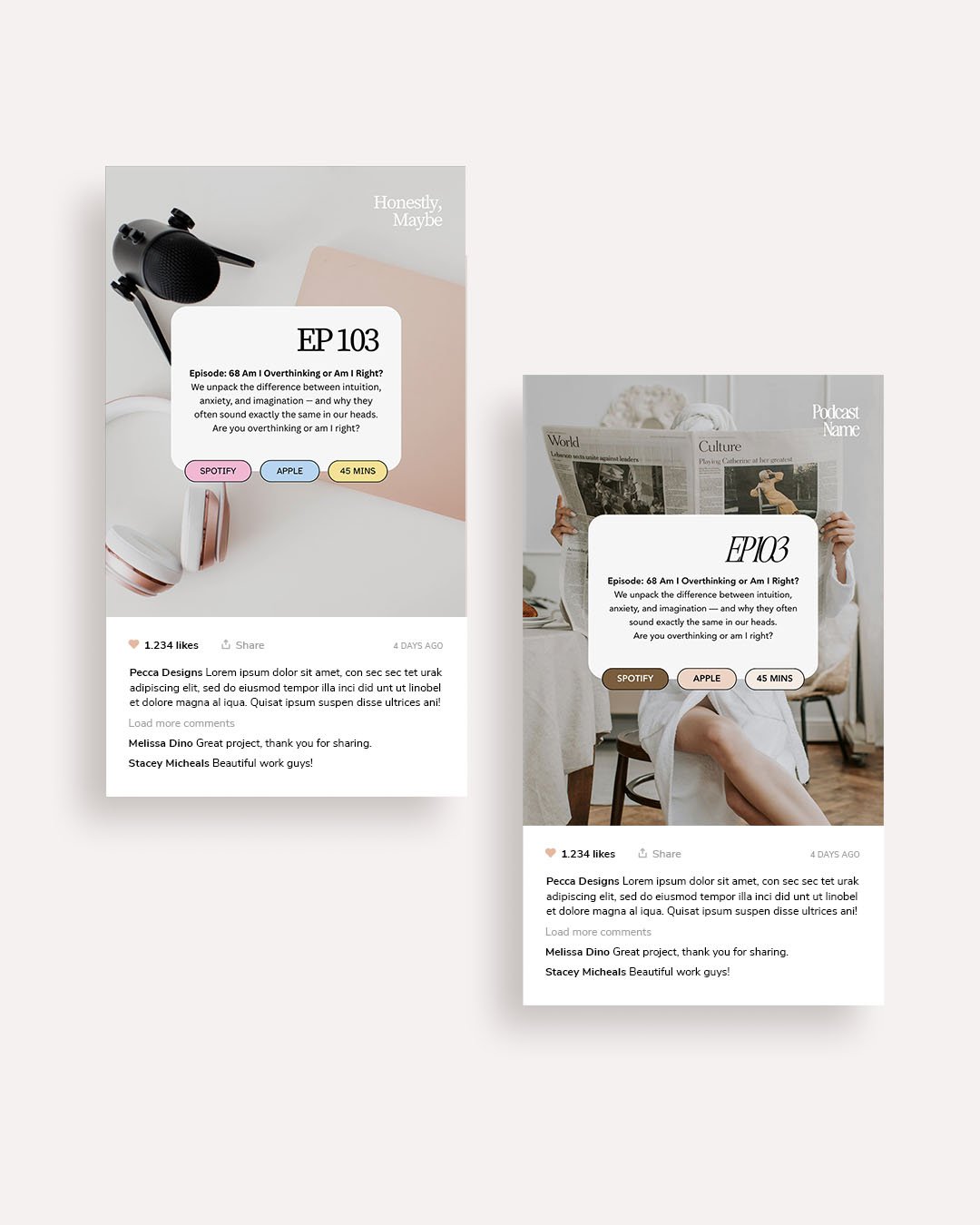
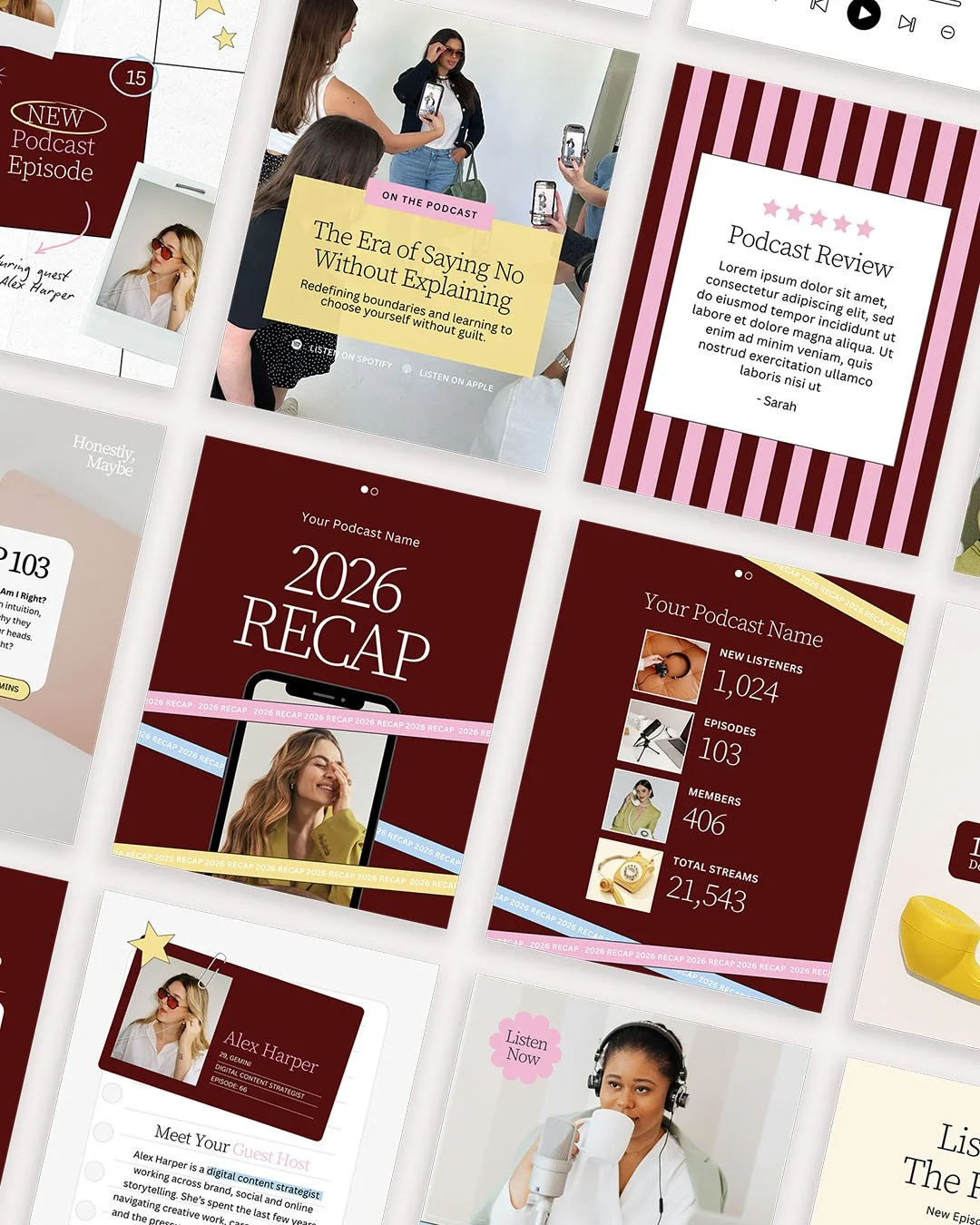
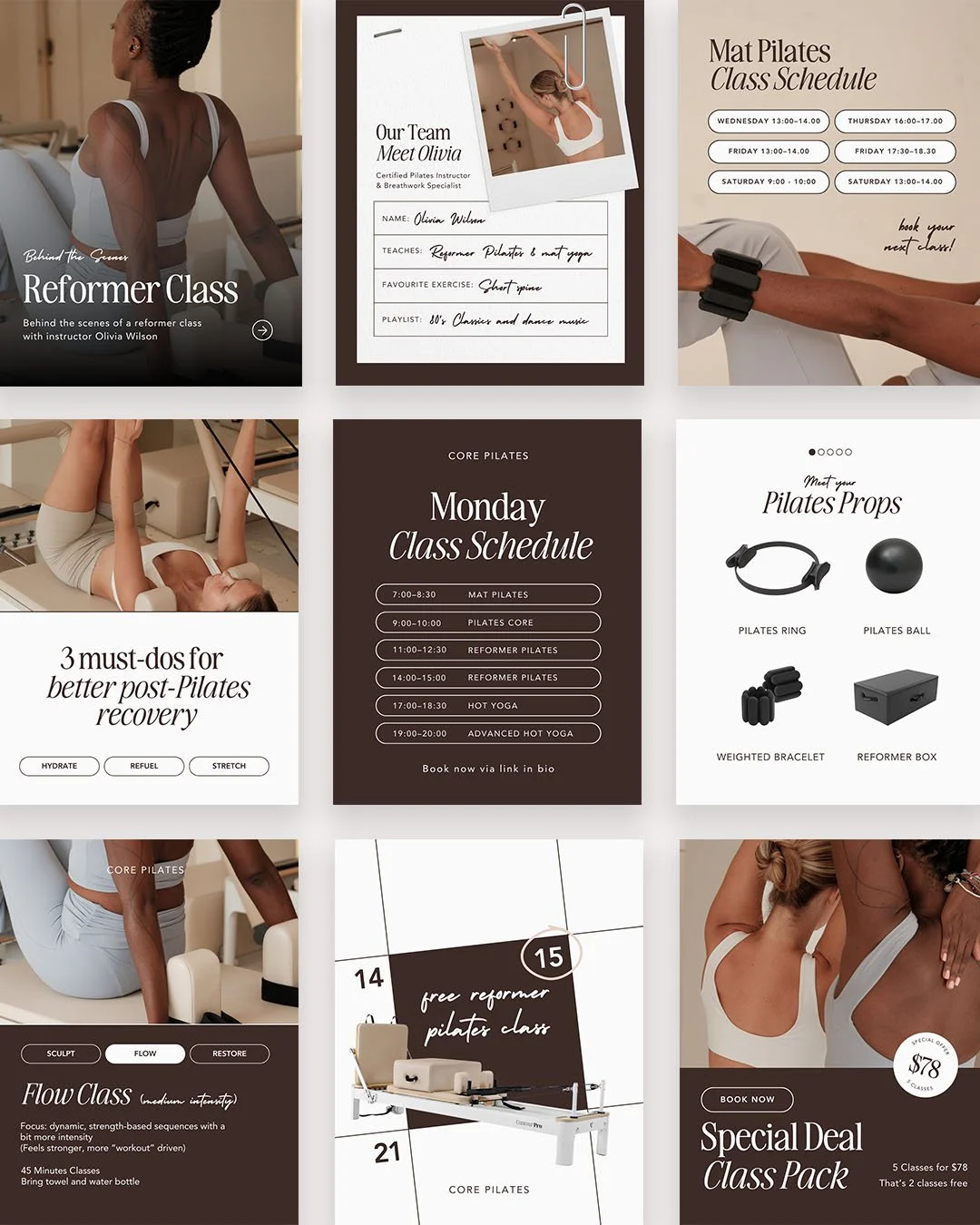
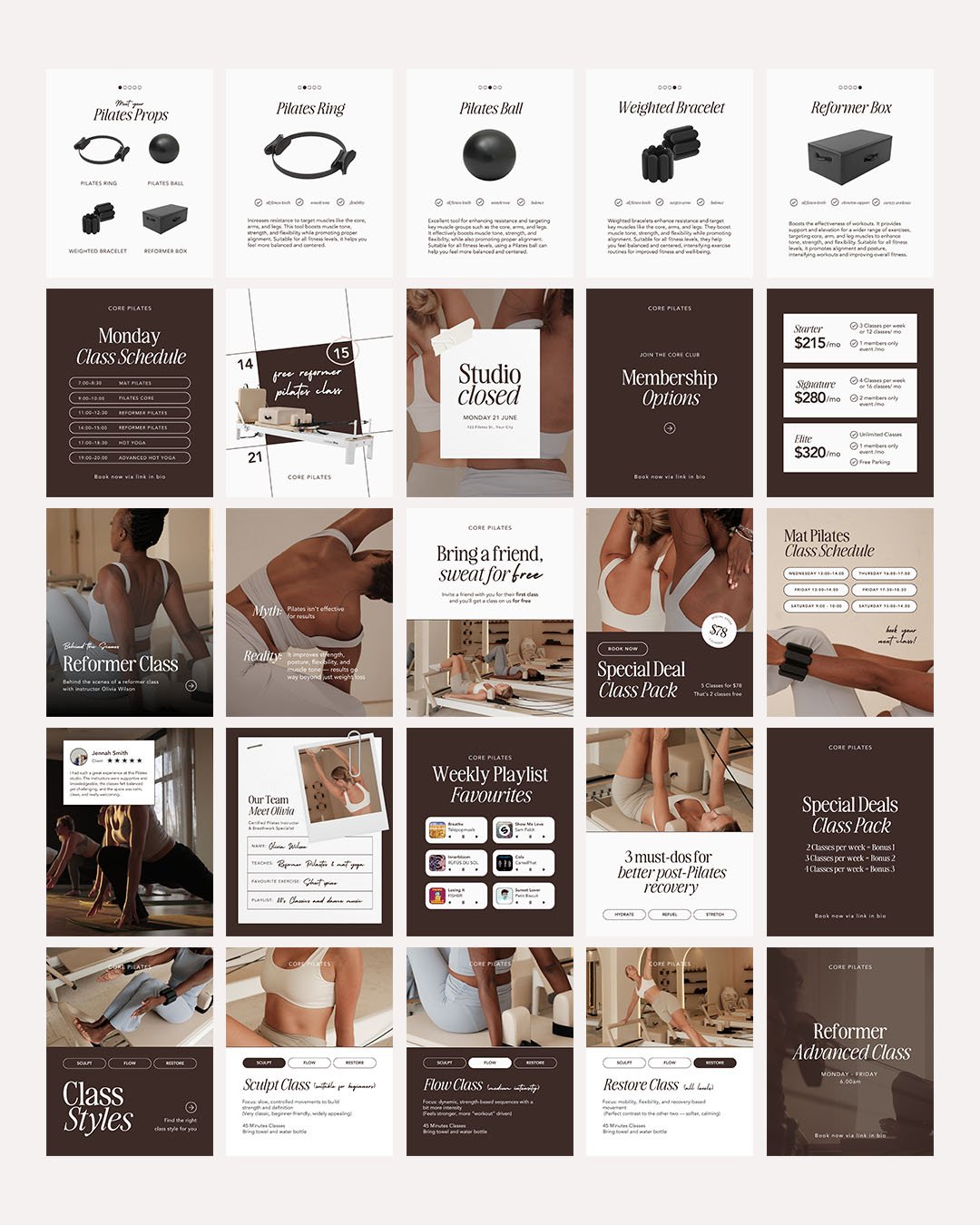
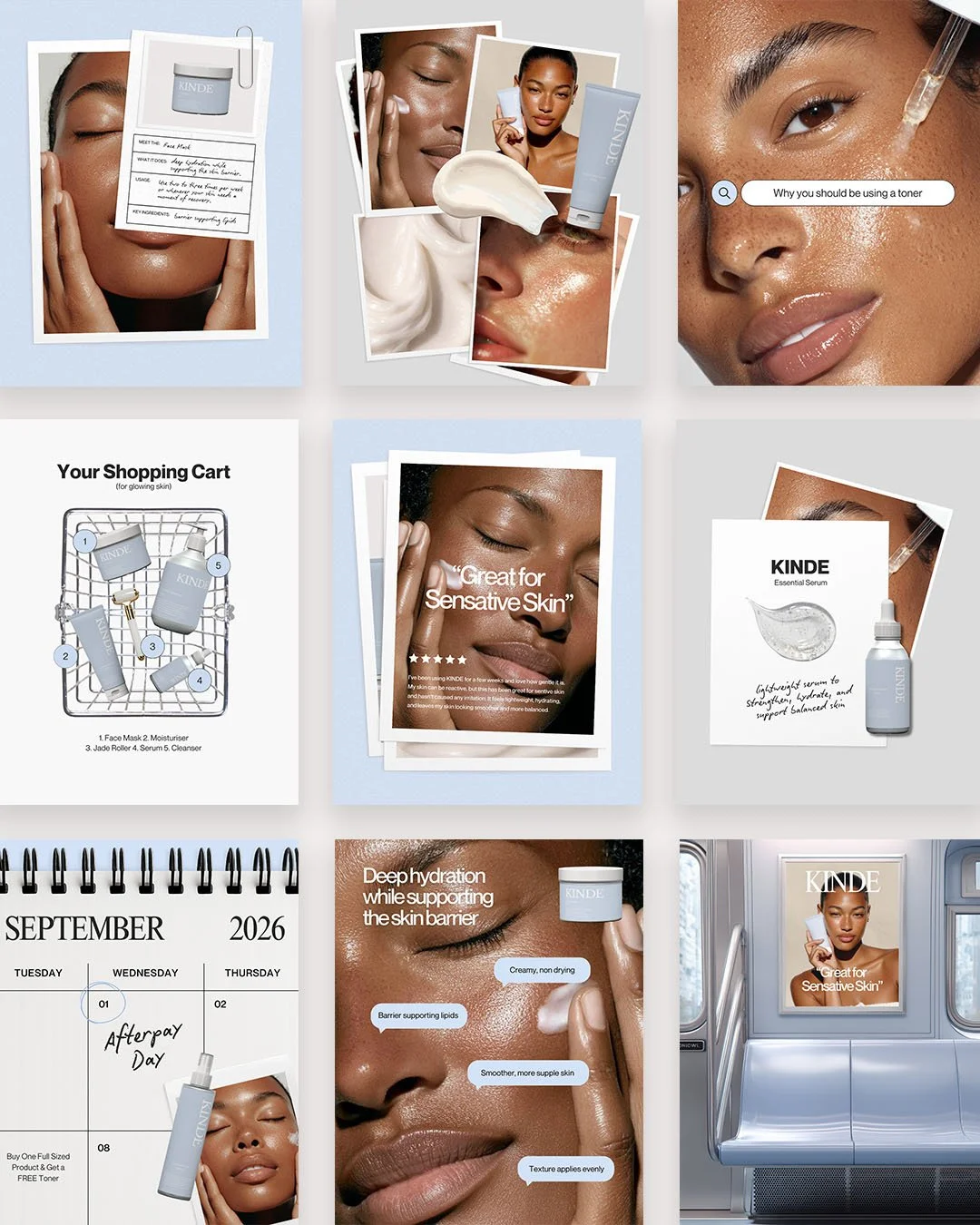
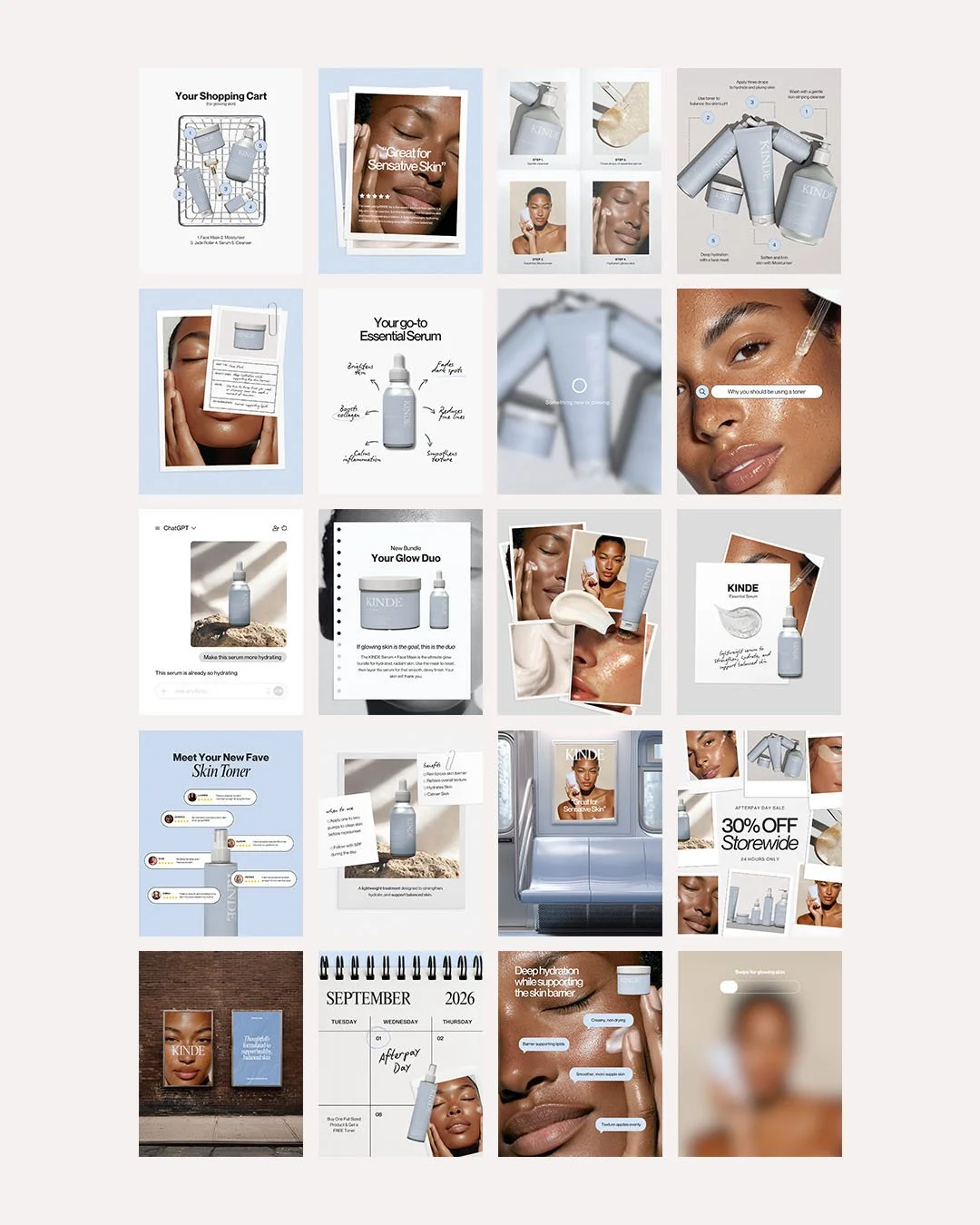
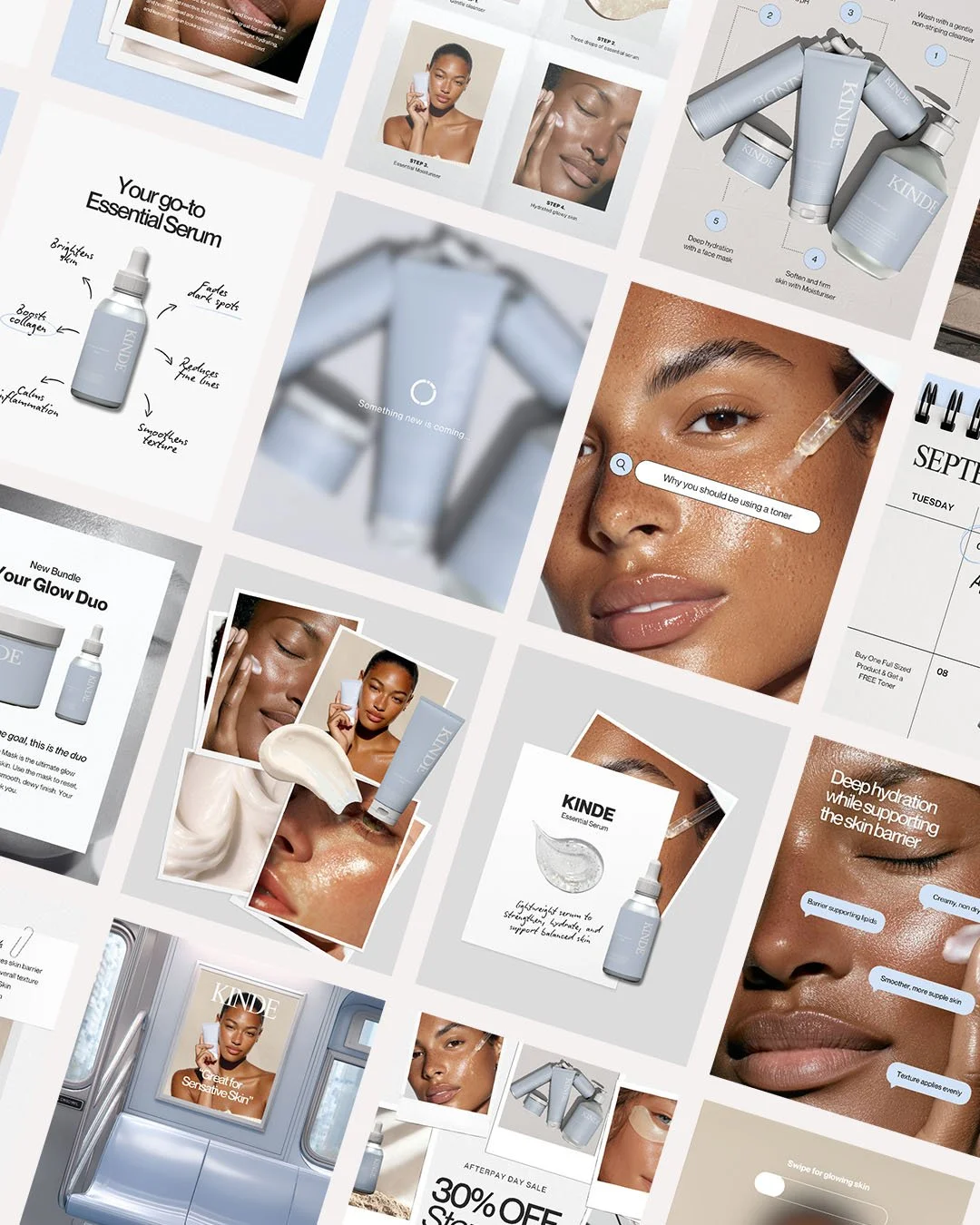
 Image 1 of 8
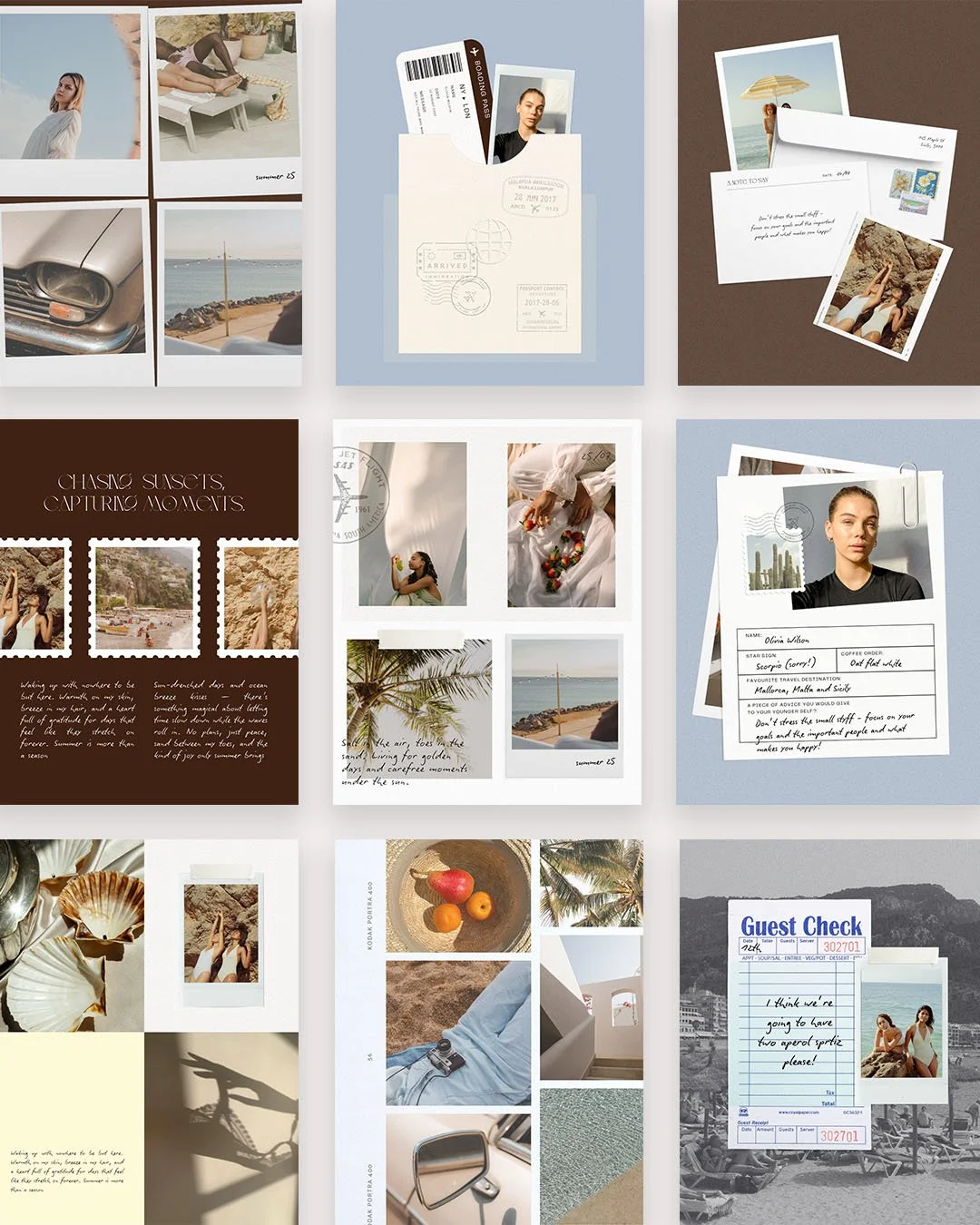
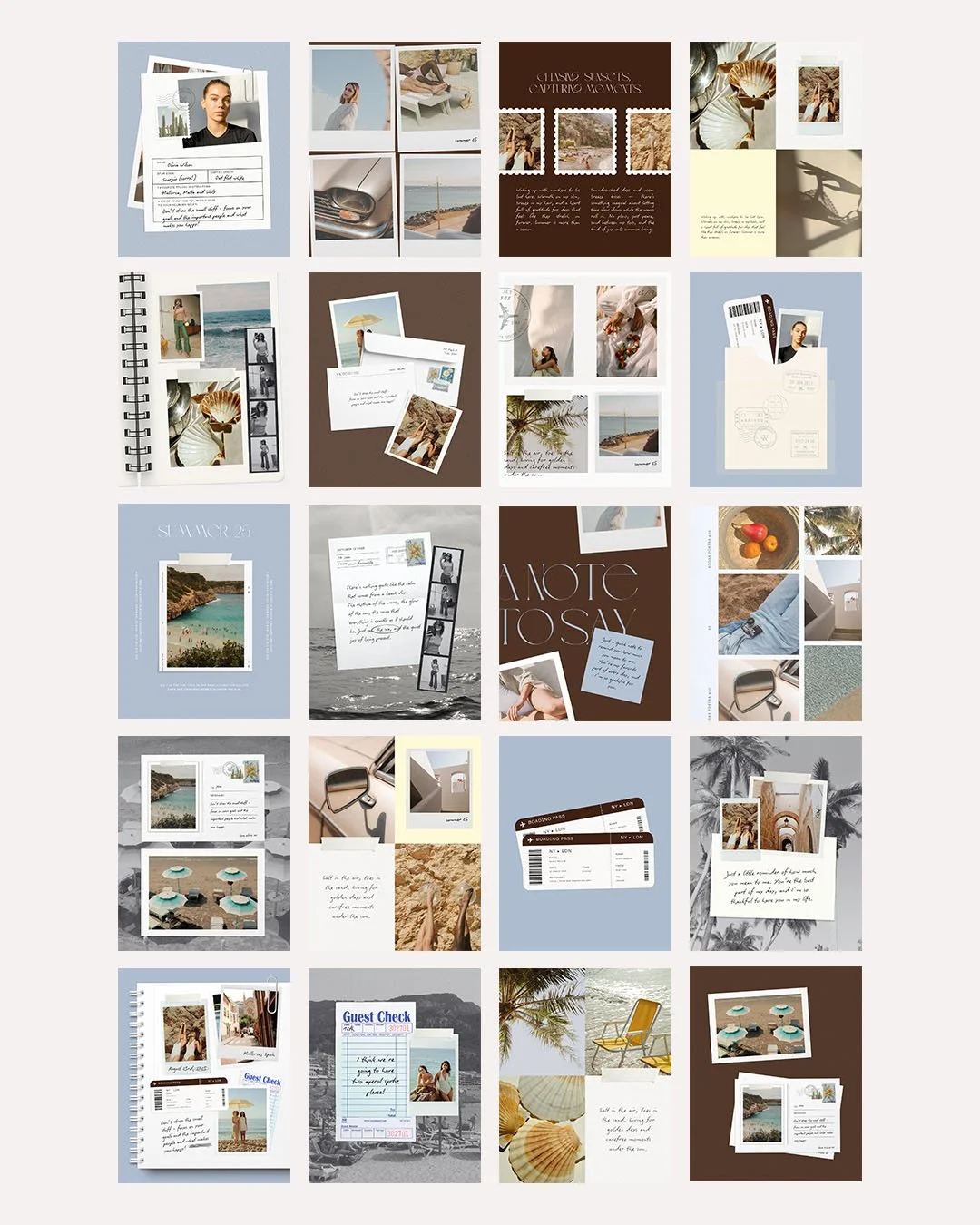 Image 2 of 8
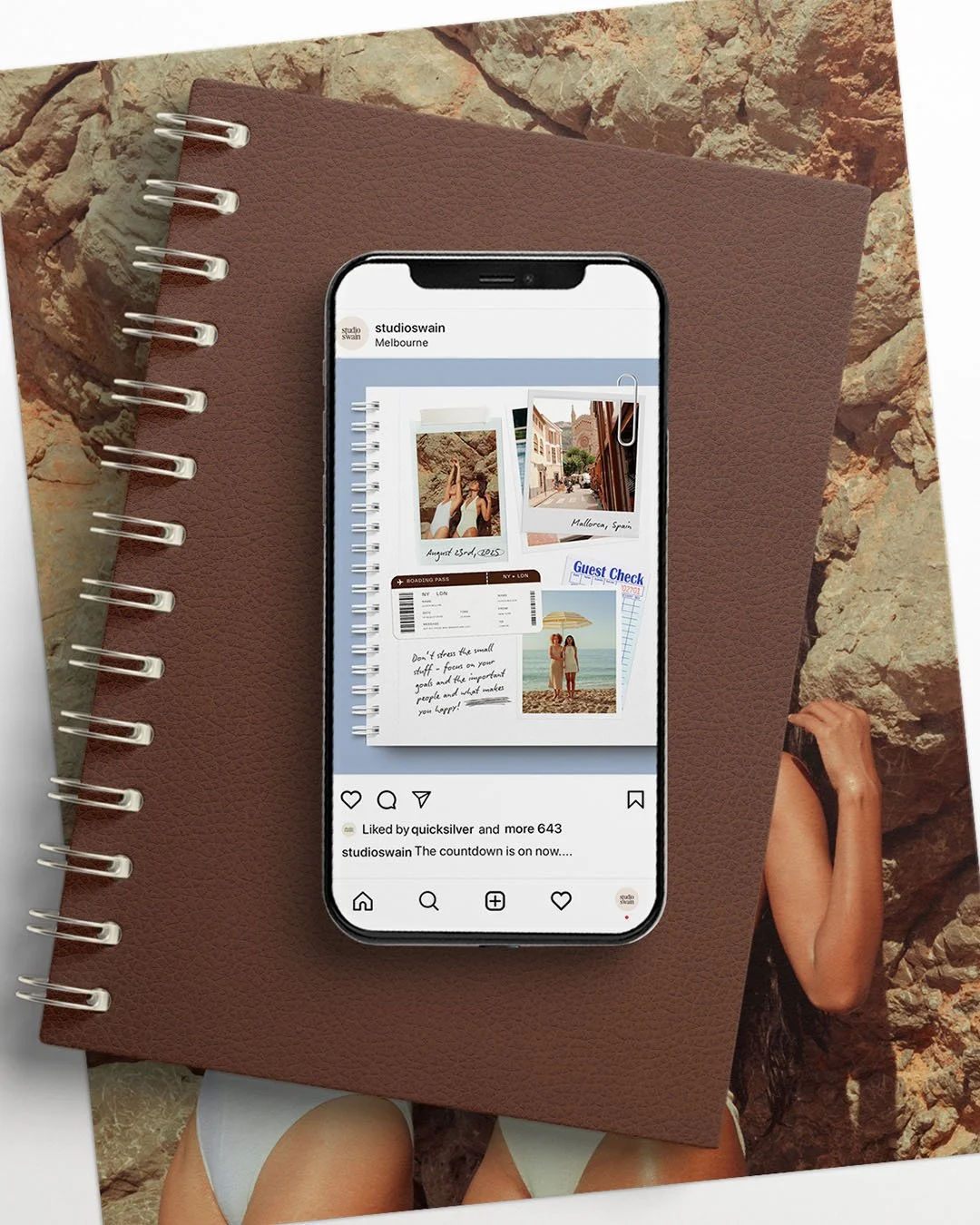 Image 3 of 8
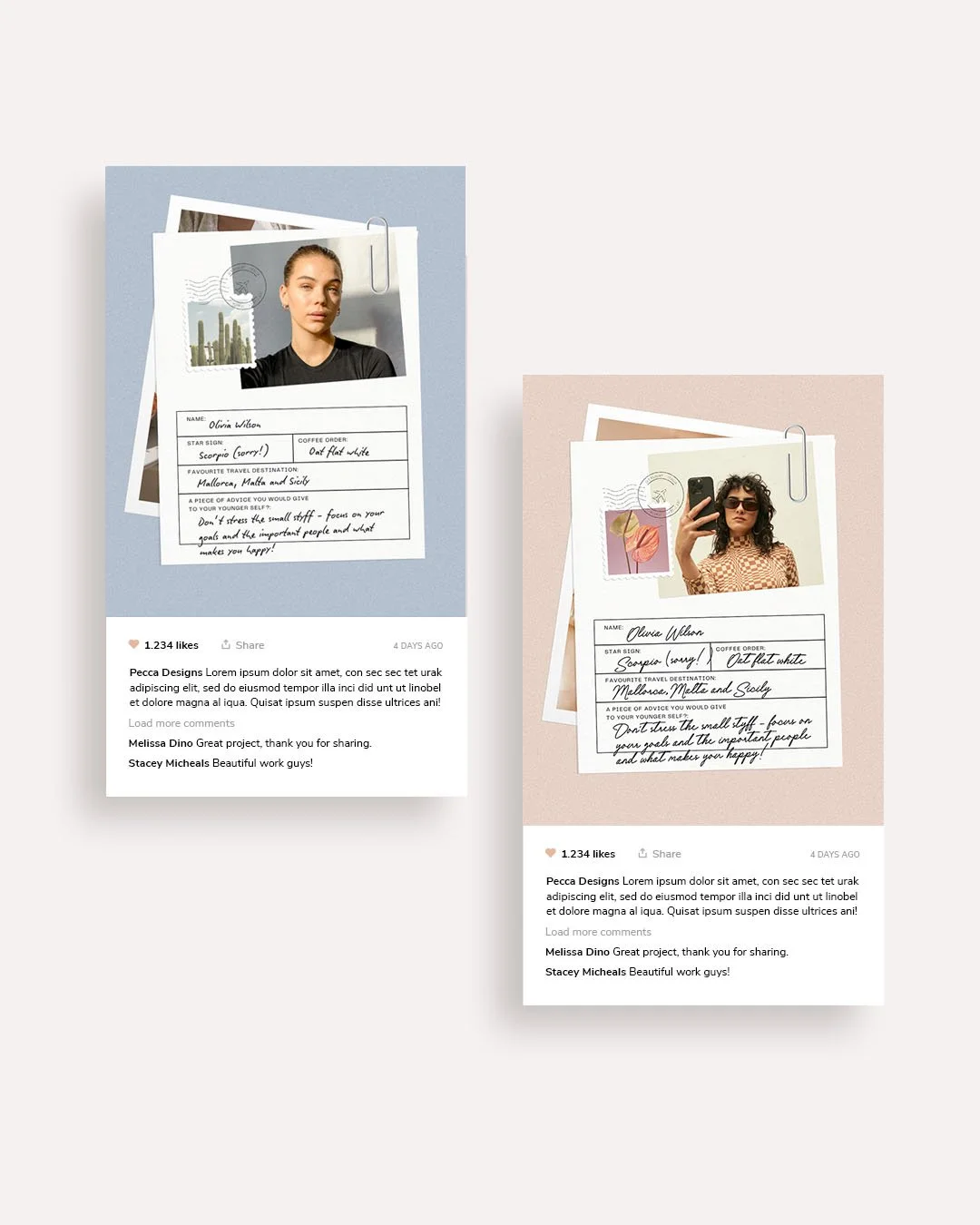 Image 4 of 8
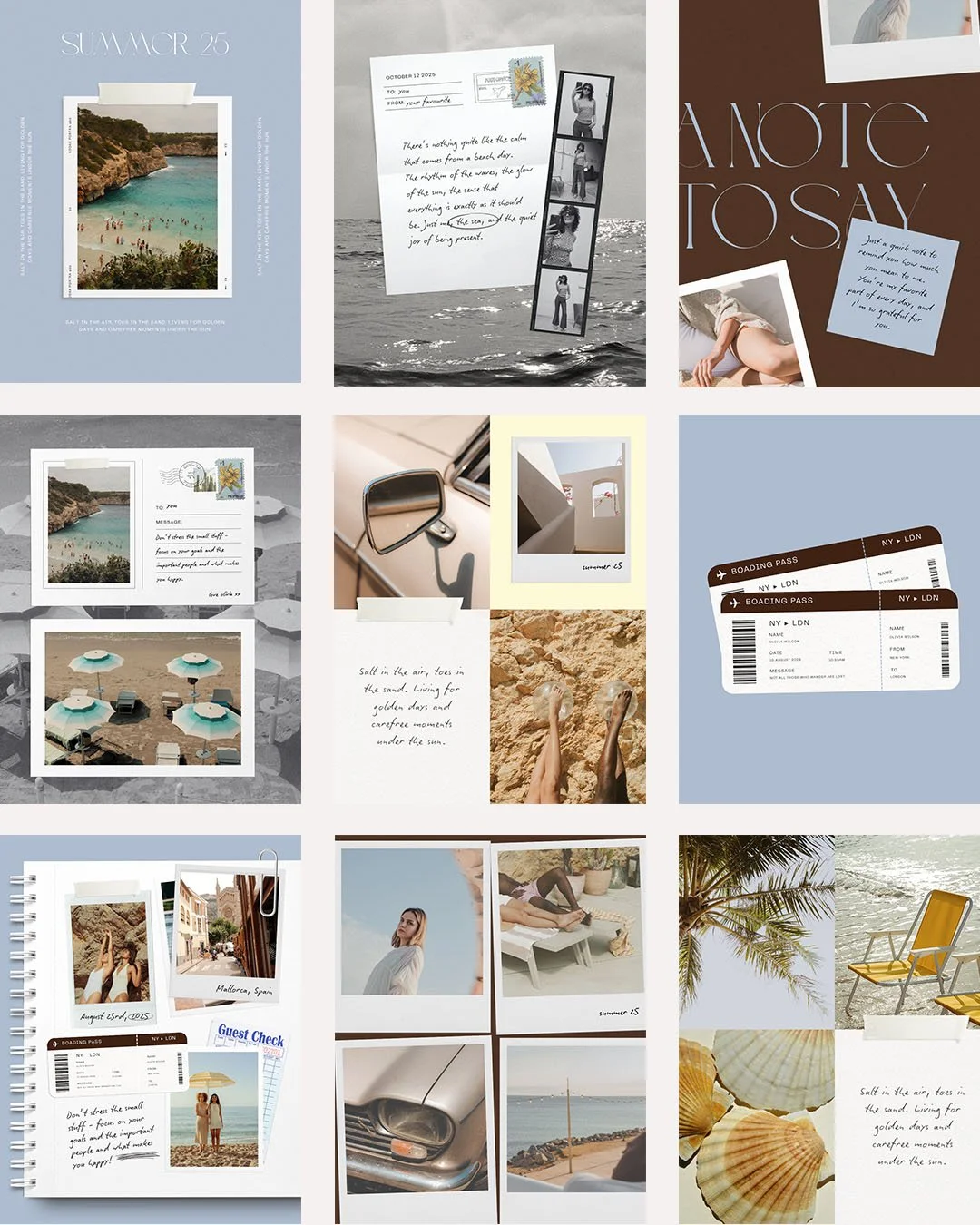 Image 5 of 8
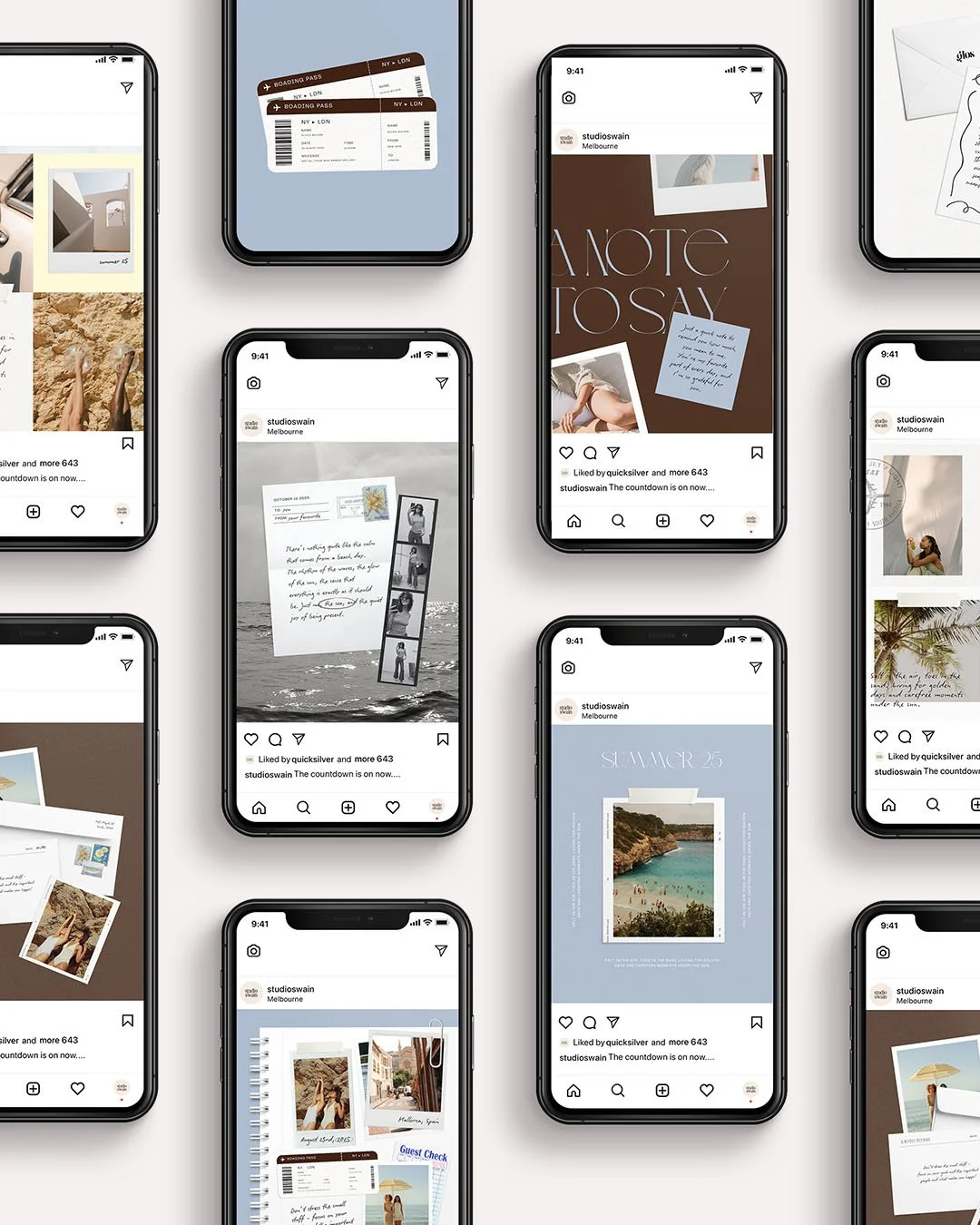 Image 6 of 8
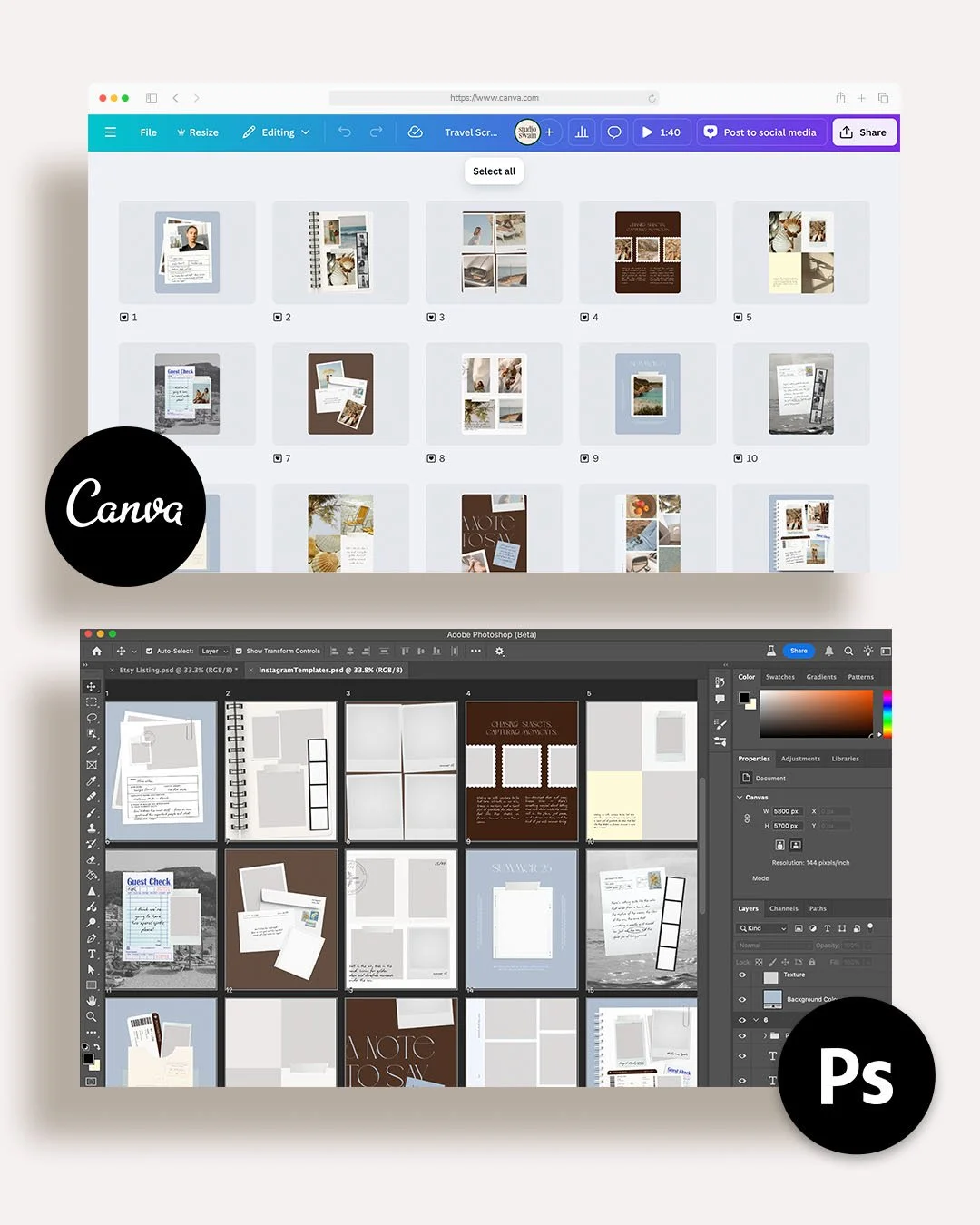 Image 7 of 8
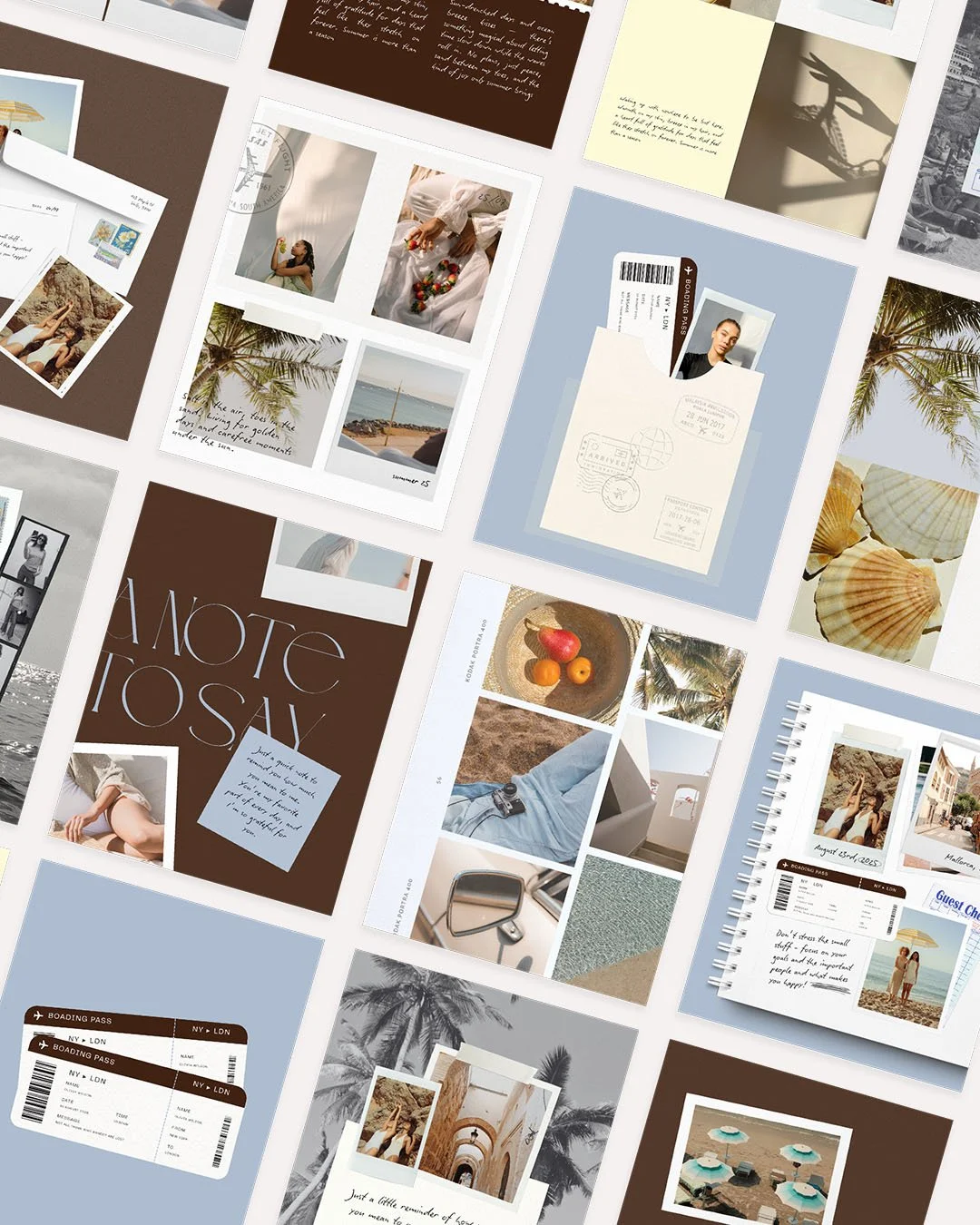 Image 8 of 8
-
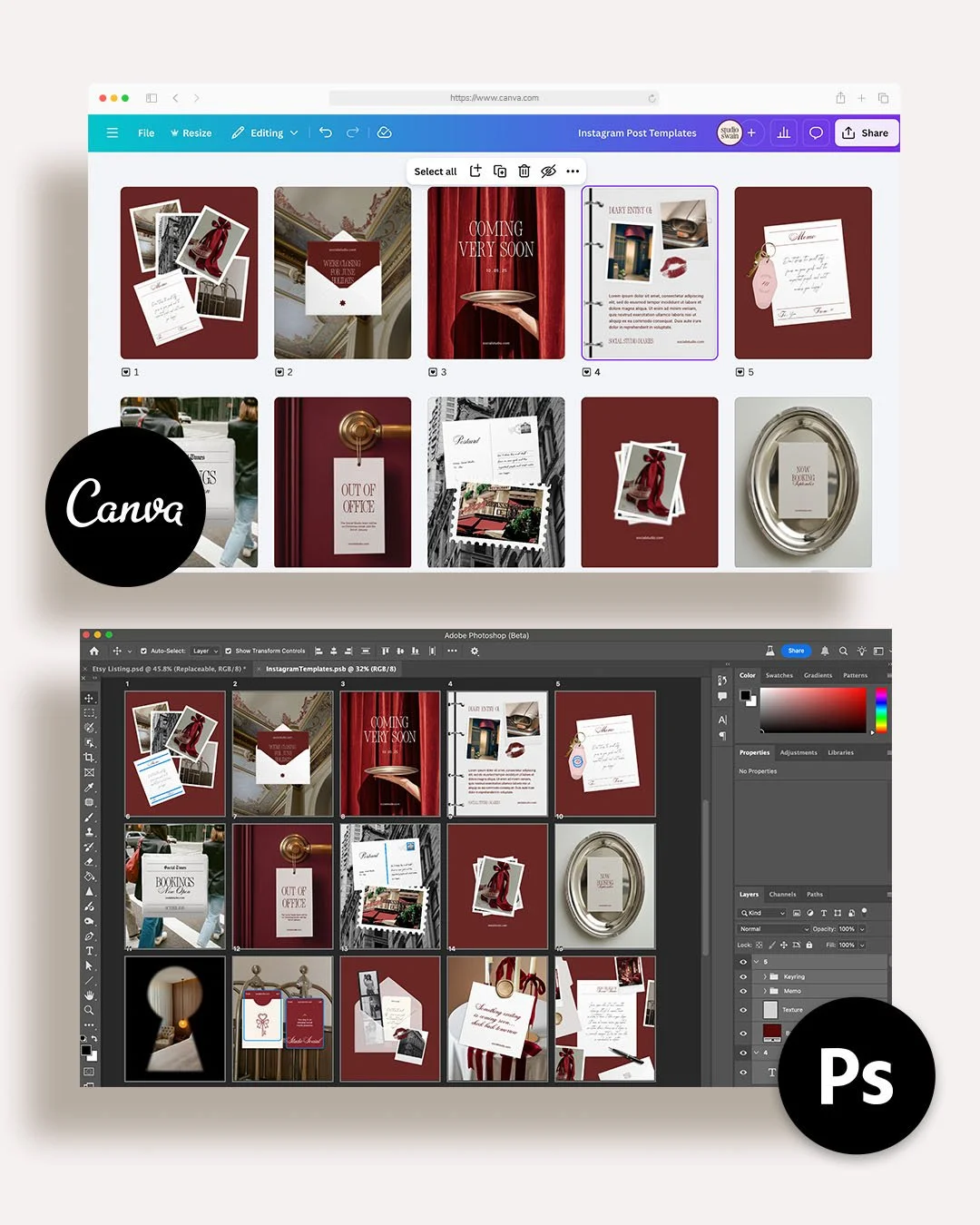
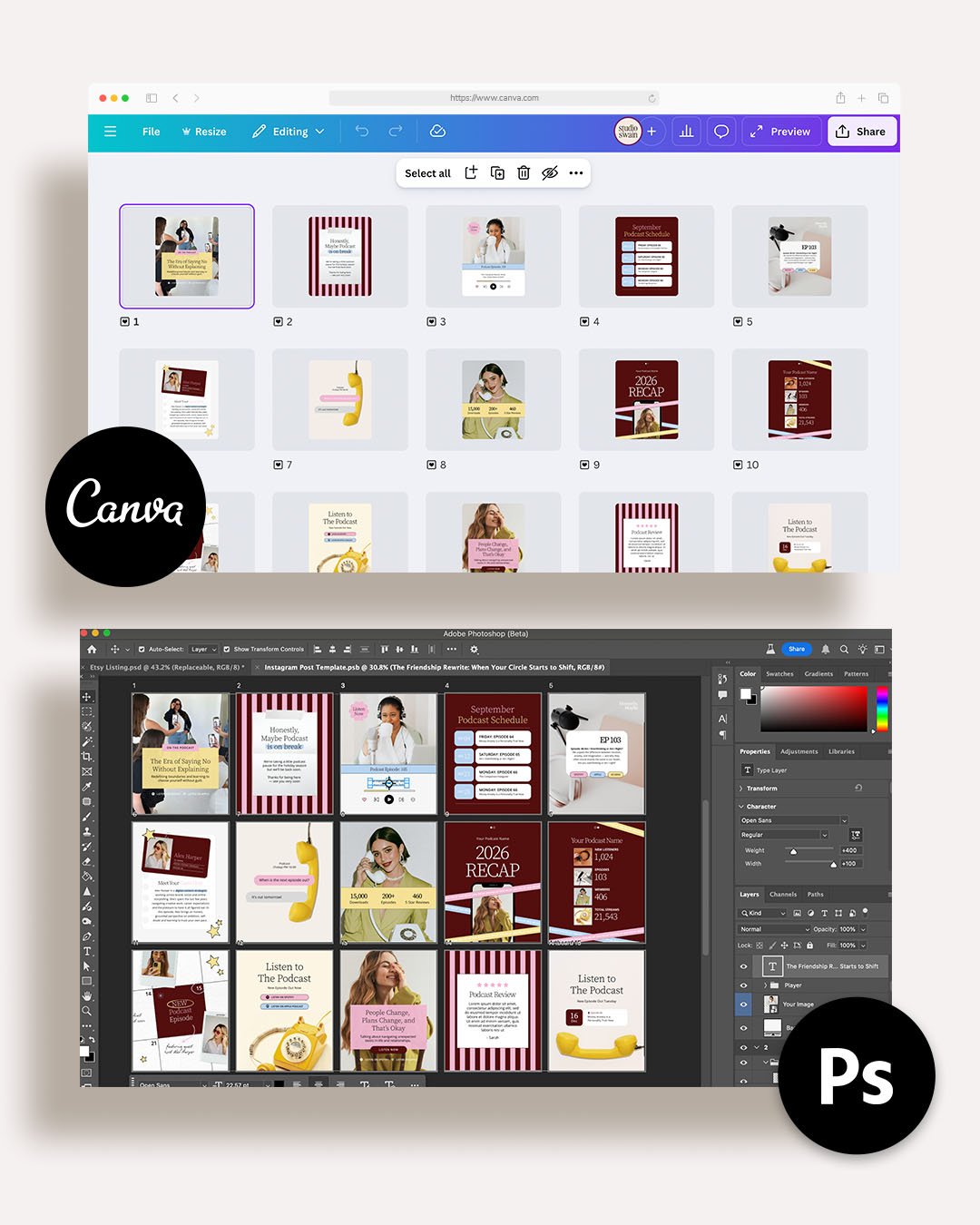
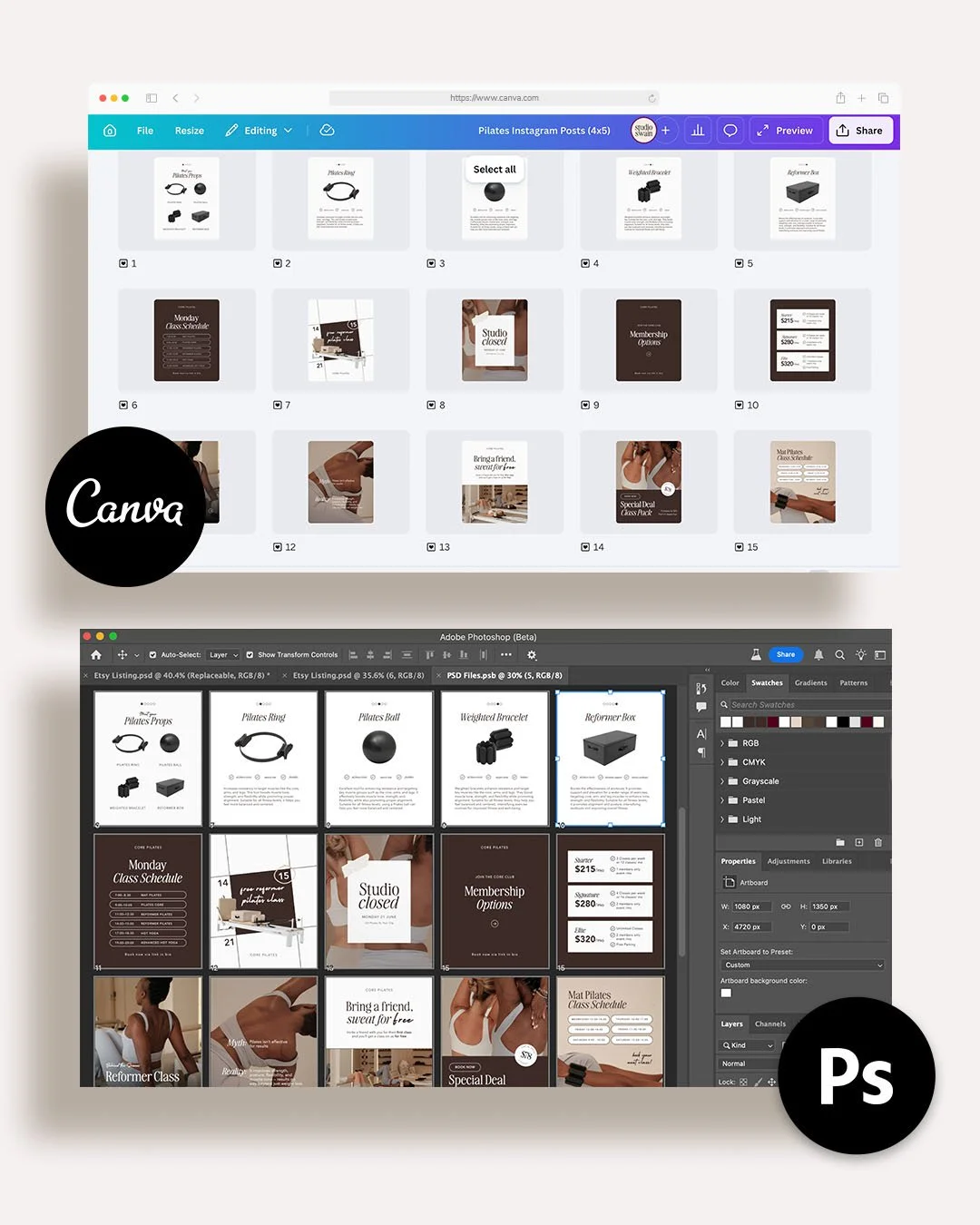
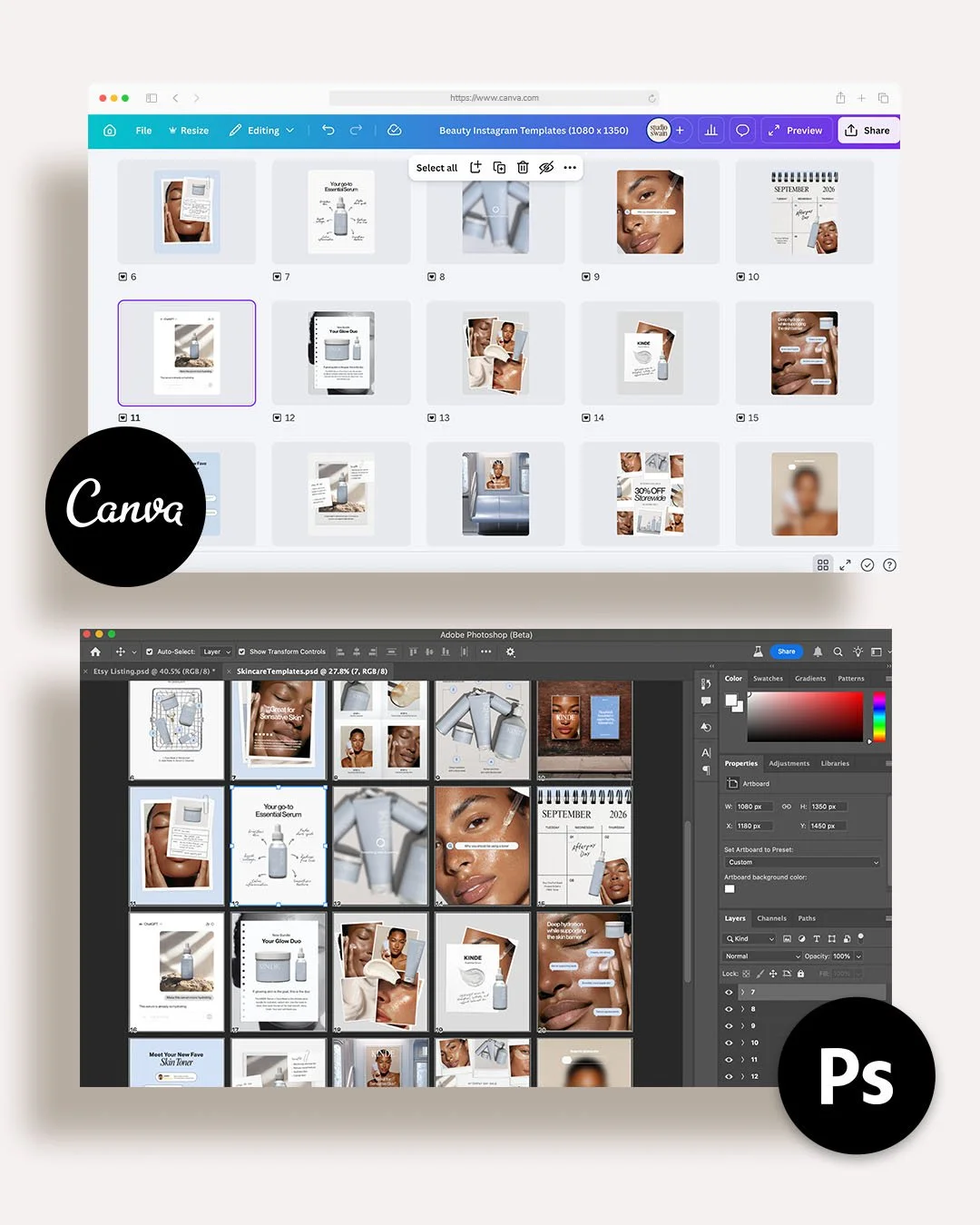
→ Download link with 20 Canva Templates
→ 20 PSD Files
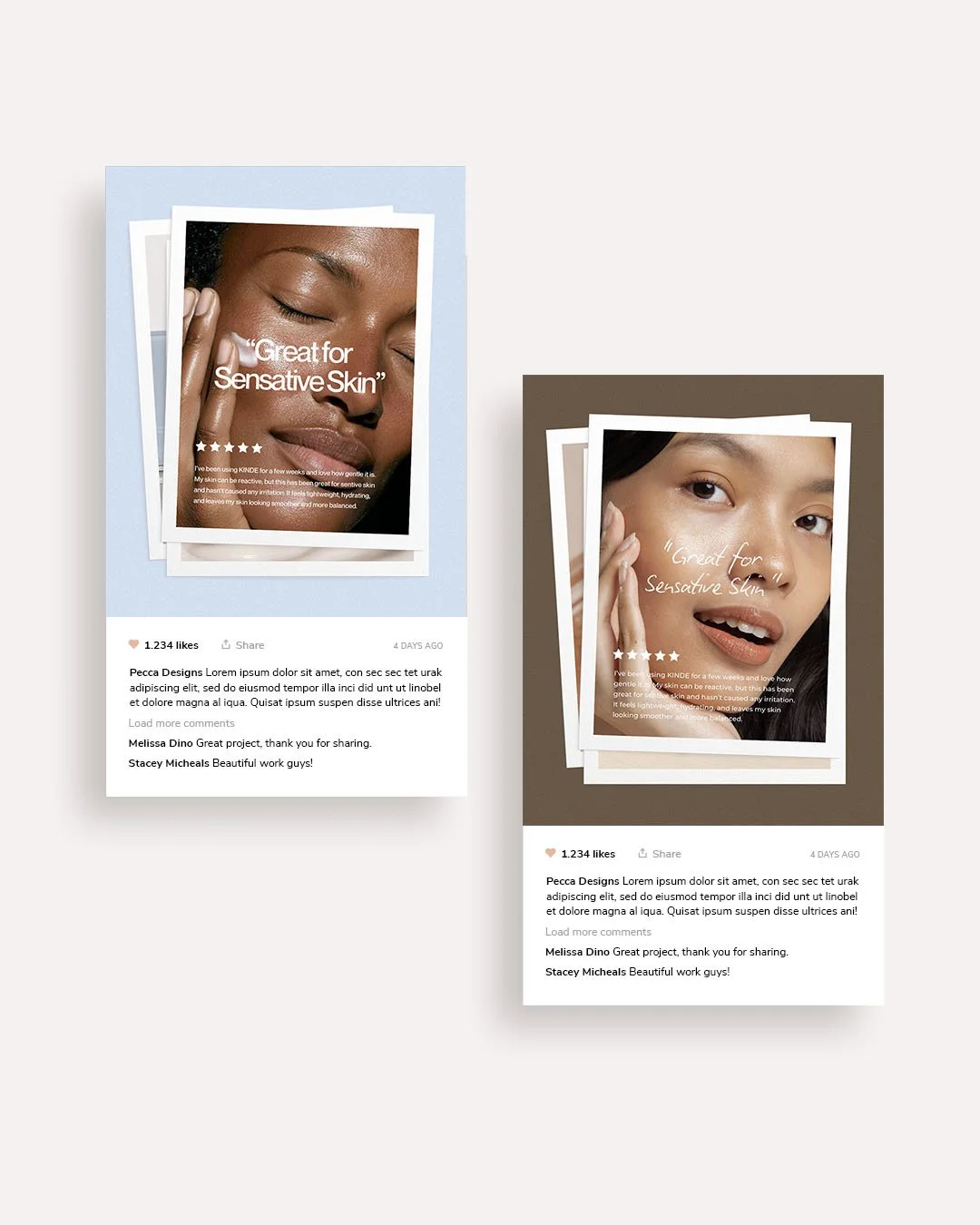
→ Fonts used in TemplatesThe photos used in the template are placeholder images only, you will need to add your own content.
-
→ Purchase the listing where you will be prompted to download the PDF
→ Follow the links in the PDF to the PSD files or Canva Template
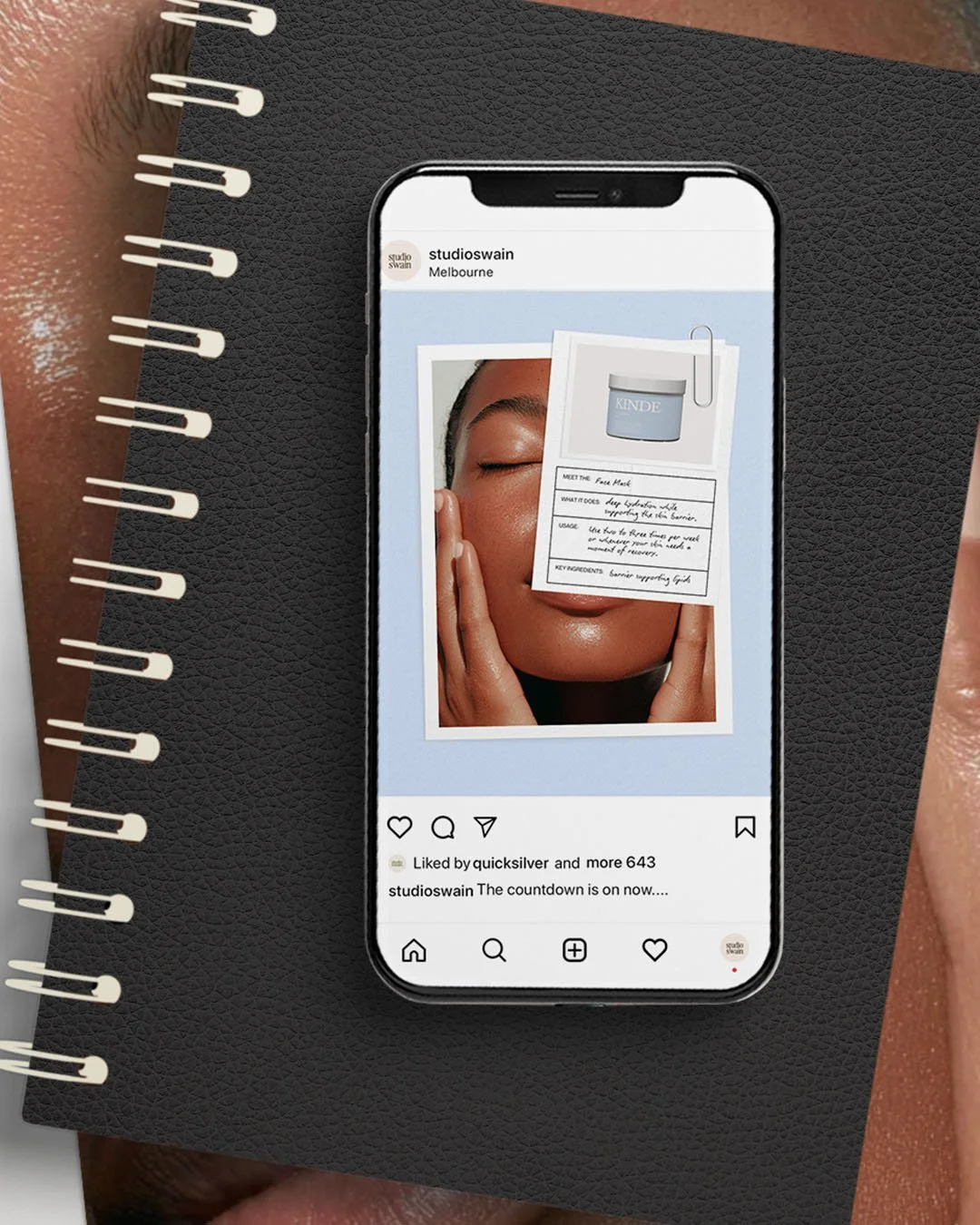
→ Edit the templates
→ Save and Post to your Instagram Feel -
This template includes a one-time use licence, meaning it can be used for one personal or commercial project only.
The template and code can not be copied, shared or redistributed. -
Do I need experience with Canva or Photoshop to use these templates?
For Photoshop, we would recommend having basic knowledge of the platform to confidently edit and customise your templates. However, no advanced design skills are needed.For Canva templates, no prior experience is required. Canva is beginner-friendly and easy to use with simple drag-and-drop editing.
If you have any questions, you can email me to see if I can help.Do I need a Pro Canva account to use the Canva Templates.
No. My Canva templates can be used with a free Canva account. All elements, such as fonts, images, or graphics, have been customised by Studio Swain to ensure a free account is able to use and download.
If you do encounter any issues, please email me.